Custom VPC Creation and VPC Peering Project

Hi, I am Pooja Bhavani, an enthusiastic DevOps Engineer with a focus on deploying production-ready applications, infrastructure automation, cloud-native technologies. With hands-on experience across DevOps Tools and AWS Cloud, I thrive on making infrastructure scalable, secure, and efficient. My journey into DevOps has been fueled by curiosity and a passion for solving real-world challenges through automation, cloud architecture, and seamless deployments. I enjoy working on projects that push boundaries whether it's building resilient systems, optimizing CI/CD pipelines, or exploring emerging technologies like Amazon Q and GenAI. I'm currently diving deeper into platform engineering and GitOps workflows, and I often share practical tutorials, insights, and use cases from my projects and experiences. ✨ Let’s connect, collaborate, and grow together in this ever-evolving DevOps world. Open to opportunities, ideas, and conversations that drive impactful tech!
Let’s understand what is VPC and VPC peering, difference between them and why is VPC essential for Cloud and DevOps Engineer.
Understanding VPC, Subnets, and Internet Access in AWS
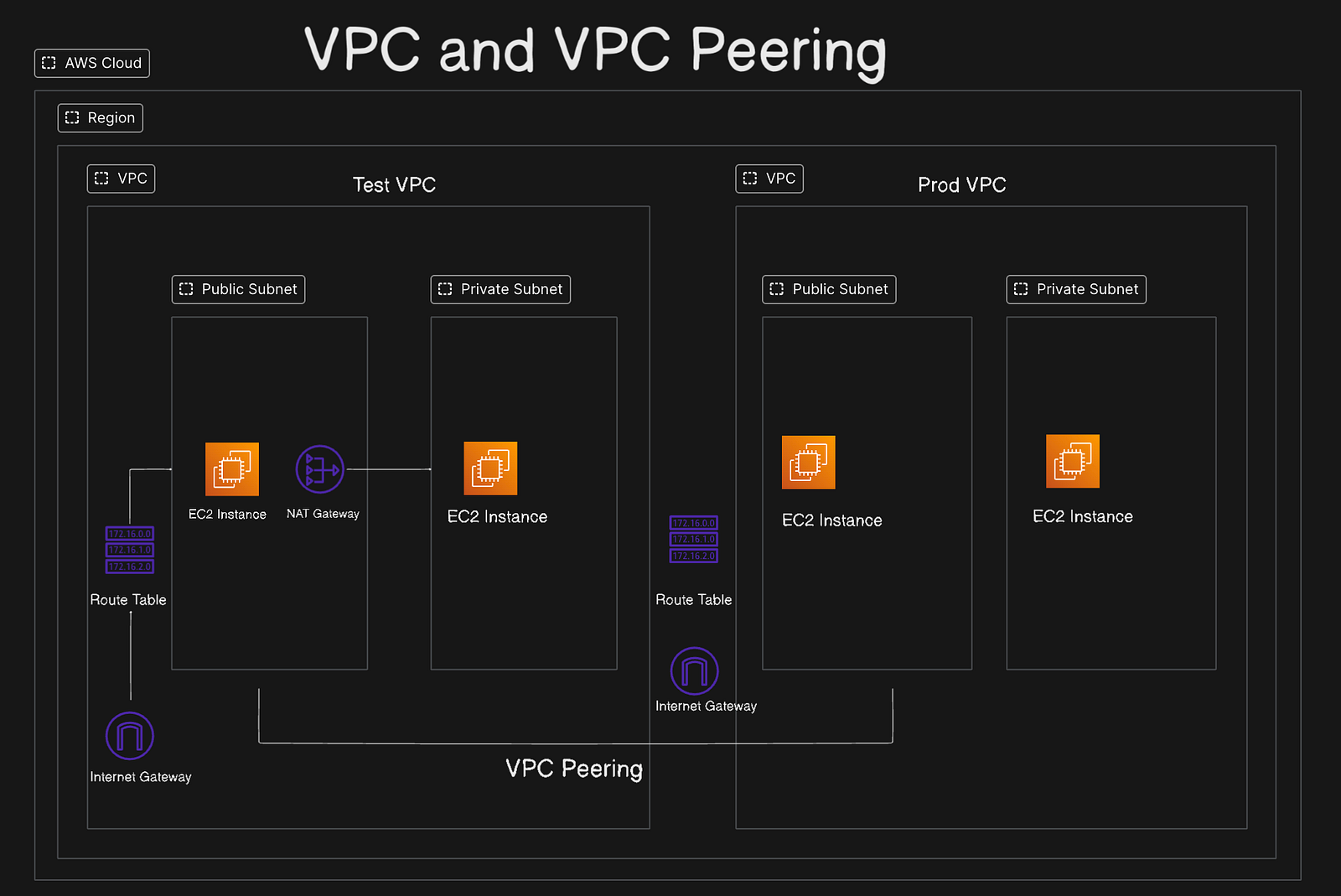
When working with cloud infrastructure on Amazon Web Services (AWS), understanding the Virtual Private Cloud (VPC) and its networking components is crucial. Whether you’re launching EC2 instances or setting up a secure environment for your application, having a solid grasp of VPCs, subnets, route tables, and gateways will help you manage your network securely and efficiently.
VPC (Virtual Private Cloud)
What is a VPC?
Means our own cloud, resources will run on a network and that network will be isolated (to control incoming and outgoing traffic/request)
It’s logically isolated from other AWS accounts.
You control IP address ranges, subnets, route tables, and gateways.
You decide how traffic flows in and out of your cloud.
Subnet
What is a Subnet?
Subnets we can say smaller network within a larger network in which we can launch resources like EC2 instances. It helps to divide IP networks. It allows you to group and launch resources in specific availability zones.
You can have multiple subnets in a VPC (e.g., public and private).
They enhance security by isolating traffic
Internet Gateway & Route Tables
An Internet Gateway is a component that allows communication between your VPC and the internet.
The Internet Gateway is not attached directly to a subnet.
Instead, we use a Route Table to route traffic from a subnet to the Internet Gateway.
Subnet + Route to IGW = Public Subnet
Subnet without a route to IGW = Private Subnet
NAT Gateway
It is created in public subnet to give internet access to instances in private subnet.
- But it blocks inbound traffic from the internet, keeping the private subnet secure.
Route Table
Routes traffic within and outside the VPC
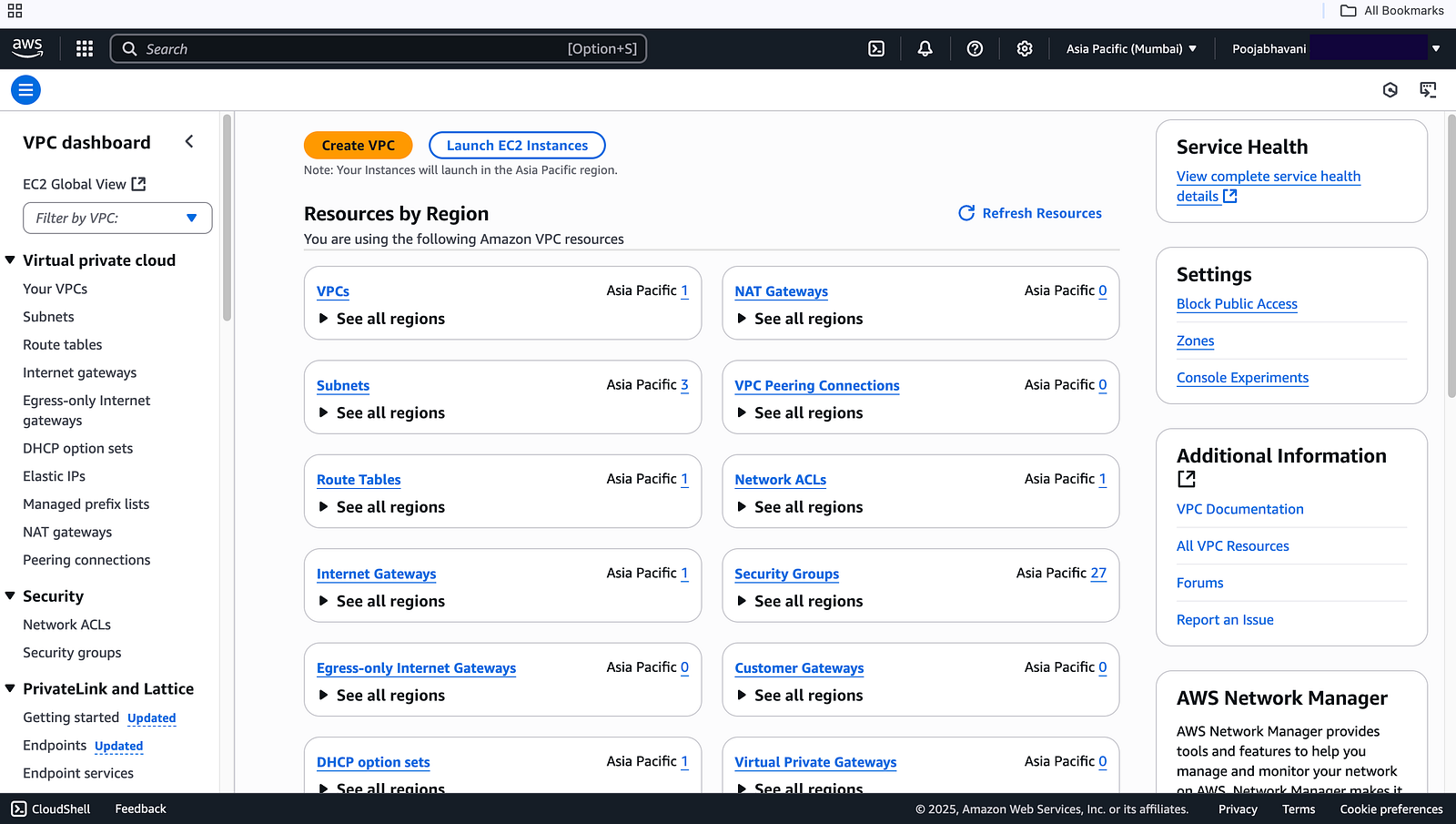
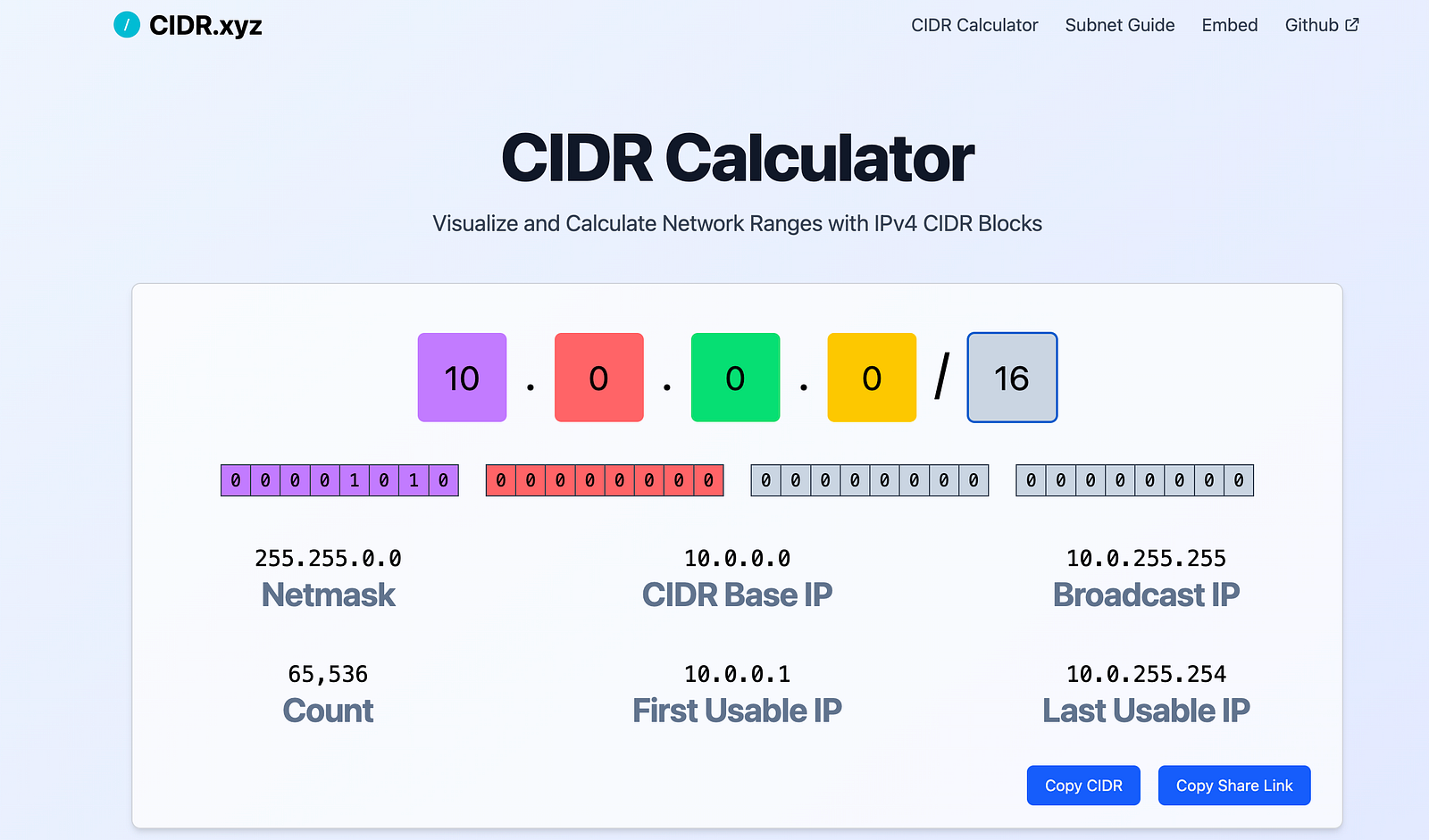
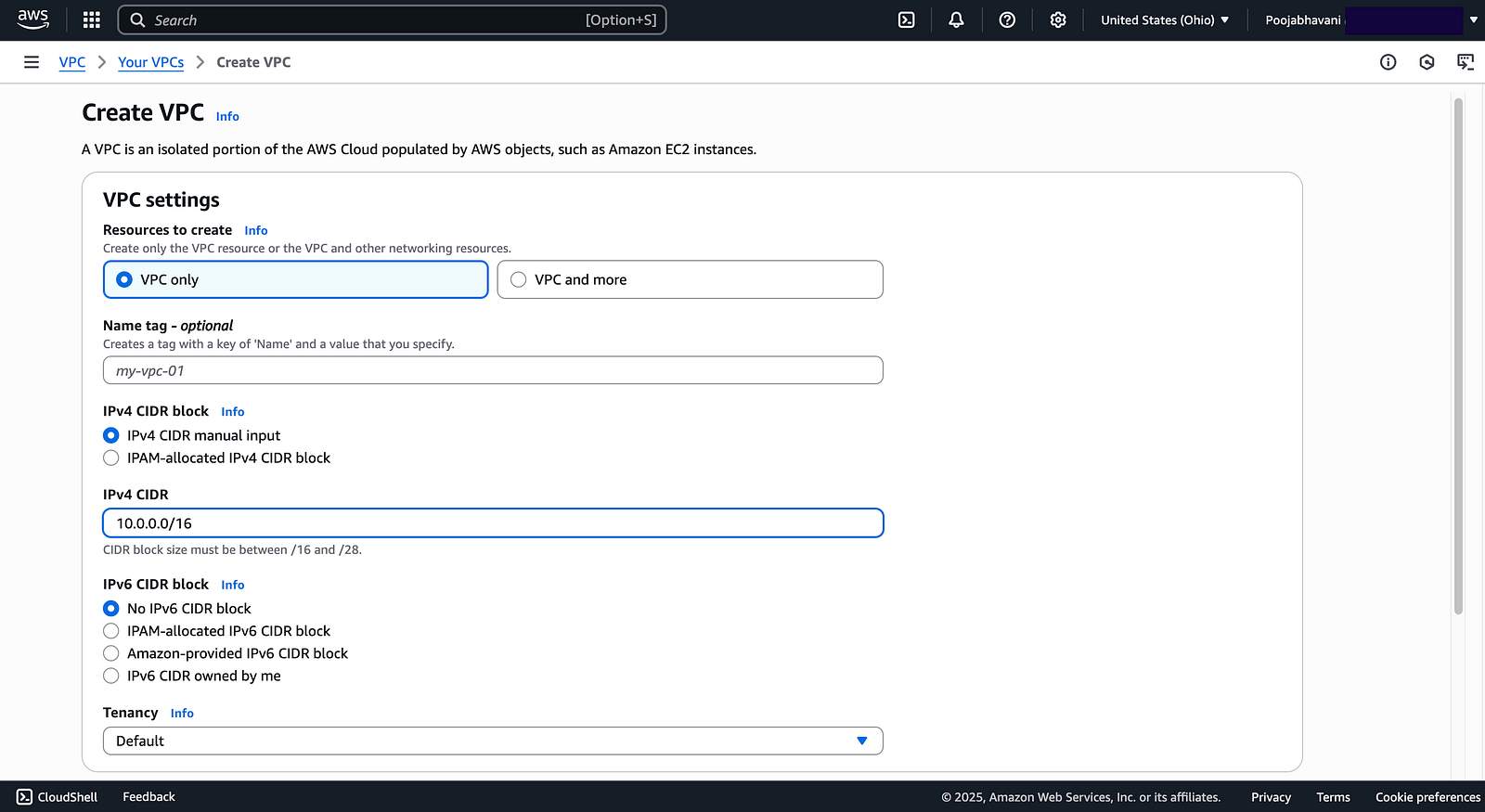
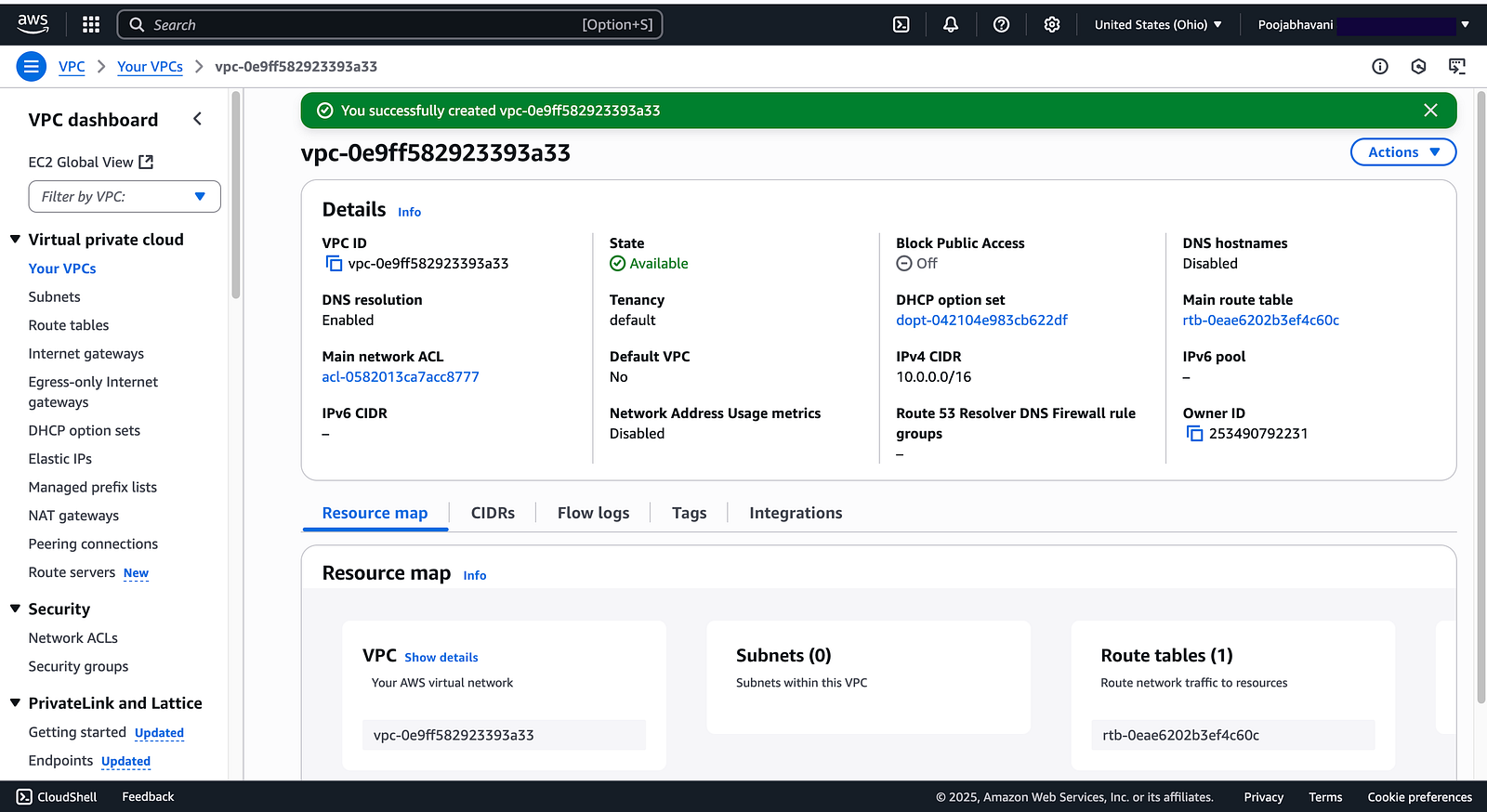
Test VPC Creation
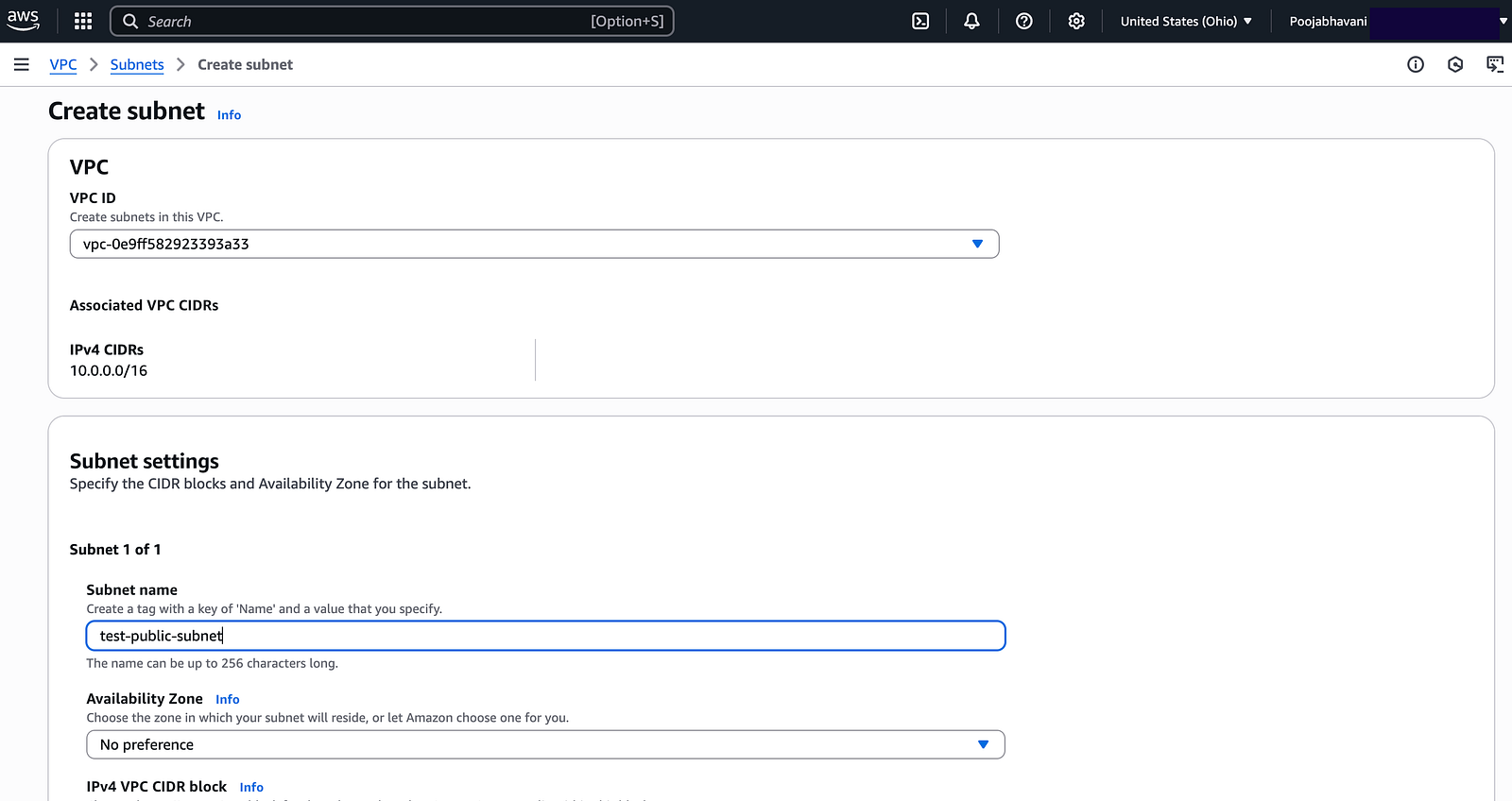
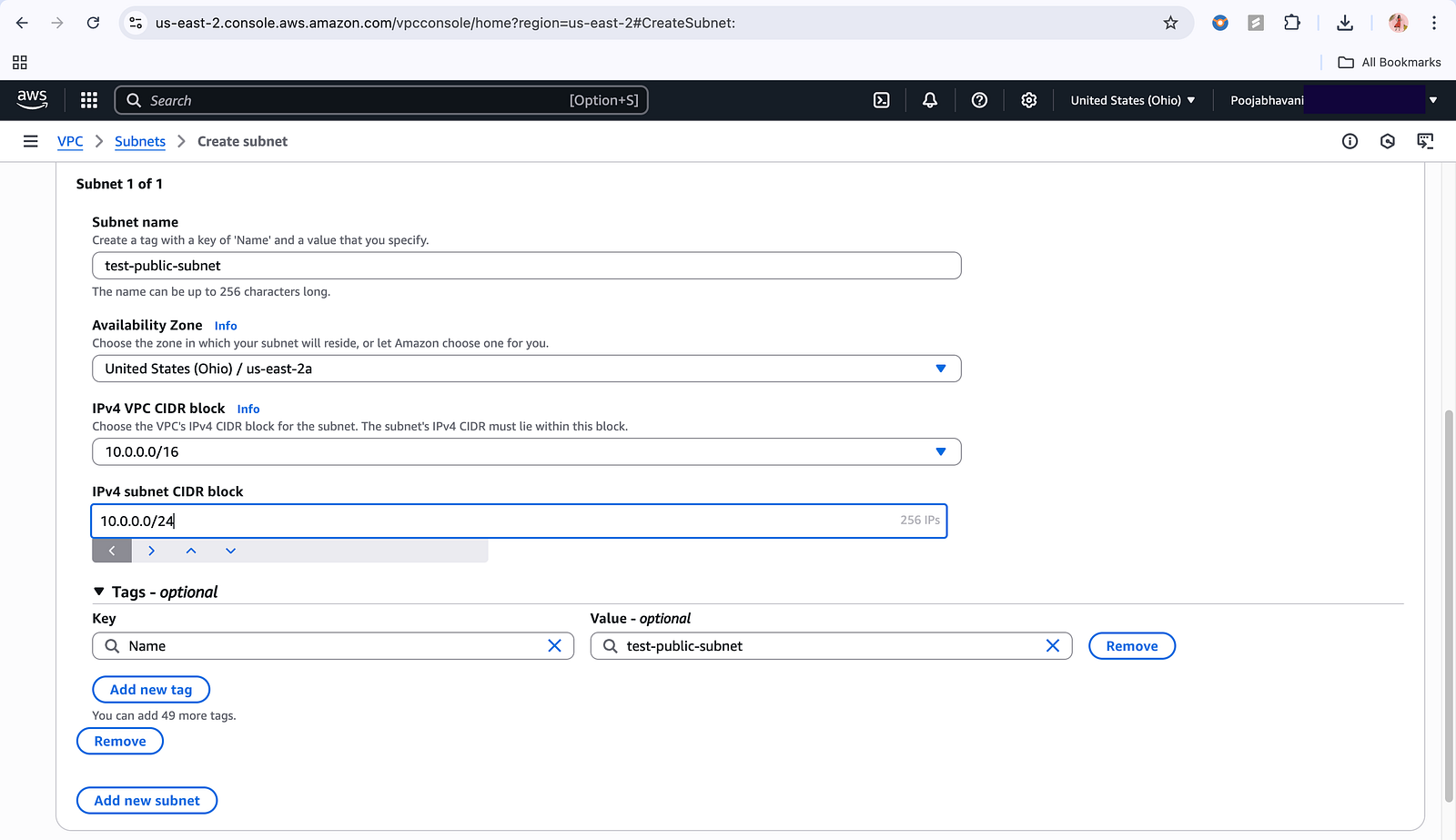
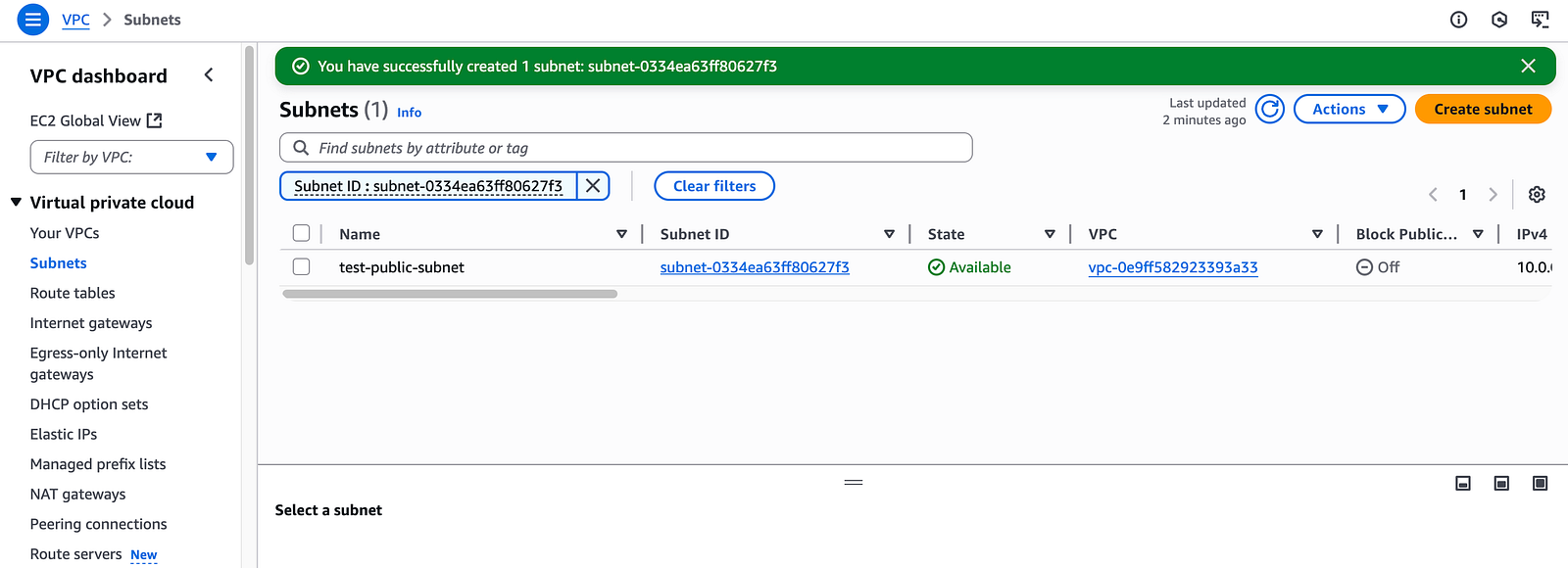
Subnet Creation
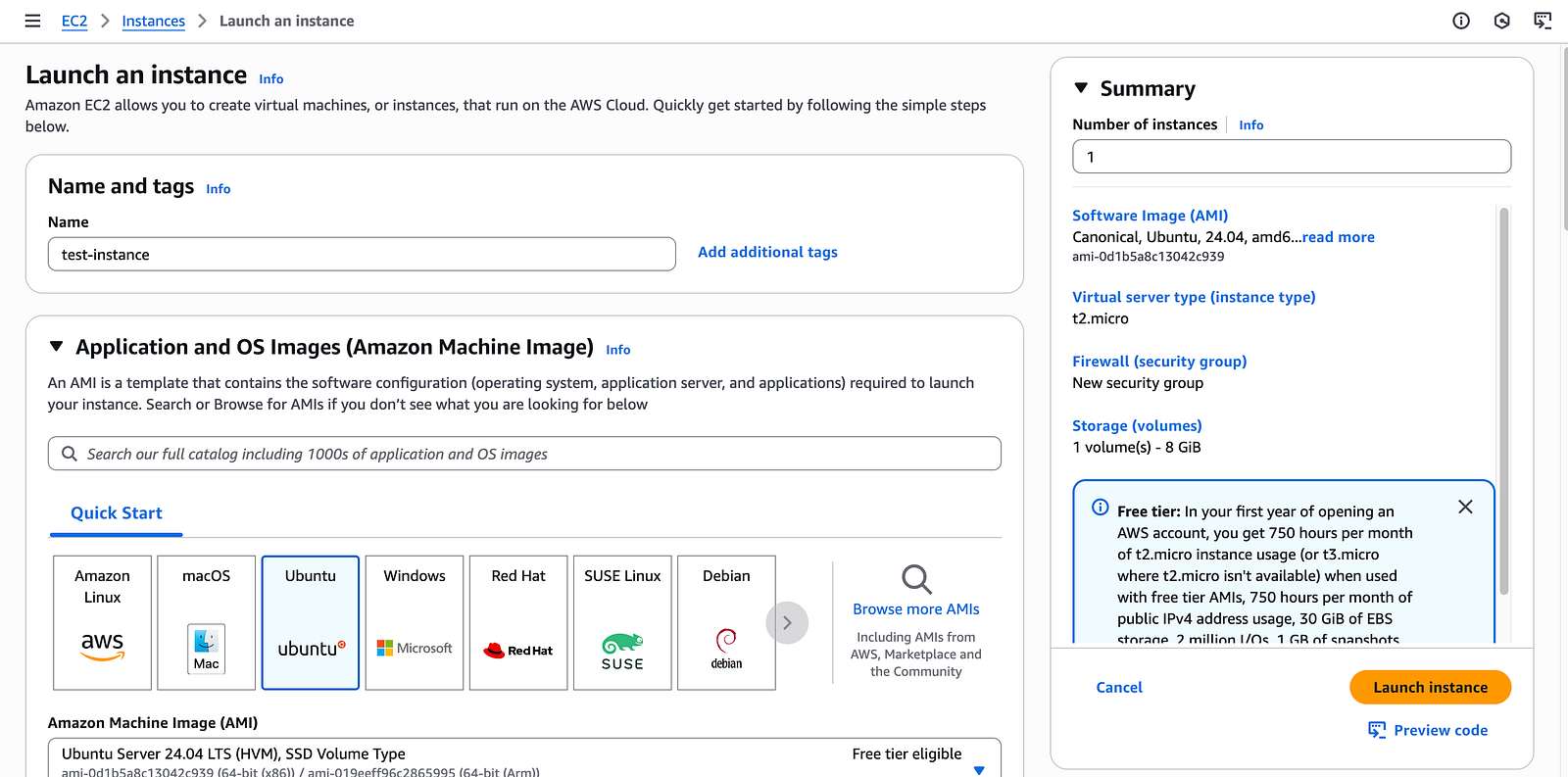
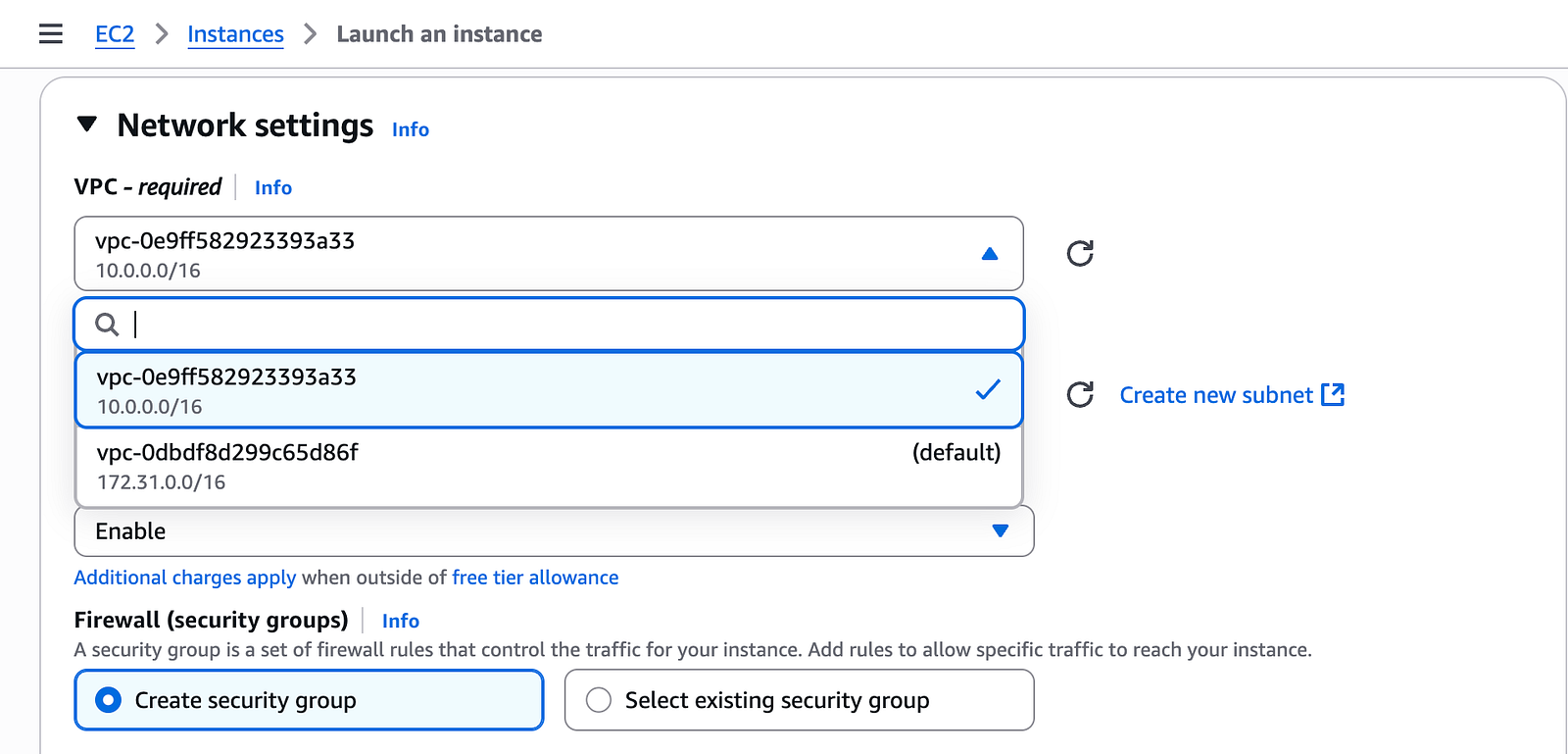
Created and EC2 Instance and attached it to test-vpc
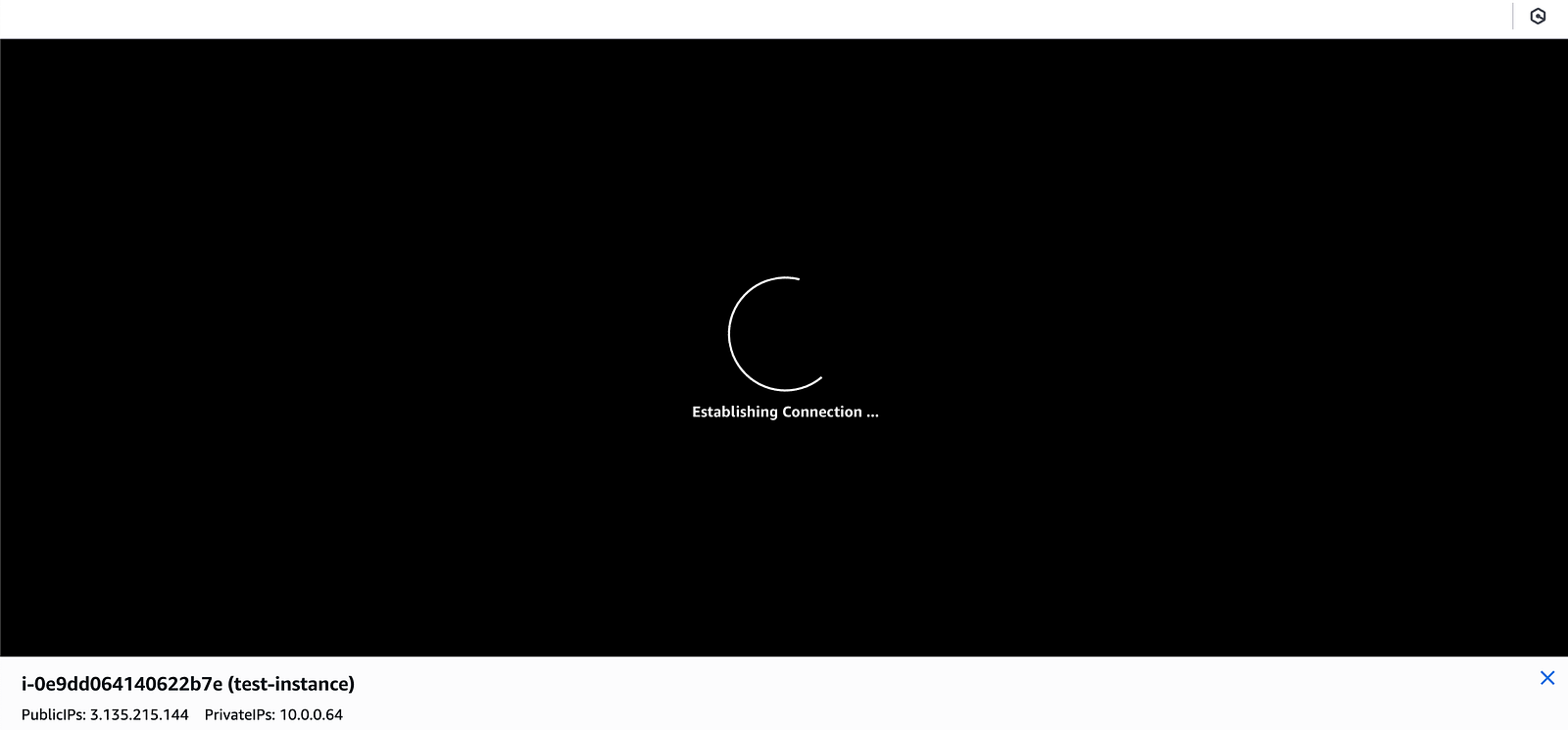
Failed to establish because it is isolated and has no internet so this is known as private Subnet
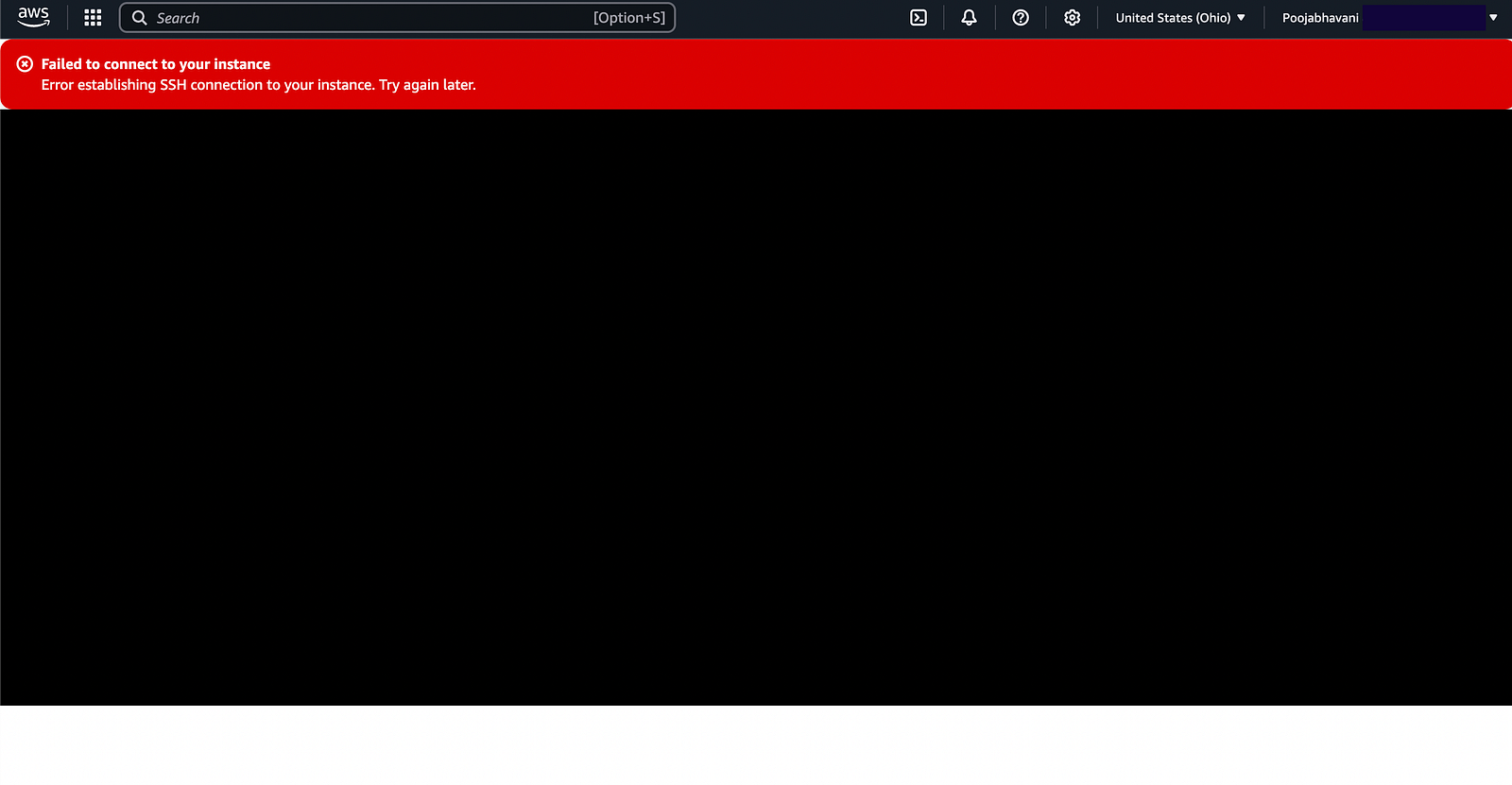
To make it Public Subnet we need to attach Internet Gateway and Route Table
Internet Gateway- is used to allow Internet Access
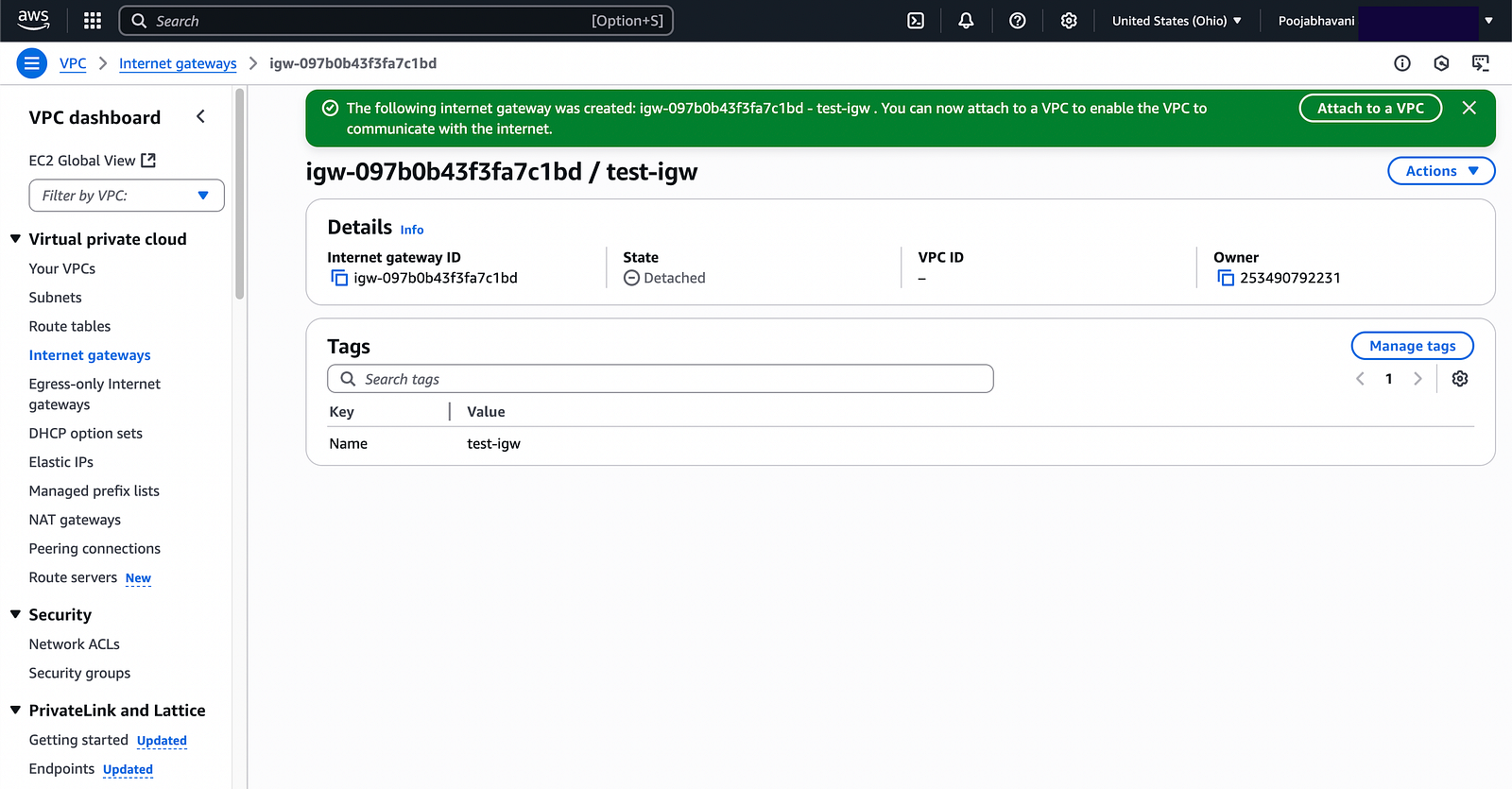
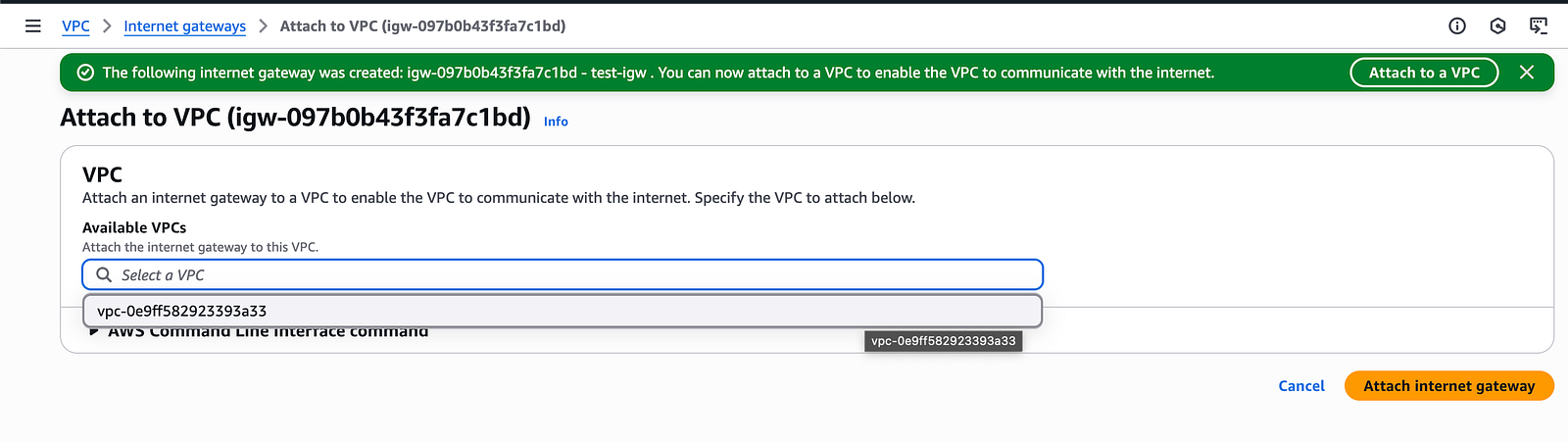
Route Table
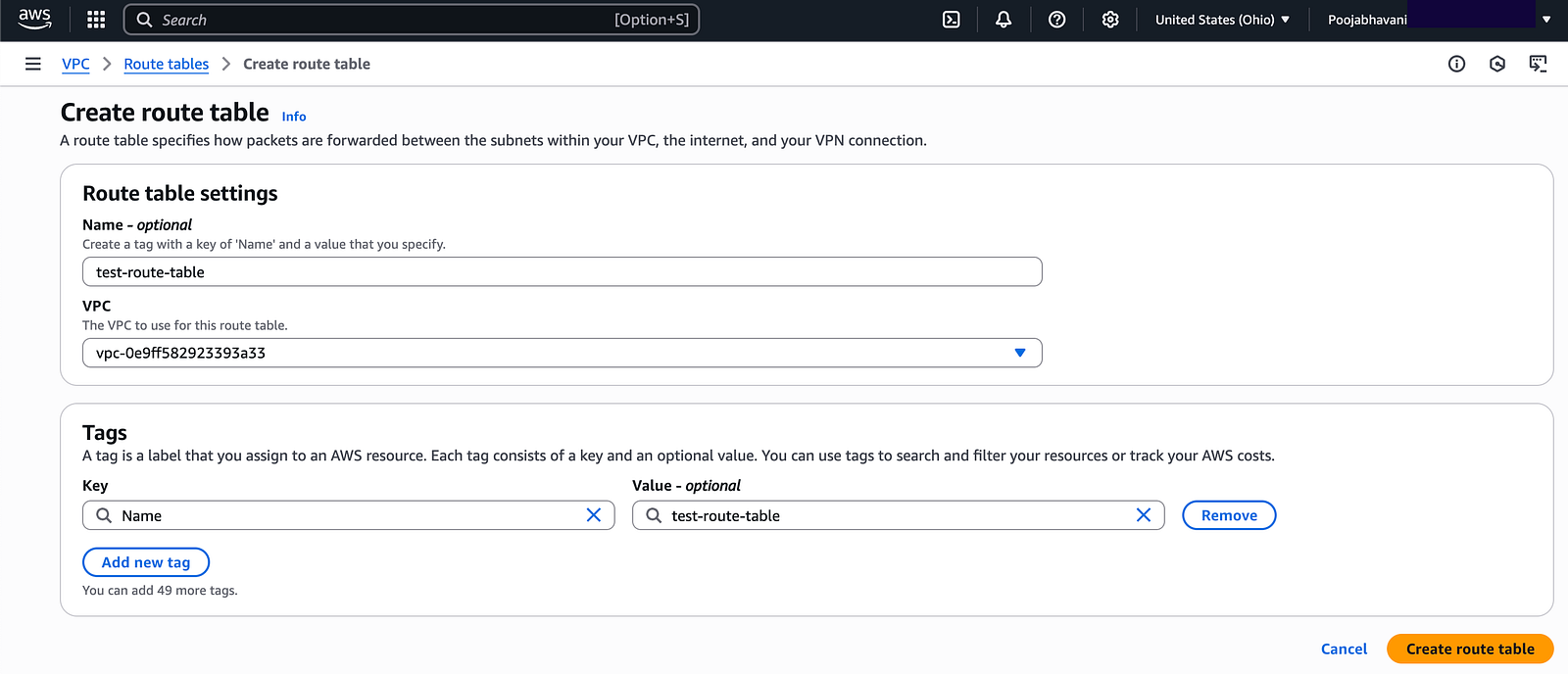
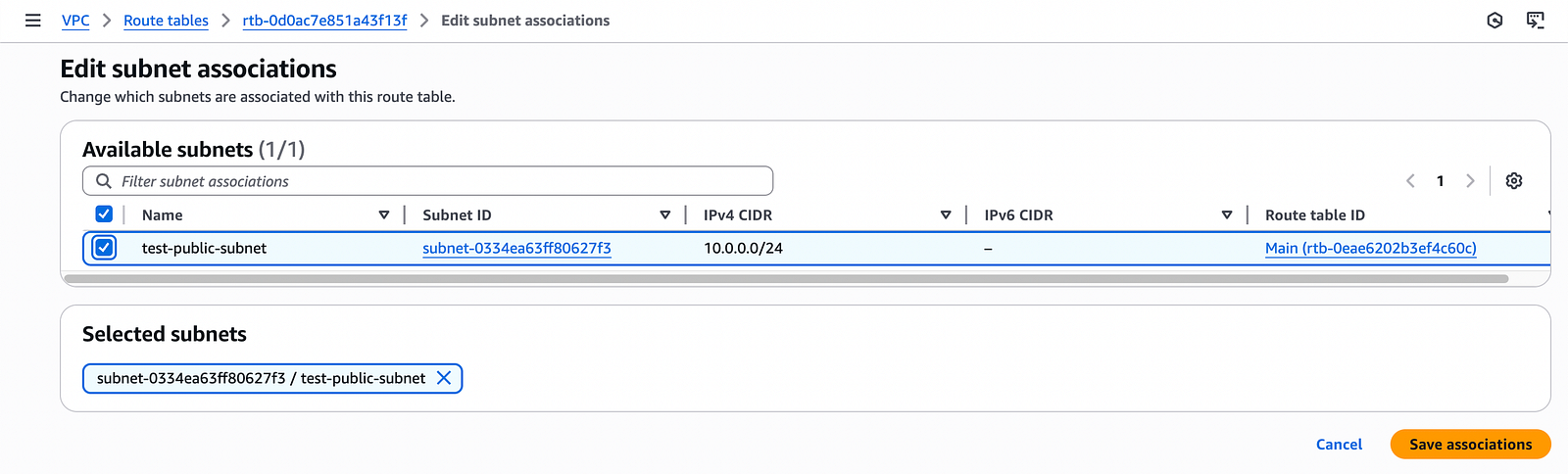
In this step the Route Table is attached to our Public subnet
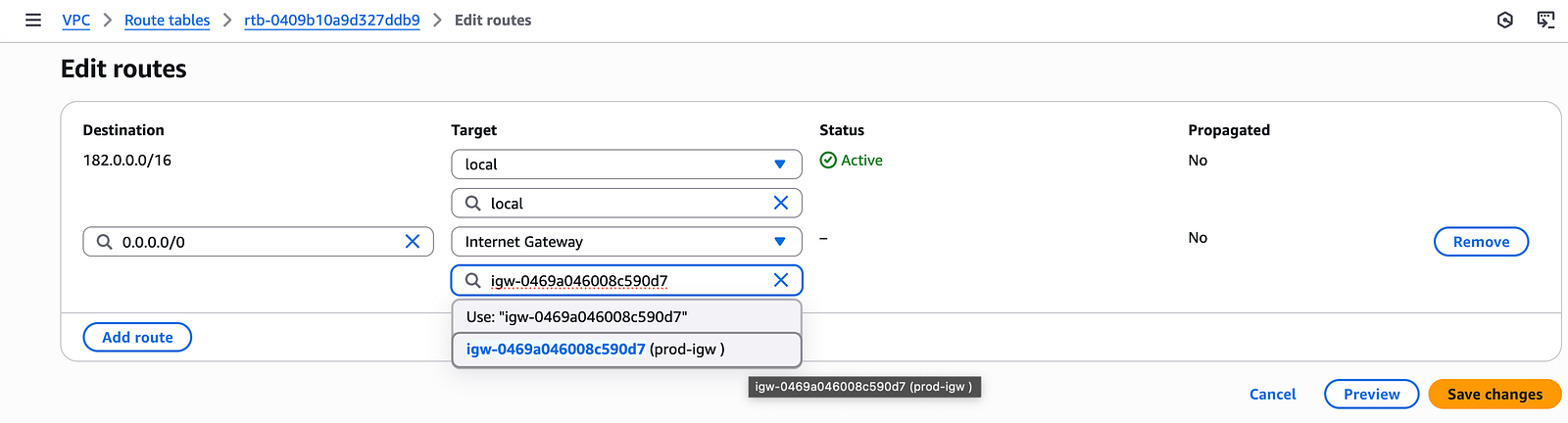
Now edit the route table and put a route which will be attached to internet gateway
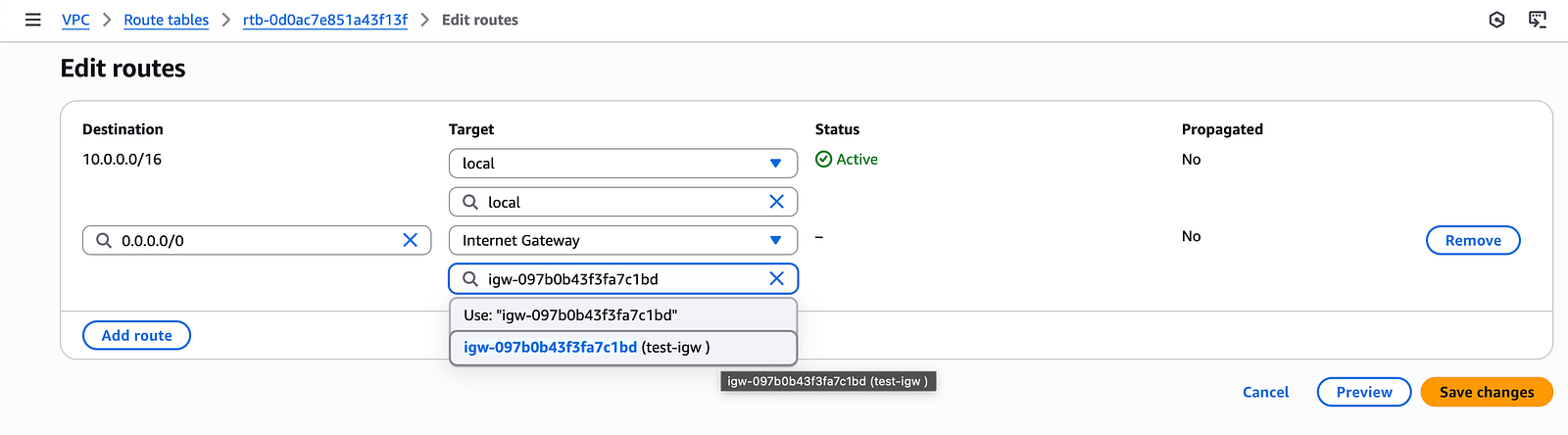
This means in our VPC now we have Internet Gateway, Route Table and Public Subnet and all of them are attached
Now if I try to connect my EC2 Instance it will get connected because now it has internet access
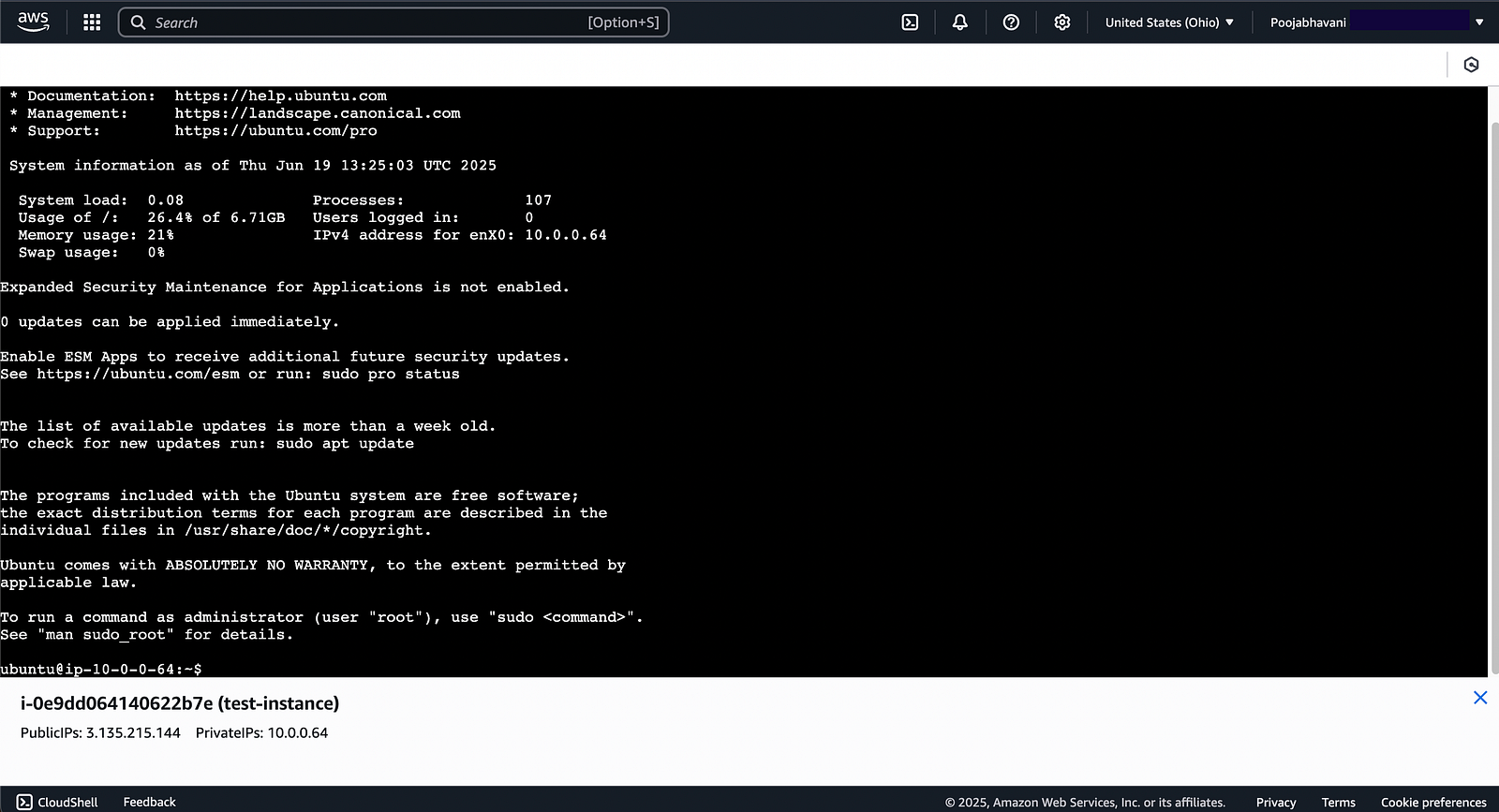
And if you want to restrict internet access to the subnet just edit the route table and remove the internet route
Prod VPC Creation
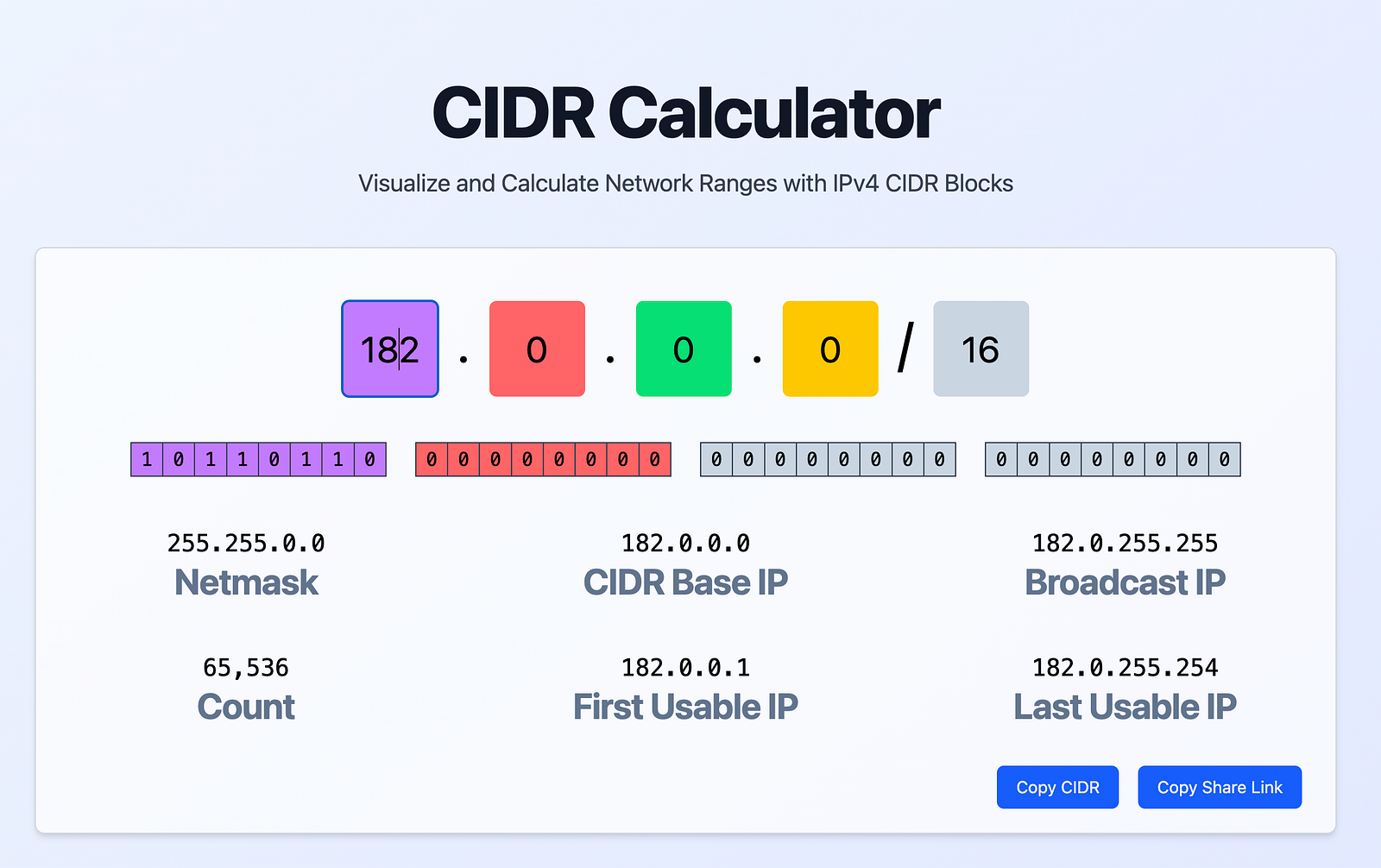
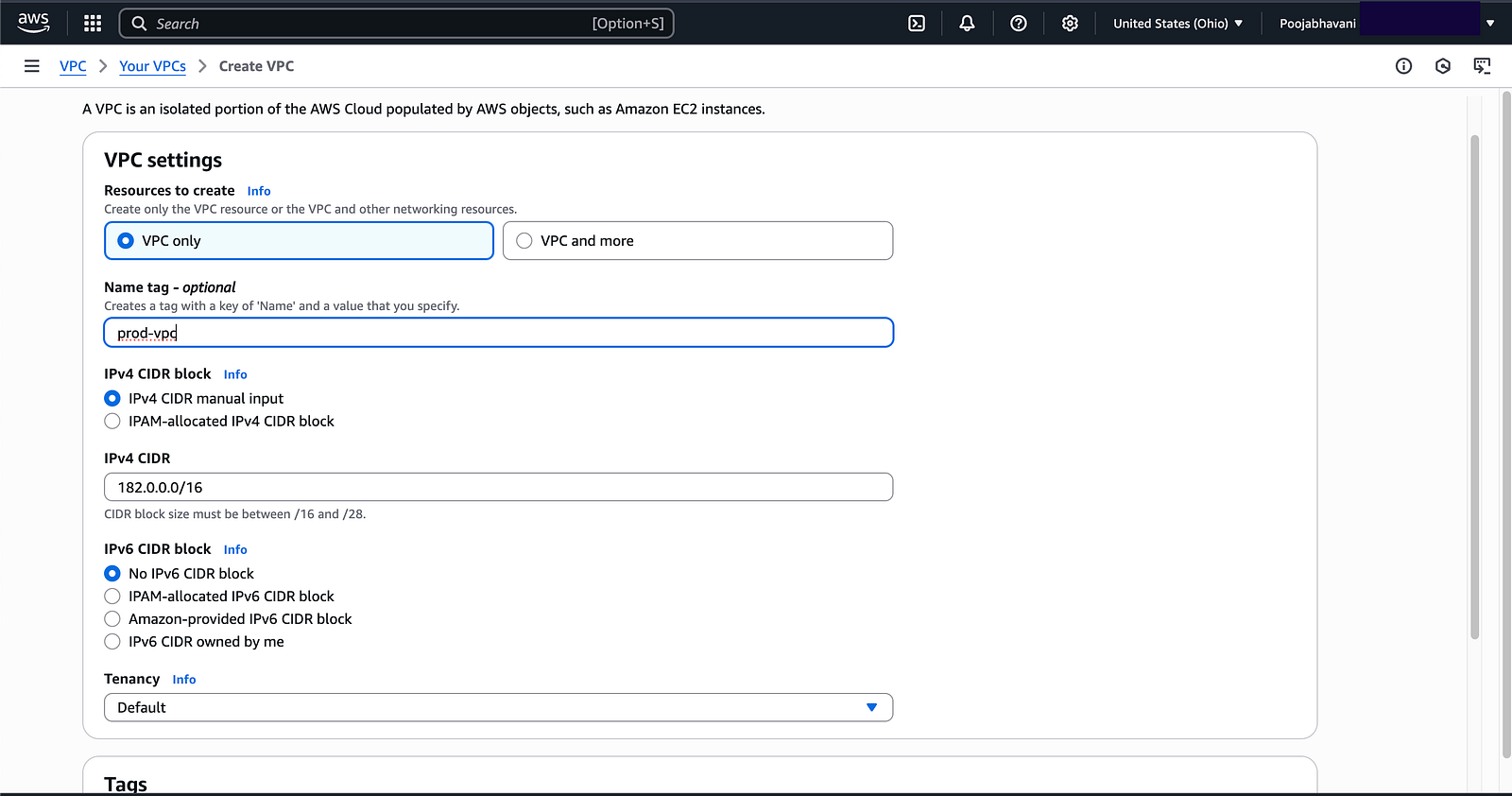
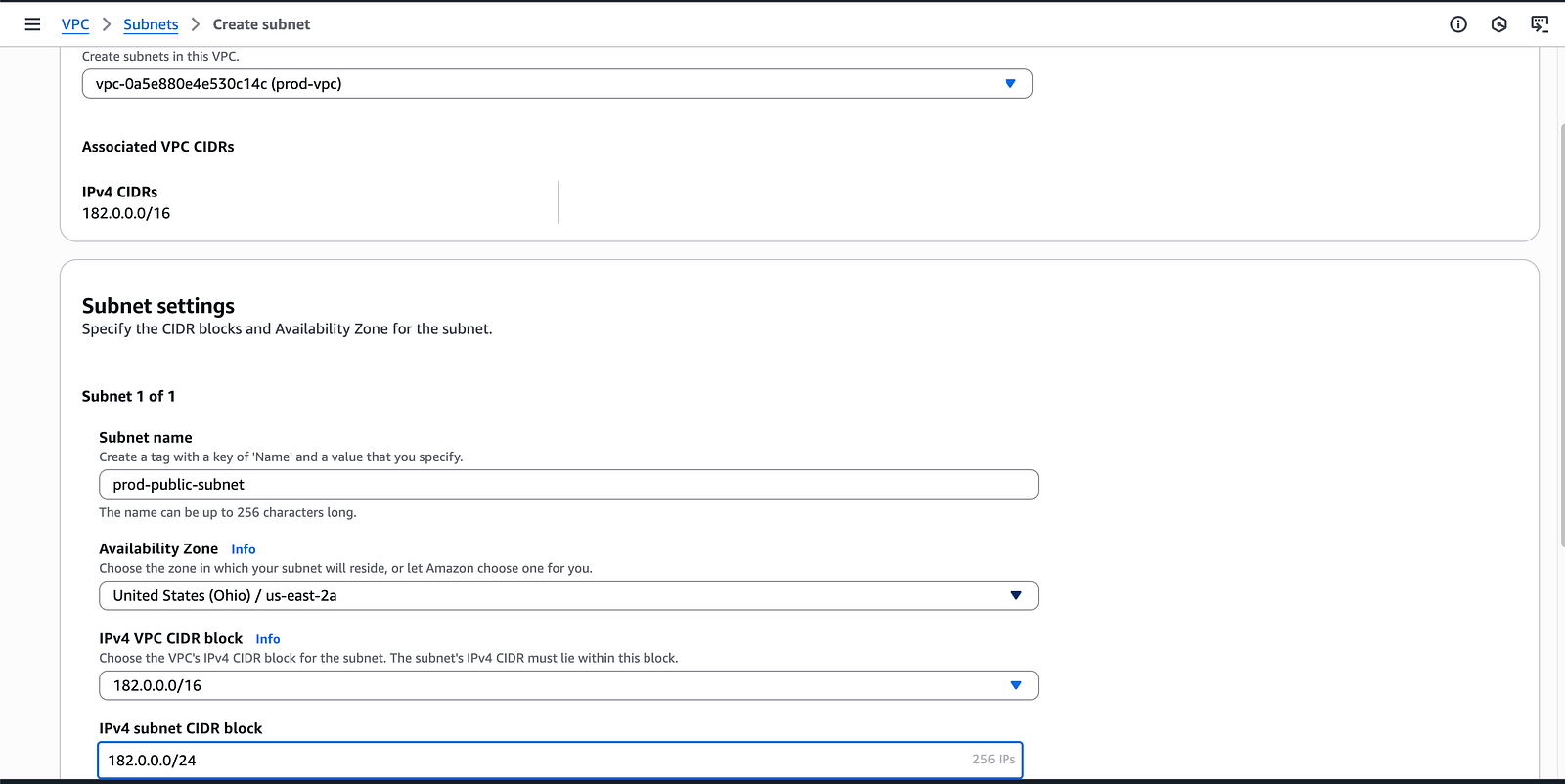
Subnet Creation
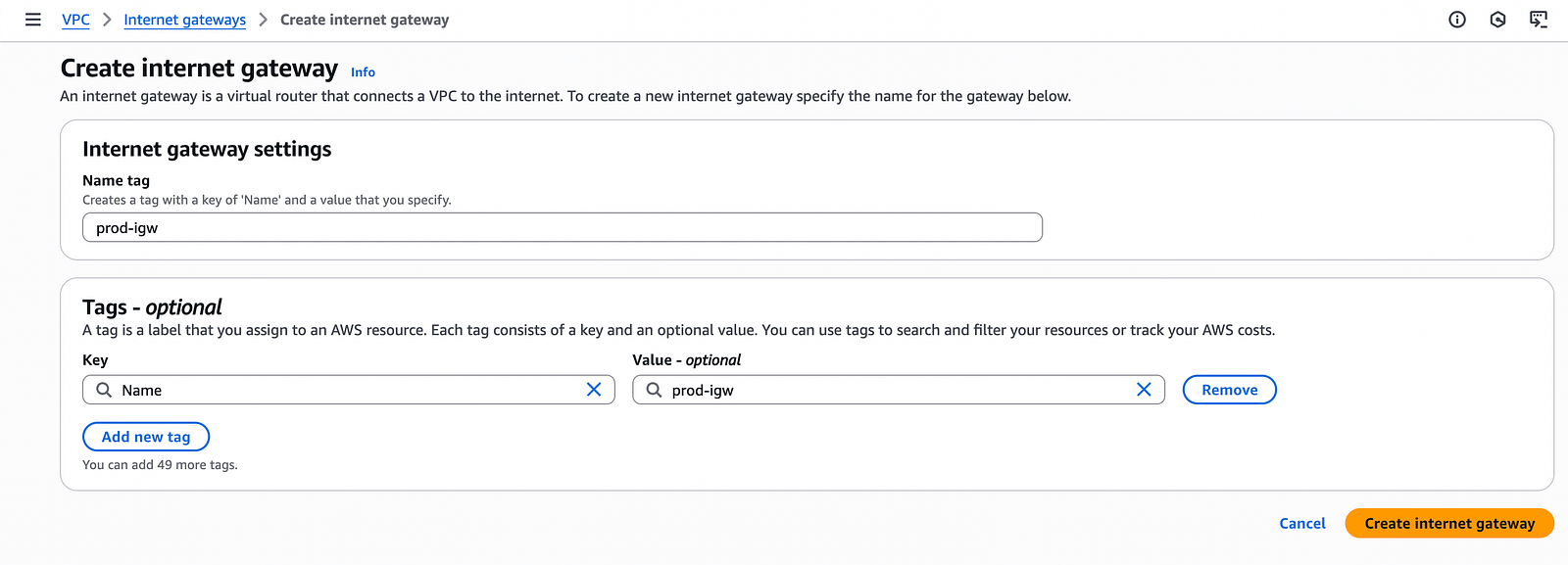
Prod Internet Gateway Creation
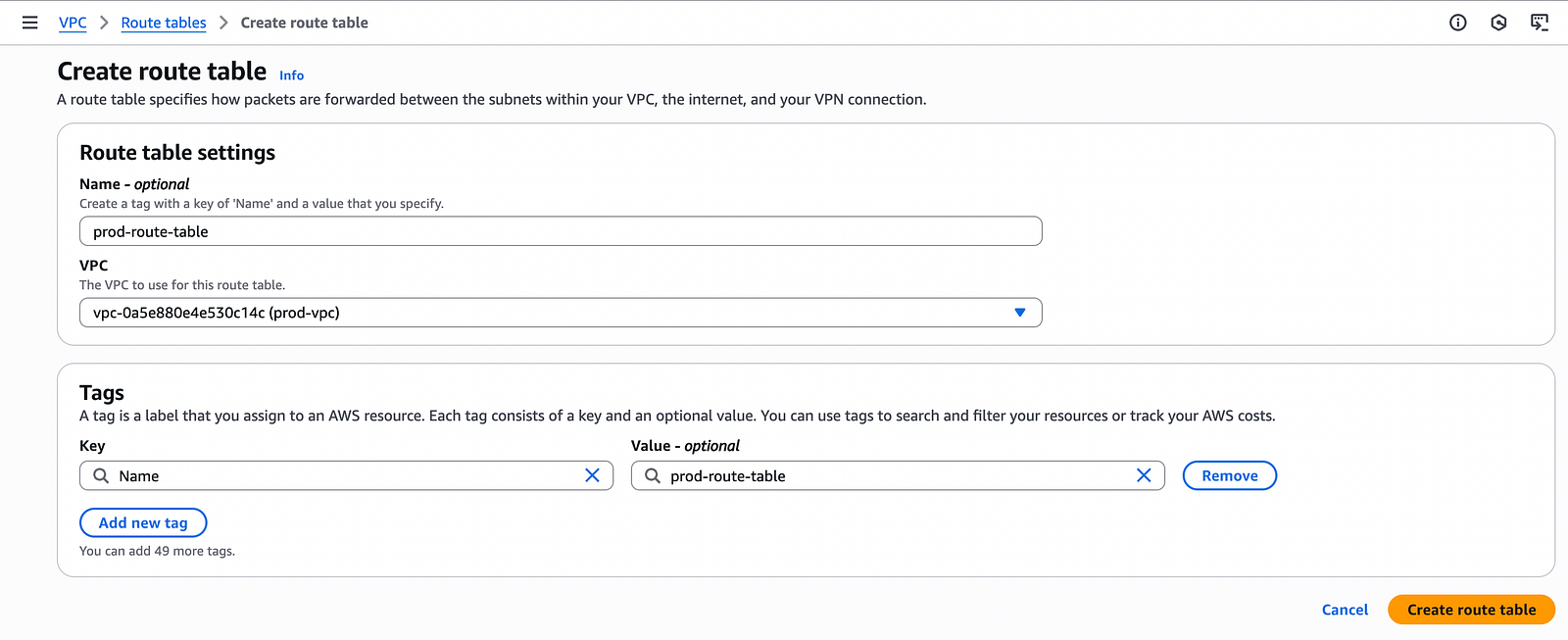
Prod Route Table Creation
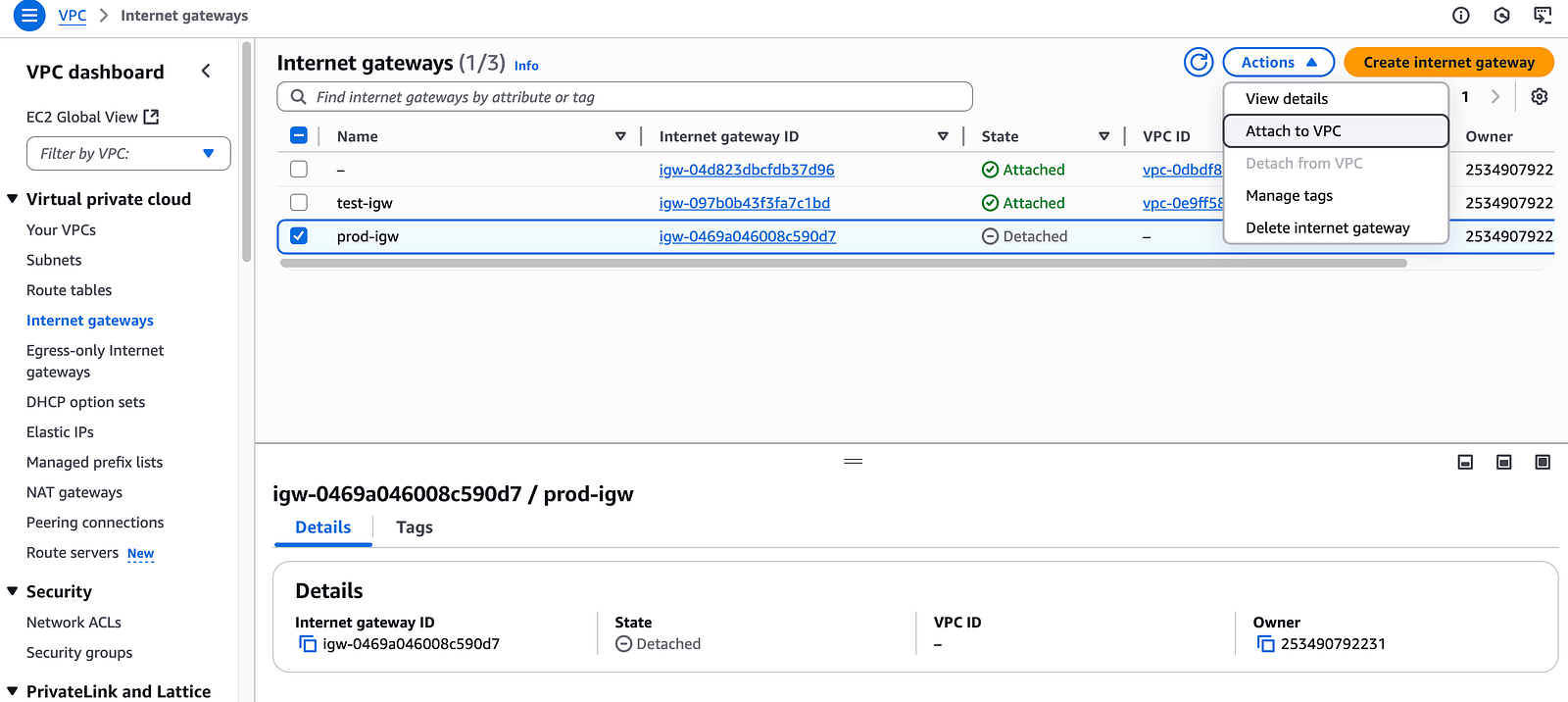
Until we don’t attach our Internet Gateway to the VPC is will not show us on route table
Prod EC2 Creation
Created and EC2 Instance and attached it to prod-vpc
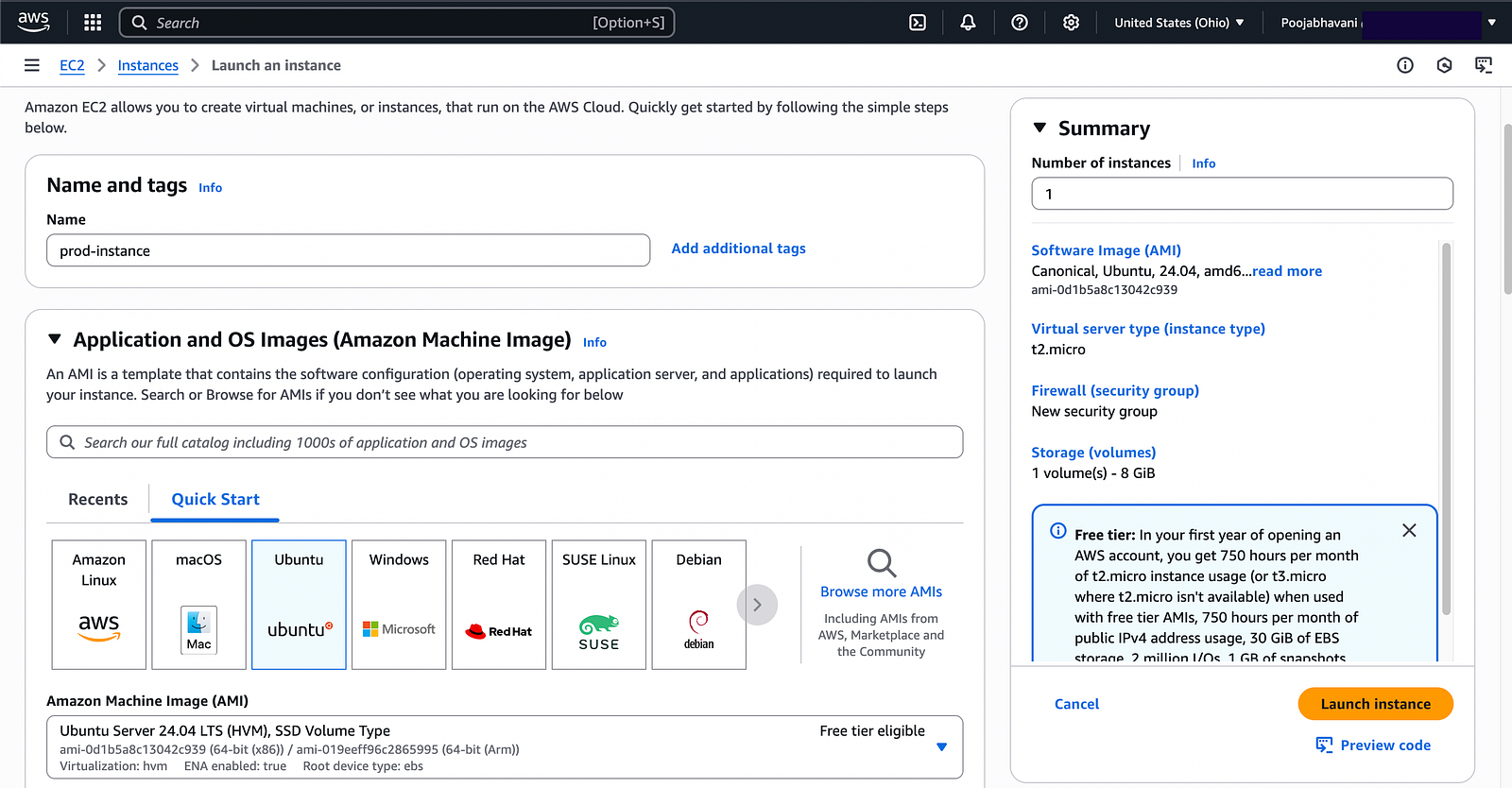
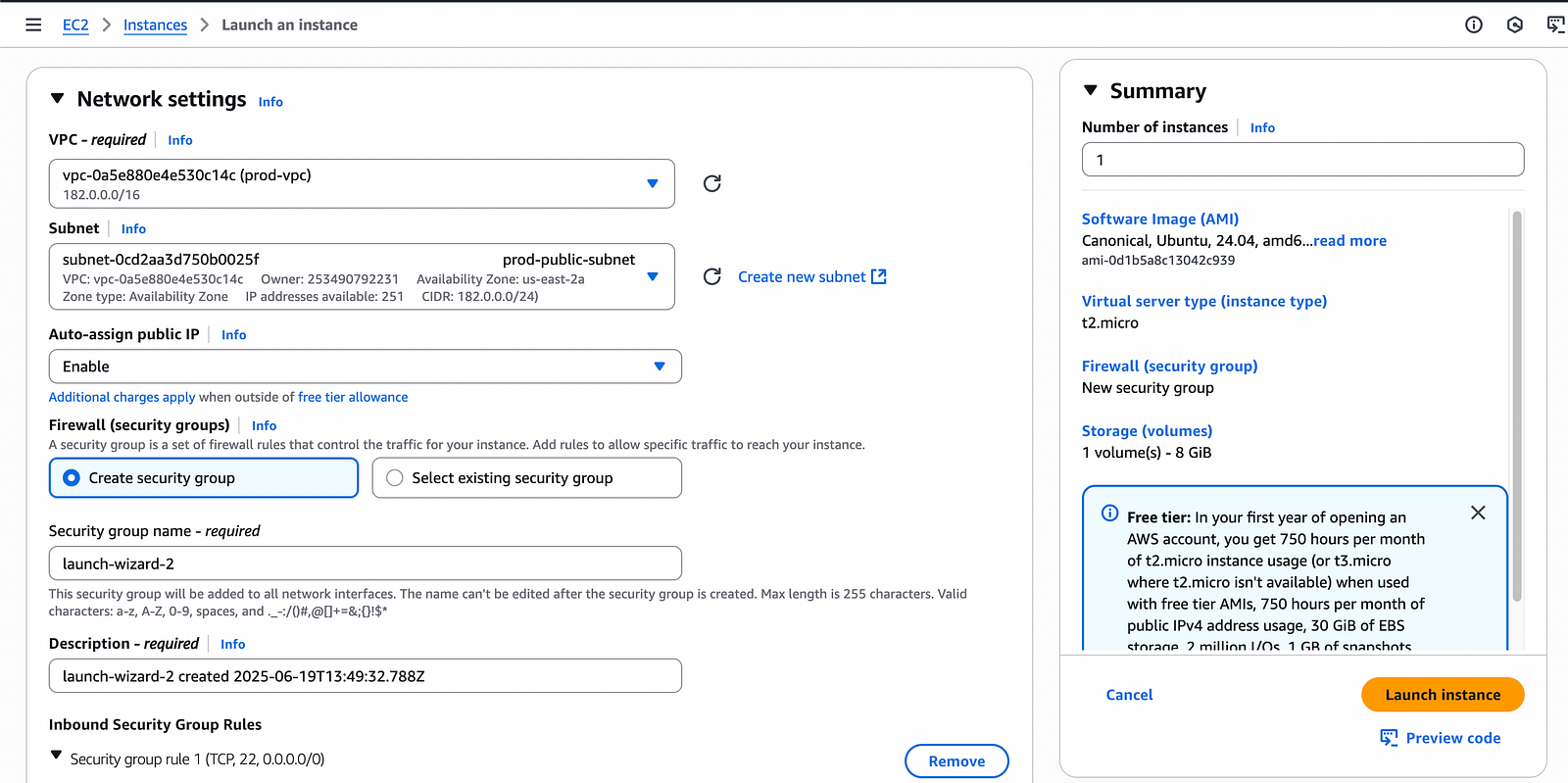
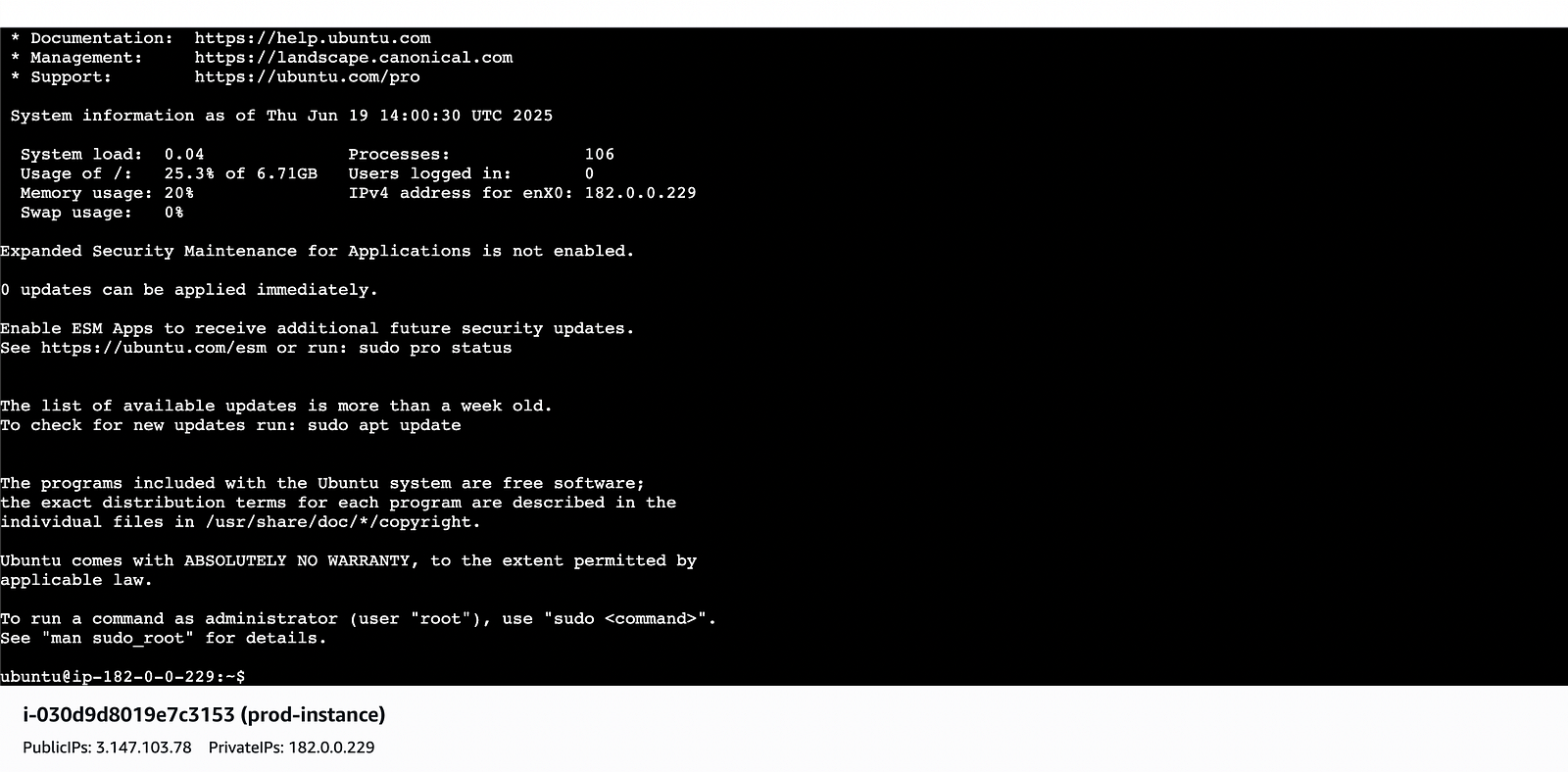
Now I have created a test-vpc and prod-vpc and I want to prod-EC2 Instance to ping Test-EC2 Instance
Ping — means can one instance transfer data to another instance or not to test that we ping.
In test instance I will ping prod instance private ip and see
It didn’t recieve any data in this case we need to VPC Peering.

VPC Peering
VPC Peering is used to establish communication between two VPC’s
So, that one VPC can communicate with another VPC
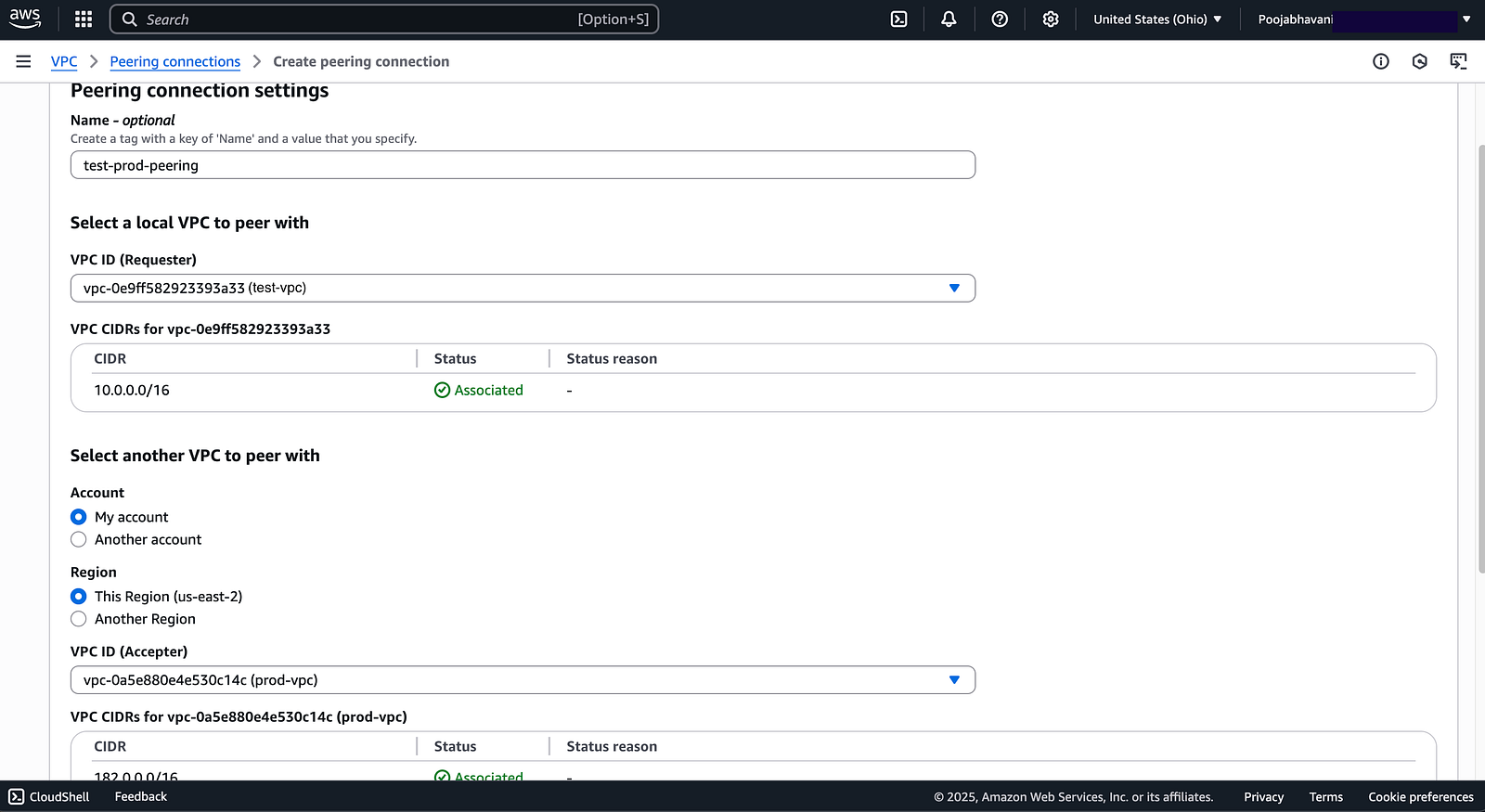
Until I accept the request, communication is not possible.
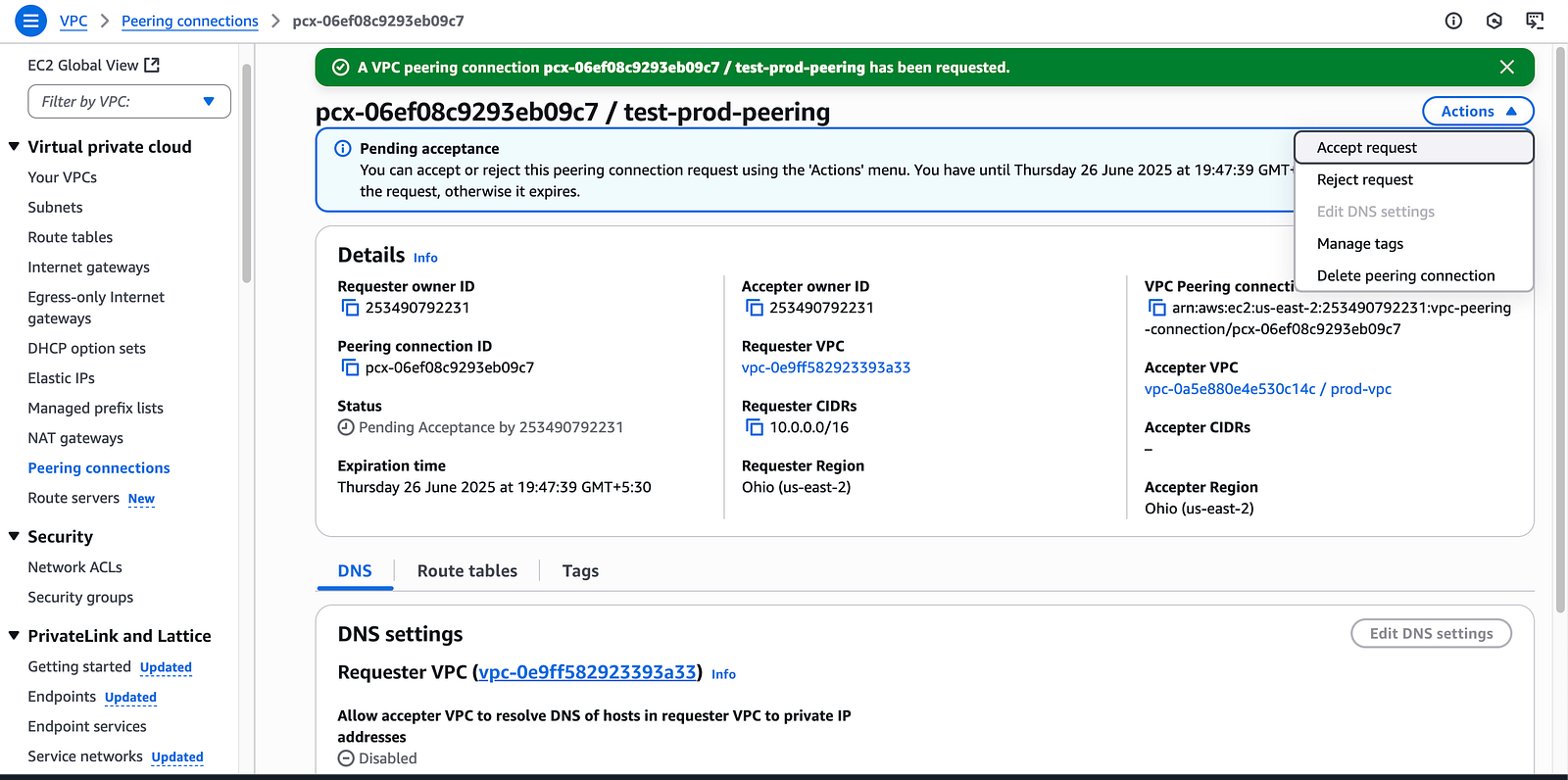
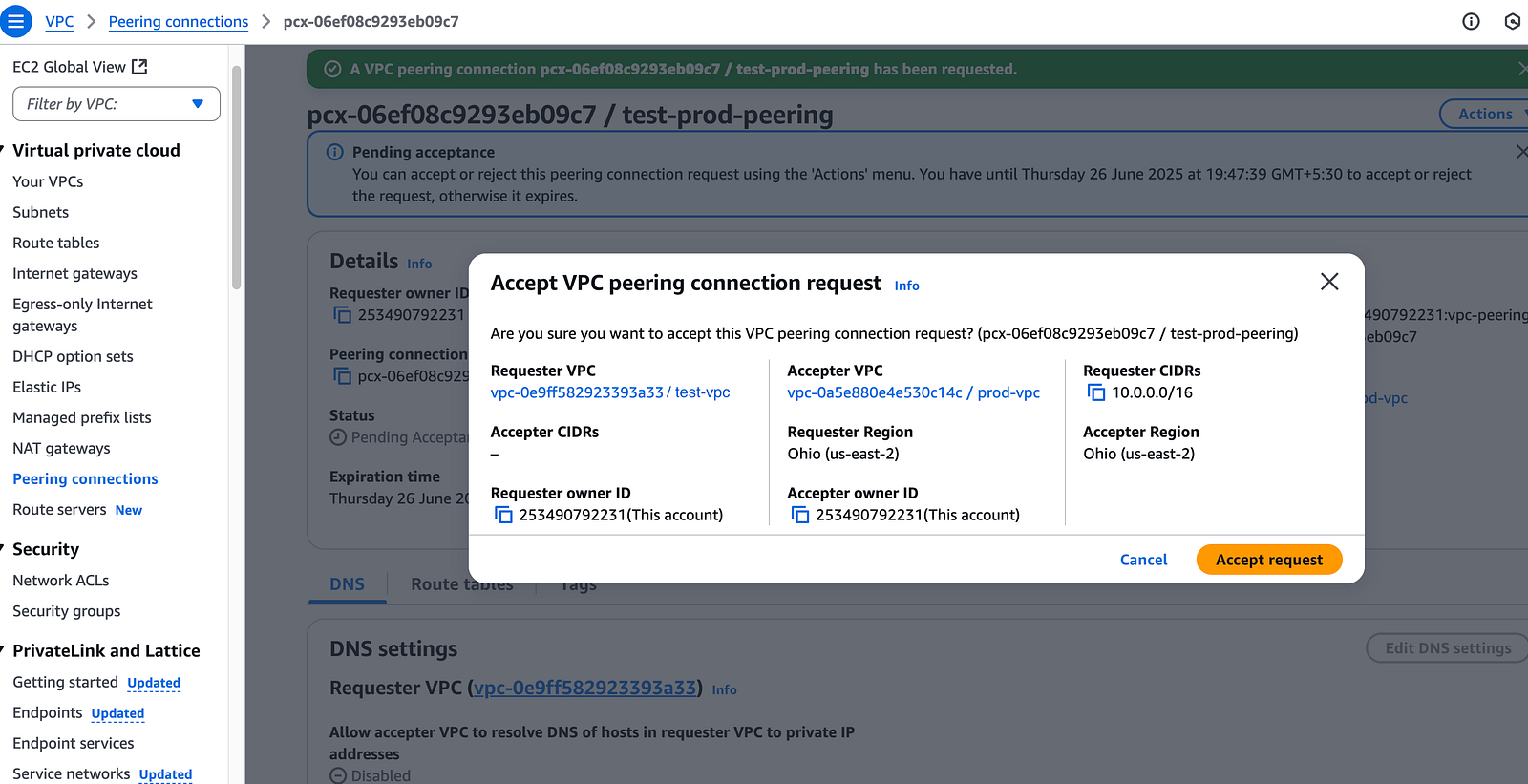
Still the ping fails Why because we have to edit the route table
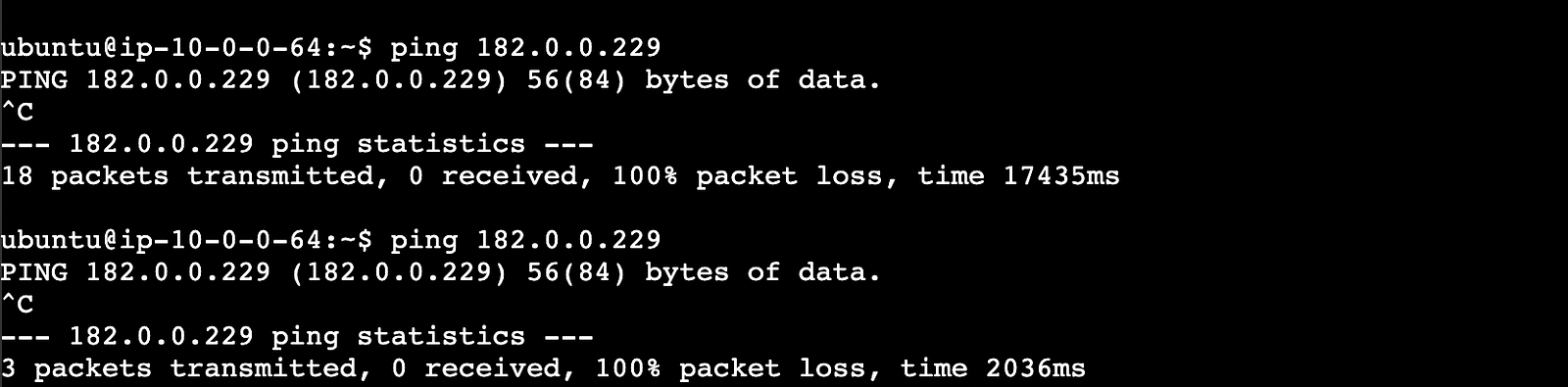
In test route table will put prod peering
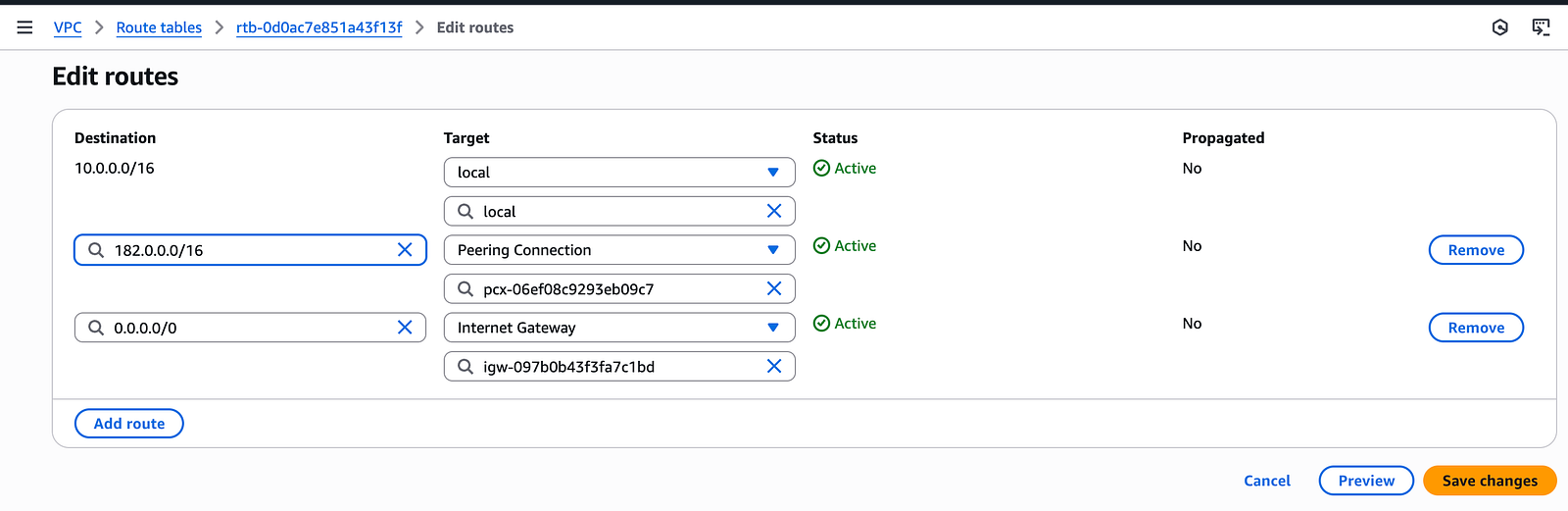
Same will do in prod route table will put test peering
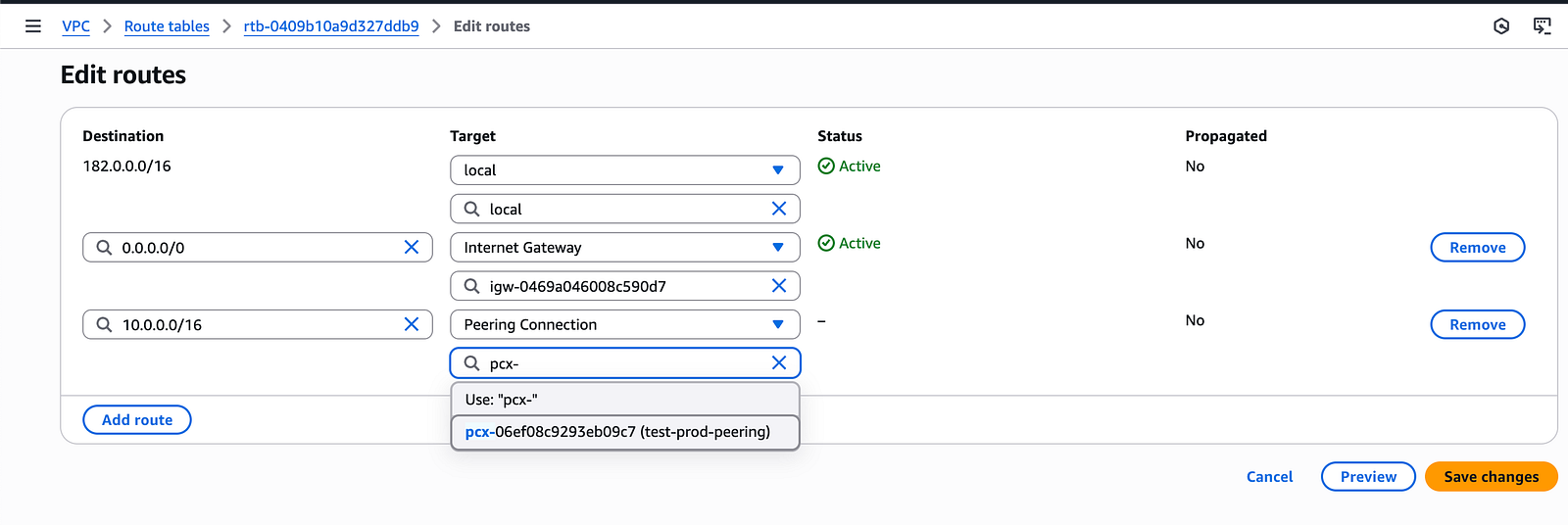
Still the ping fails Why Because now we need to edit Security Group of both instances
In test Instance security group will put prod CIDR range
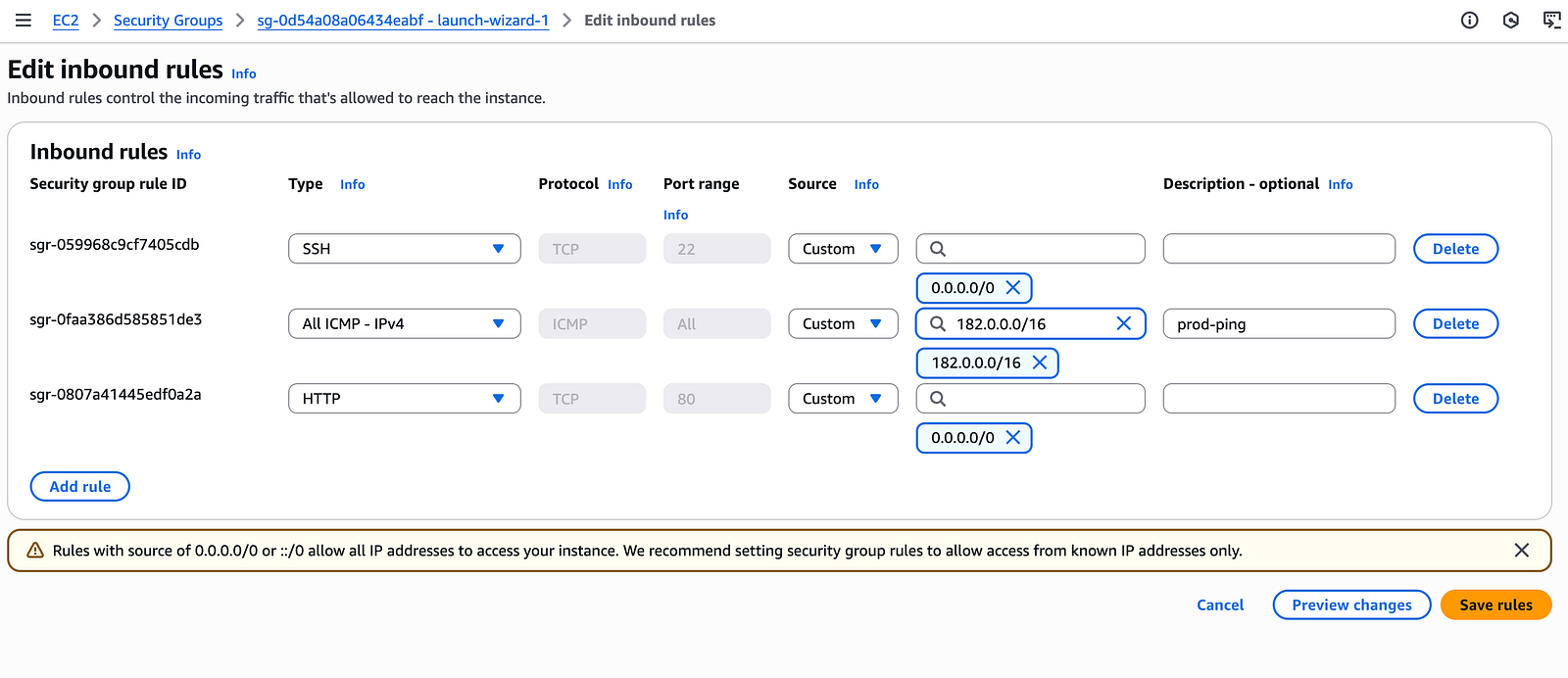
Same In prod Instance security group will put test CIDR range
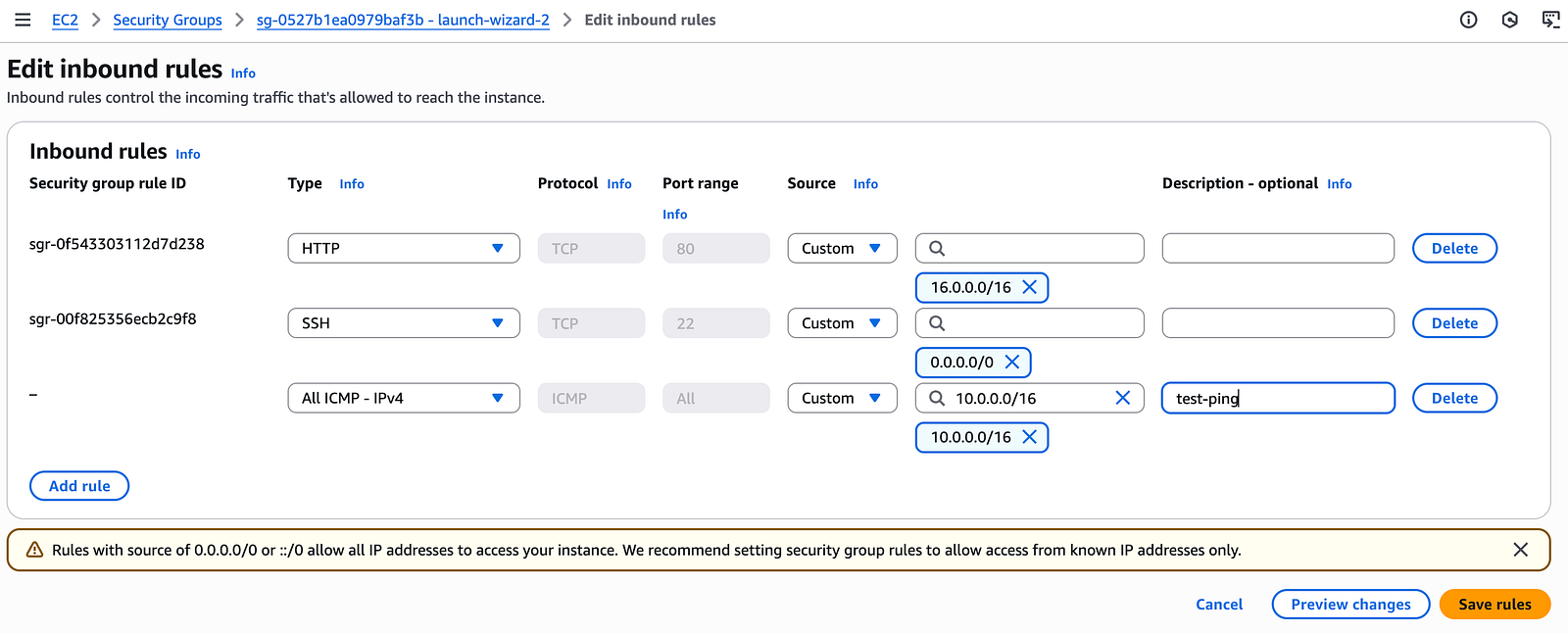
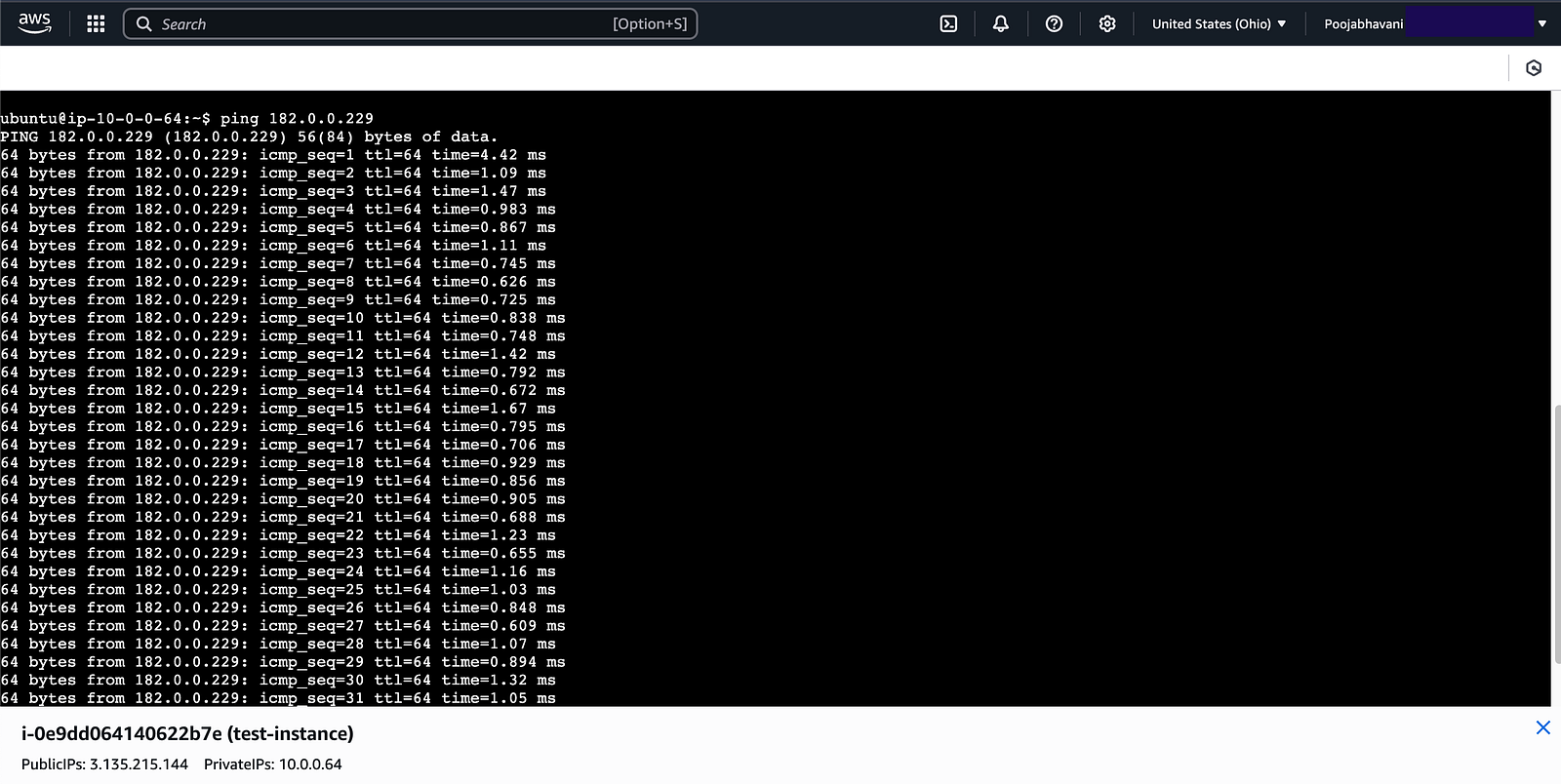
If I ping prod instance from test instance the request starts coming
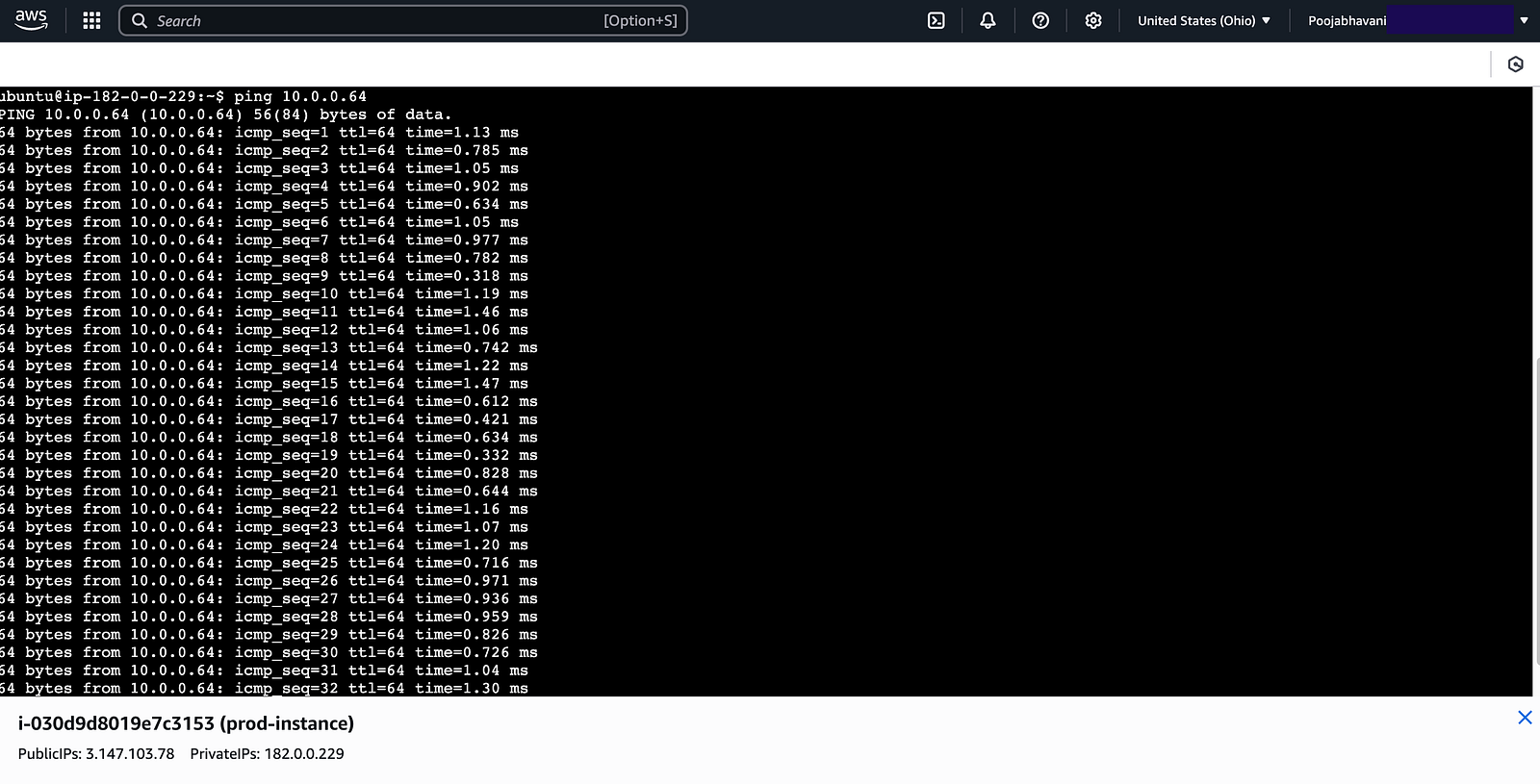
Same If I ping test instance from prod instance the request starts coming
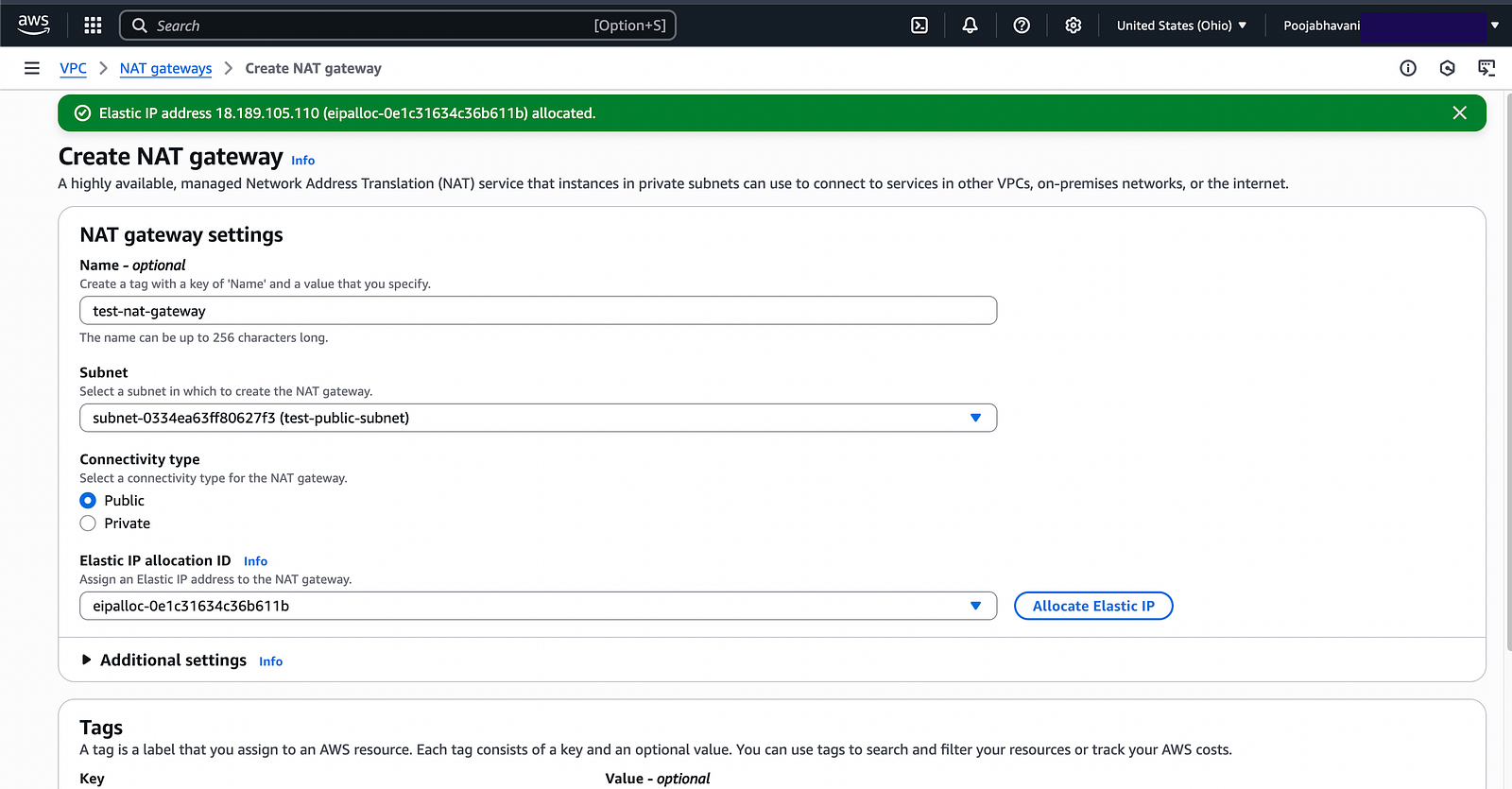
Creation of NAT (Network Address Translation) Gateway
Edit test route table and put NAT Gateway Route
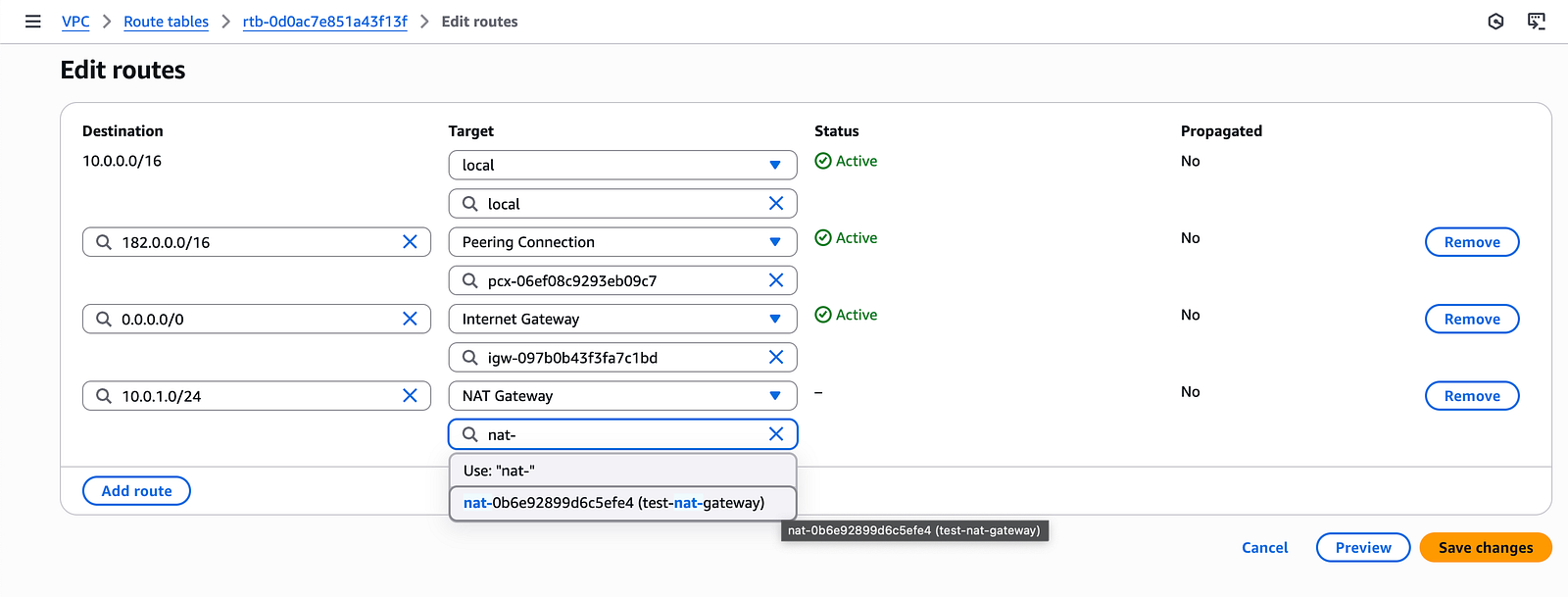
Now this means the public subnet has NAT gateway which can access the private subnet.


