Building Context-Aware AI Applications with RAG

Hi, I am Pooja Bhavani, an enthusiastic DevOps Engineer with a focus on deploying production-ready applications, infrastructure automation, cloud-native technologies. With hands-on experience across DevOps Tools and AWS Cloud, I thrive on making infrastructure scalable, secure, and efficient. My journey into DevOps has been fueled by curiosity and a passion for solving real-world challenges through automation, cloud architecture, and seamless deployments. I enjoy working on projects that push boundaries whether it's building resilient systems, optimizing CI/CD pipelines, or exploring emerging technologies like Amazon Q and GenAI. I'm currently diving deeper into platform engineering and GitOps workflows, and I often share practical tutorials, insights, and use cases from my projects and experiences. ✨ Let’s connect, collaborate, and grow together in this ever-evolving DevOps world. Open to opportunities, ideas, and conversations that drive impactful tech!
What is RAG?
-> Retrieval Augmented Generation is an AI framework that allows us to store the data at a particular storage, we fetch that data and utilize that data to give context to prompt into the LLM's before we directly give an query to user.
Flow:
Starts by loading those documents
Creating chunk (Splitting large dataset into smaller pieces) of those documents
Then creating the embedding (Numerical representation) of those documents
All these get stored in vector DB
Now when a user asks any sort of query, it goes back and based on its own knowledge it builds an answer and share it with you. Before that it looks for whatever info is available in vector DB and then it provides context to LLM Model using which LLM's build the answer.
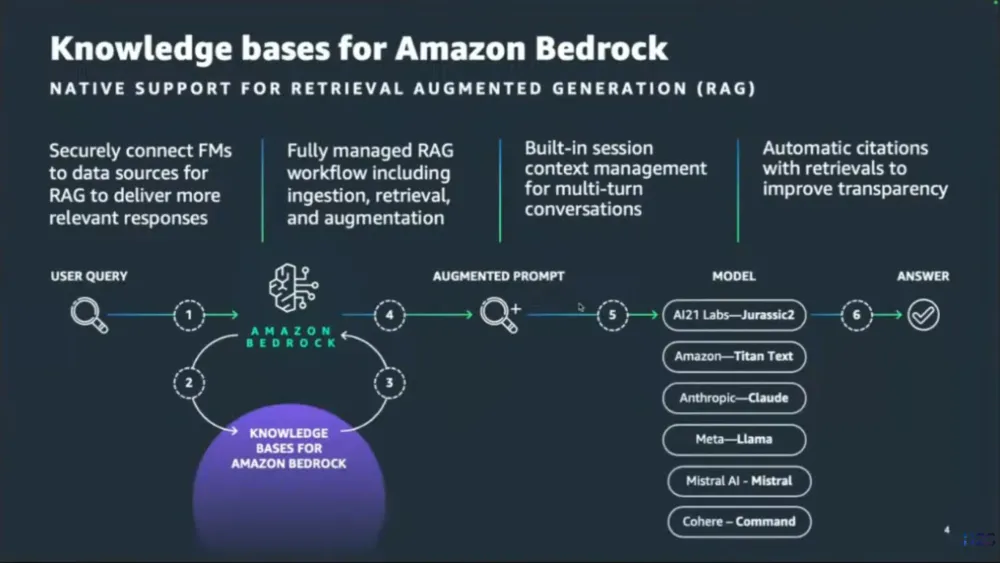
Getting Started With Building Context-Aware AI Applications with RAG
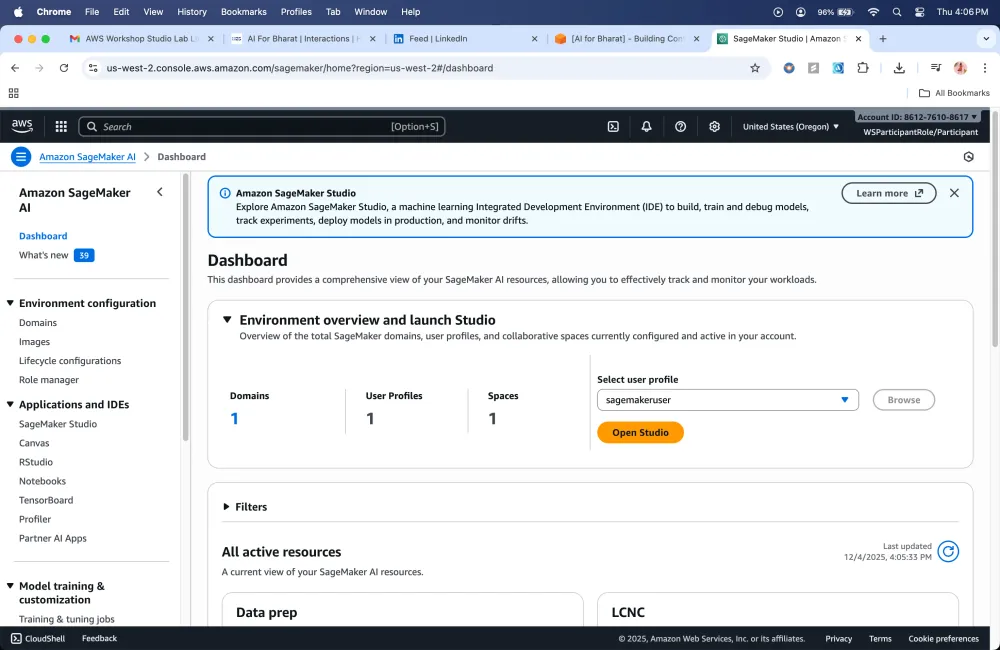
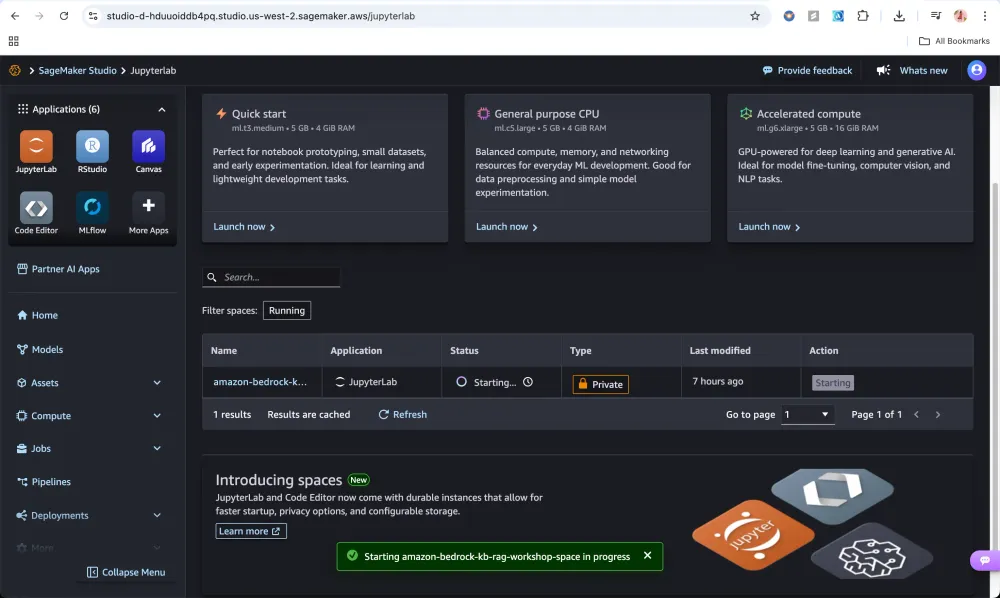
To Utilize RAG and build Infrastructure we are using this Repo
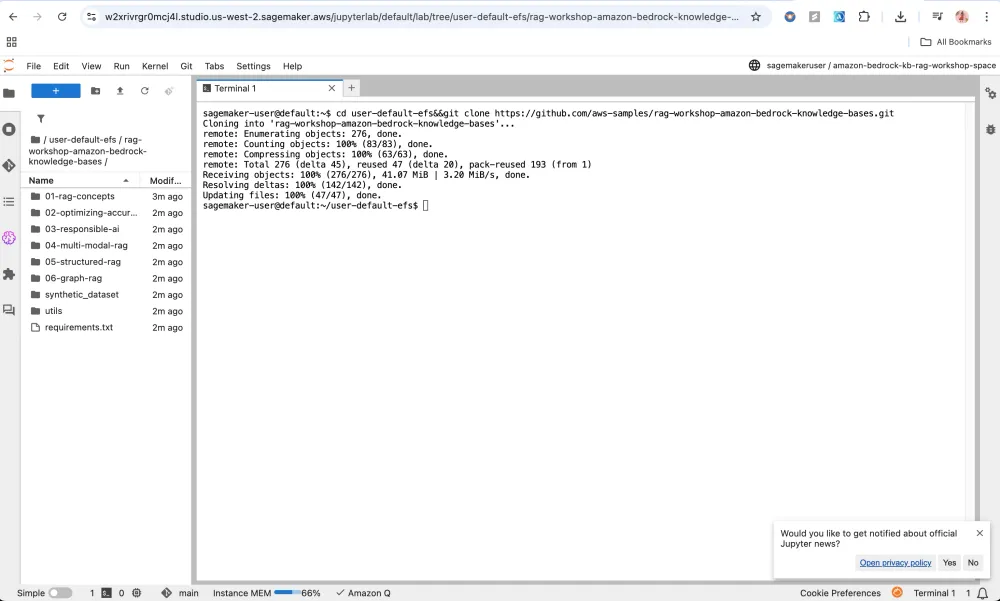
According to the below diagram what I'll be learning:
Let's say I have some new organizational data that can be stored in any data source like S3, with the help of code we will split the large data into small document chunks. Which will be later converted into embedding (Numerical representation) Models, and this will be stored in Vector DB.

Module1
Setup
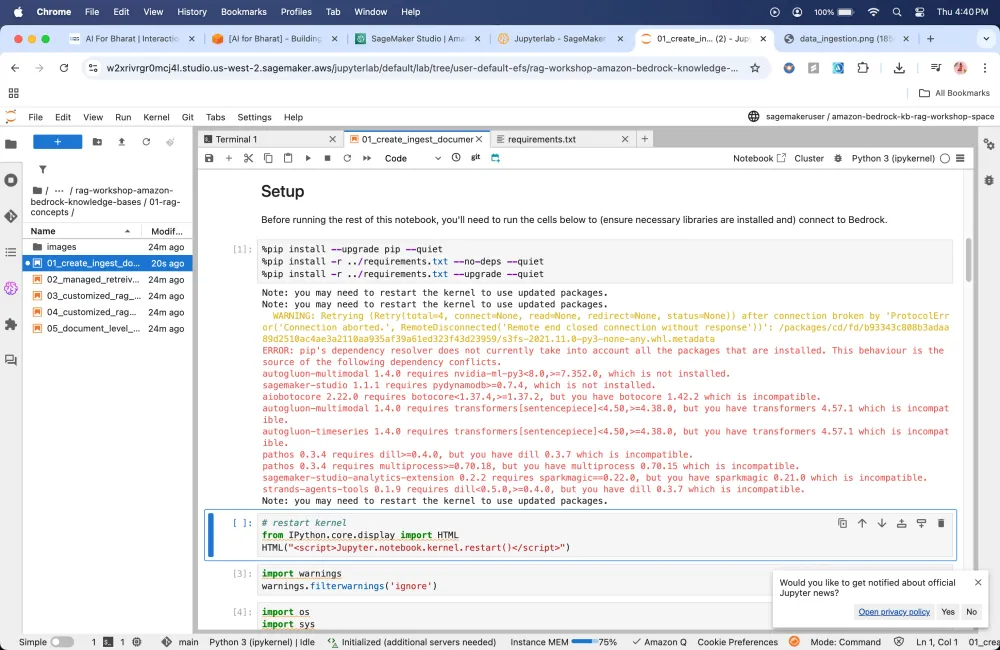
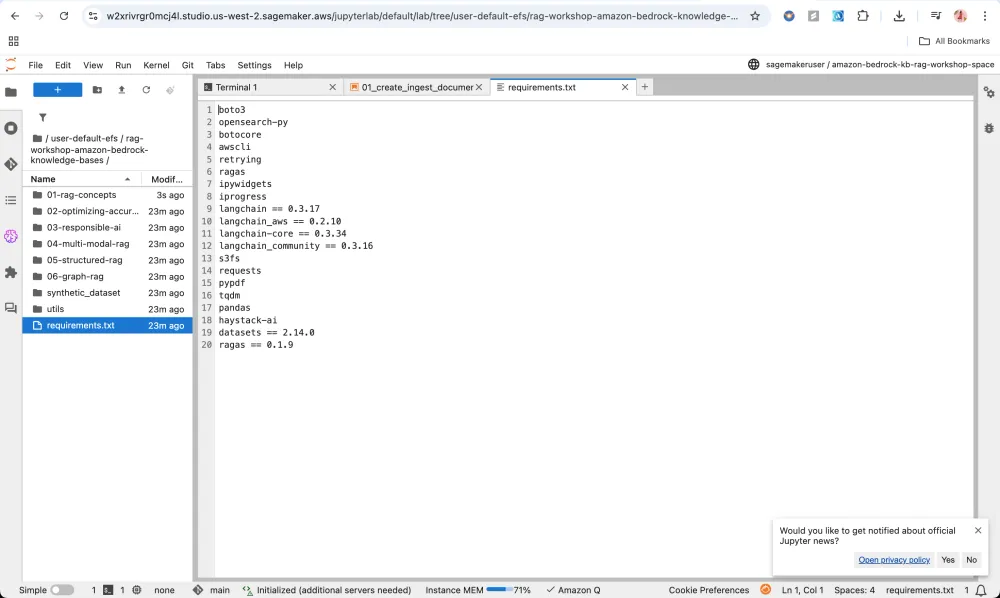
It installs this dependencies
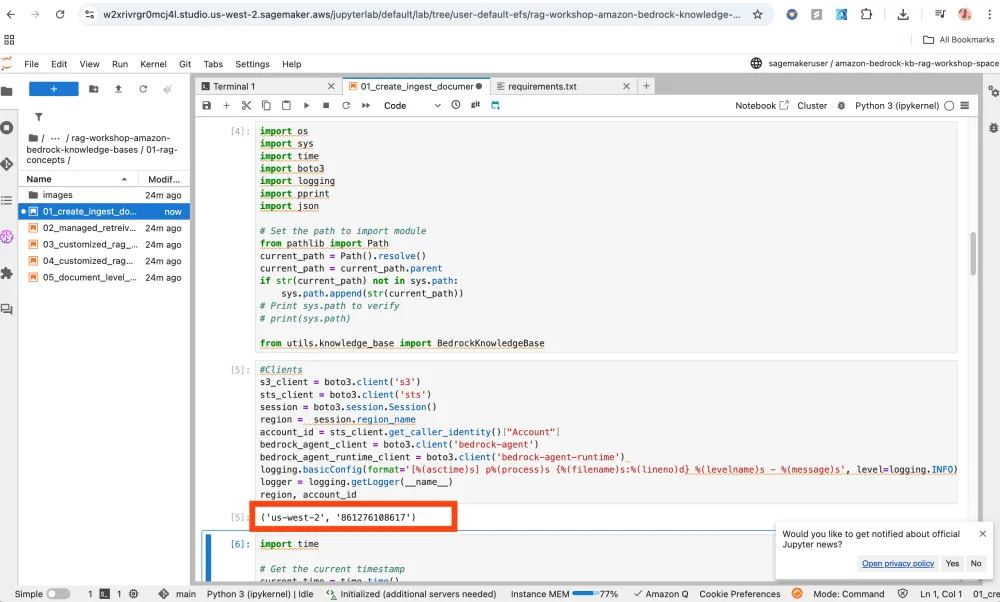
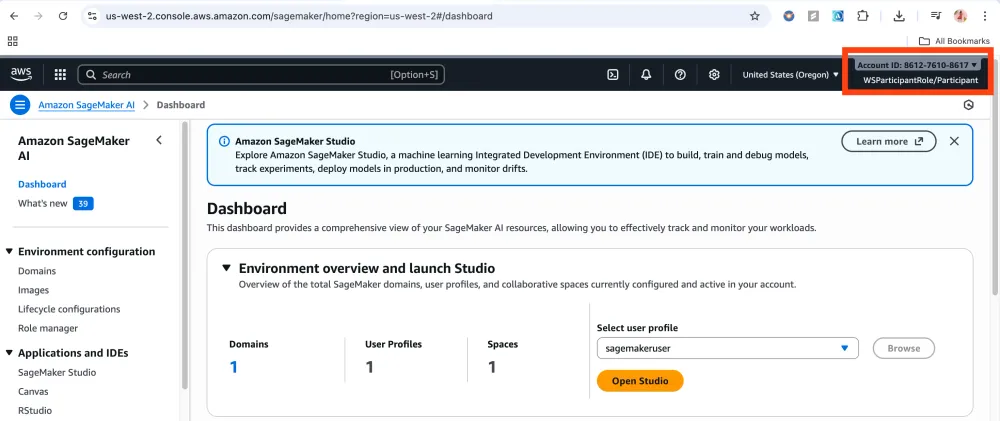
Validates that we are connected to our account
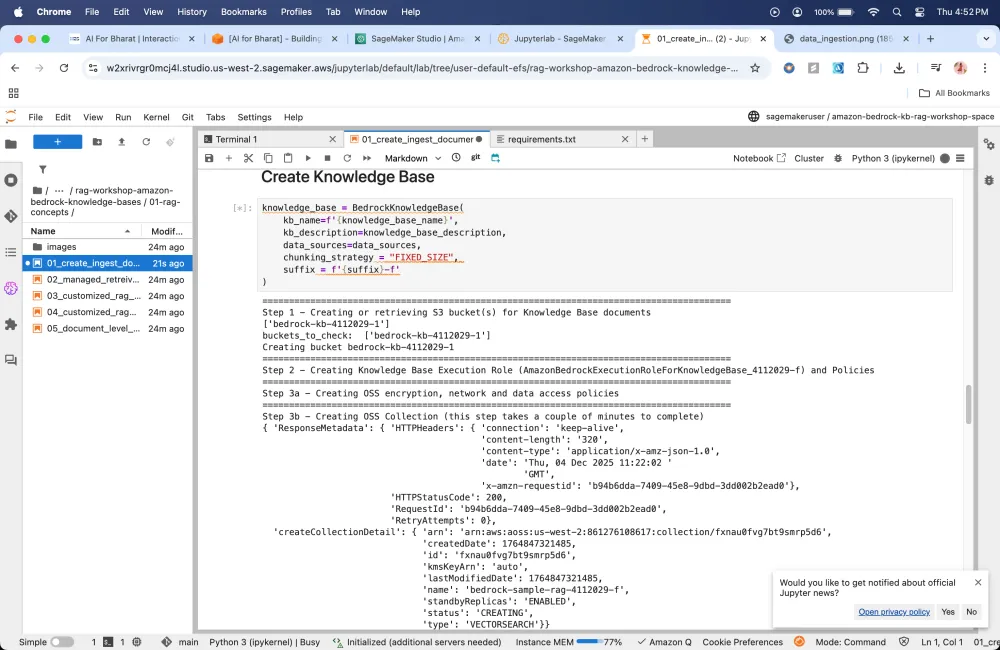
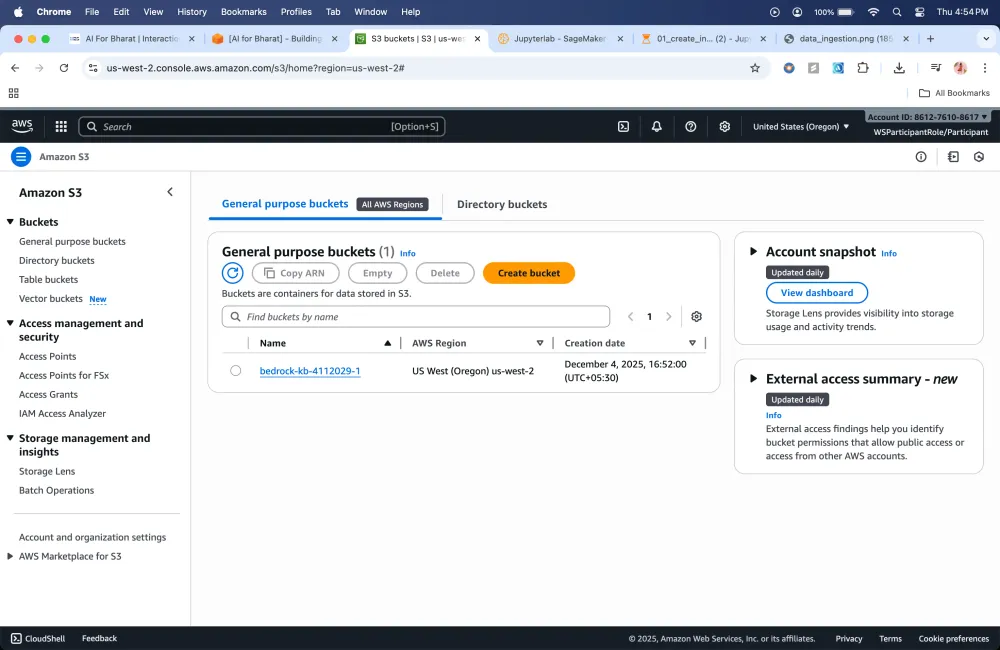
Here my S3 bucket is created automatically.
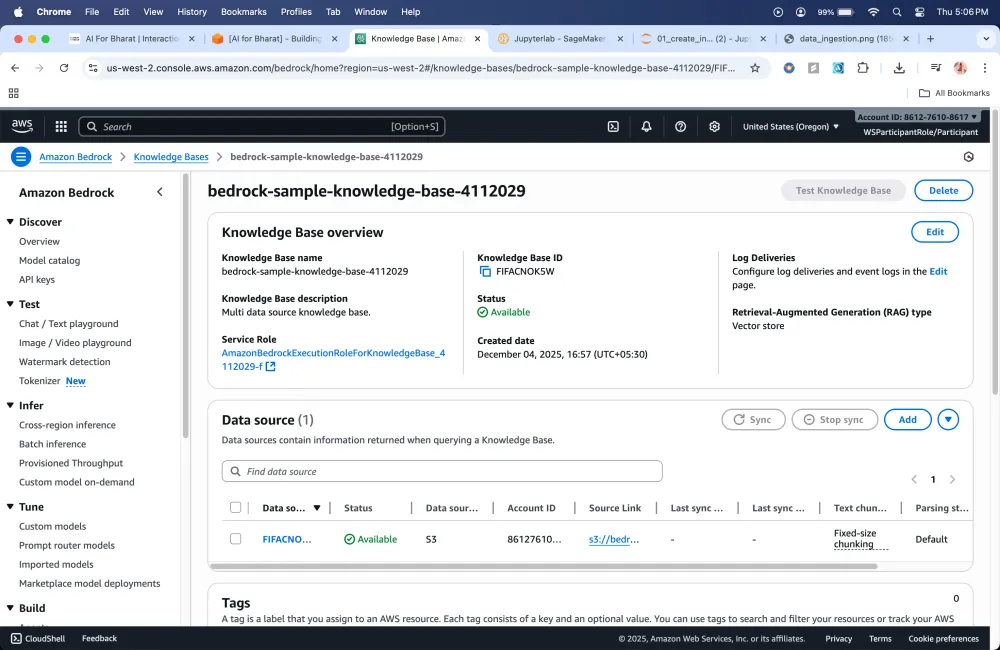
Also Knowledge Bases will be created
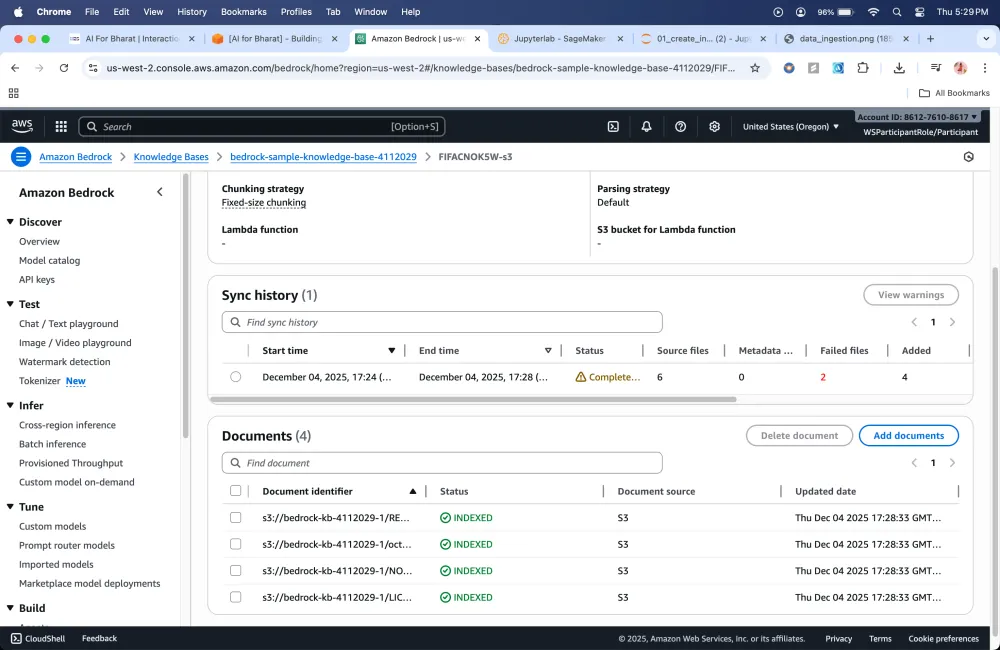
Here because we have given the LLM an additional helper which is RAG that provides the context to the model it is able to get the question's answer
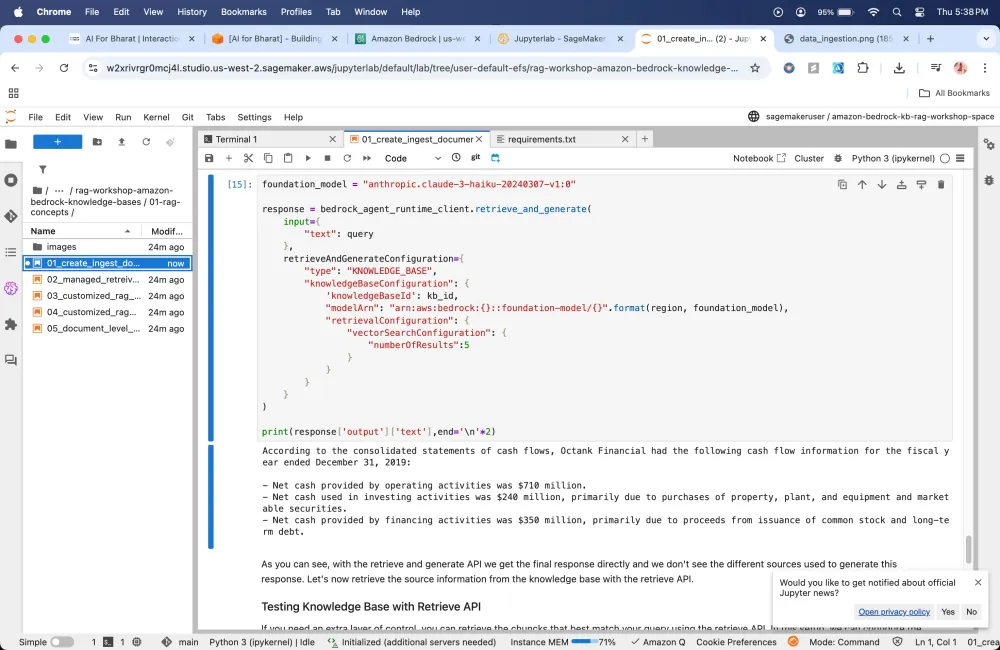
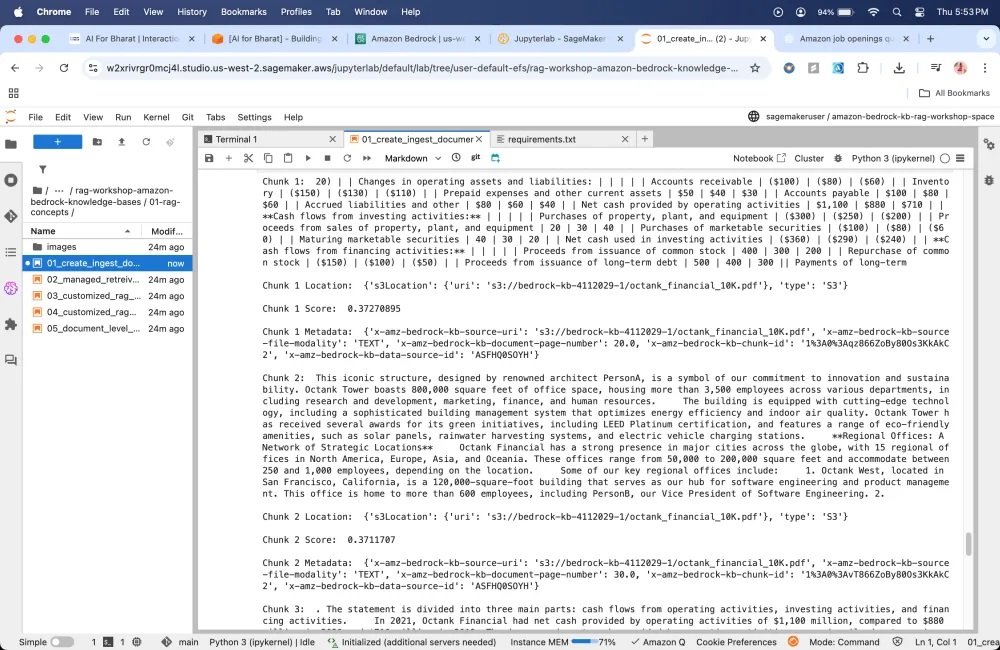
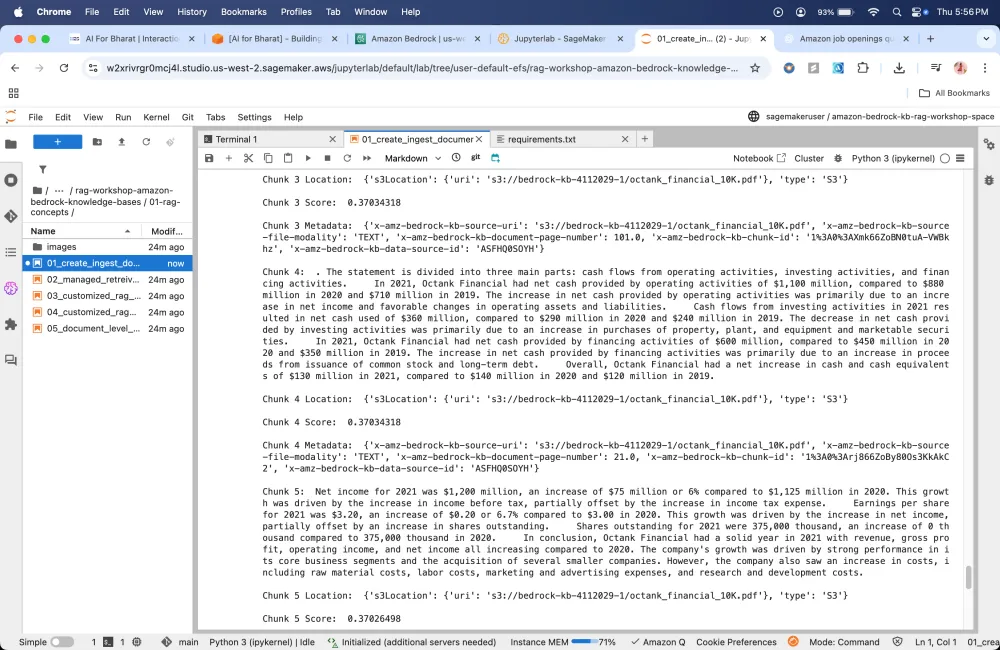
Just experimenting the query part to check what chunks it gives.
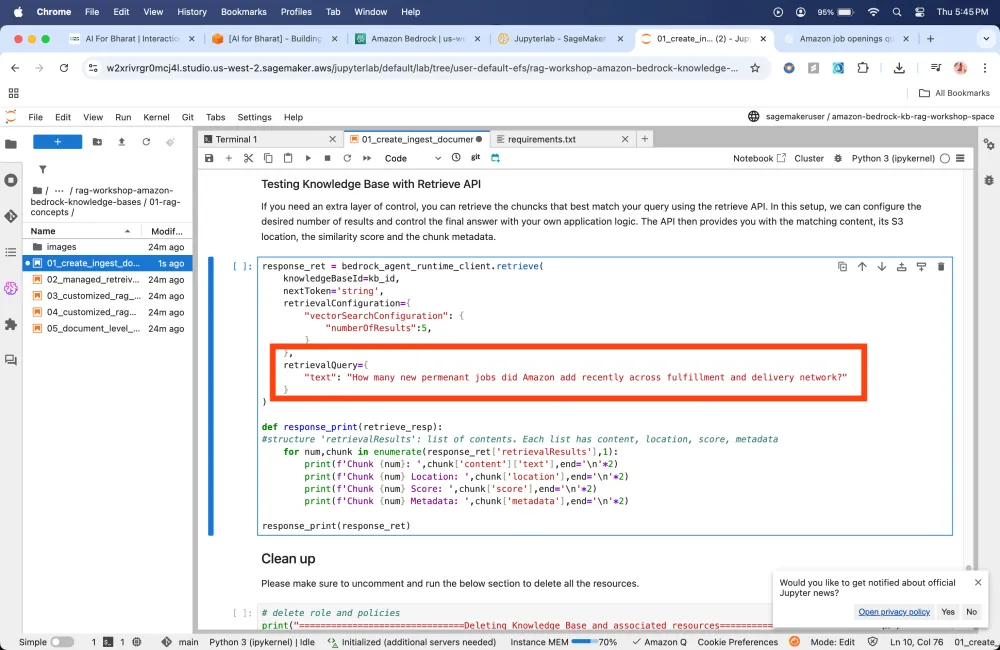
Response to my query
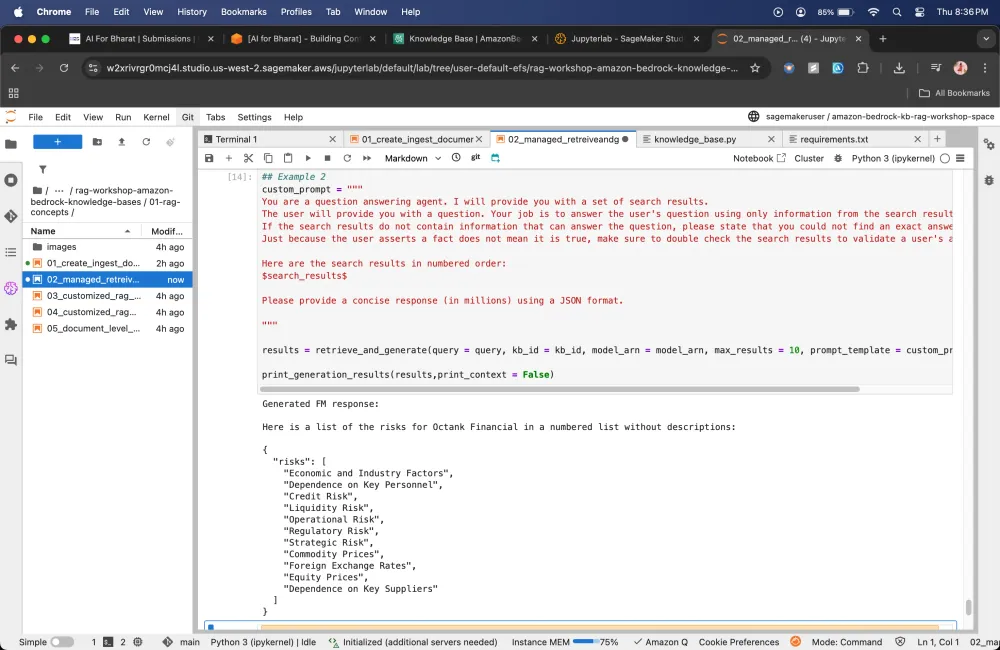
Custom prompting
In custom prompting, we are asking foundation model to behave in a certain way when it responds to a user’s question it takes the persona and answer the question using that persona.
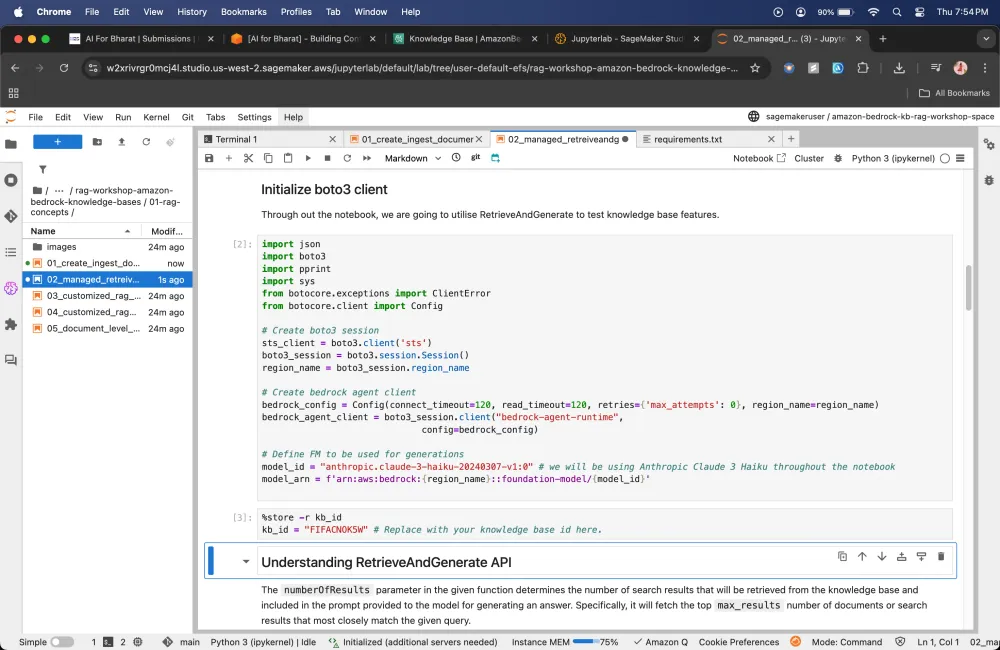
What are the valid Models that we can use?
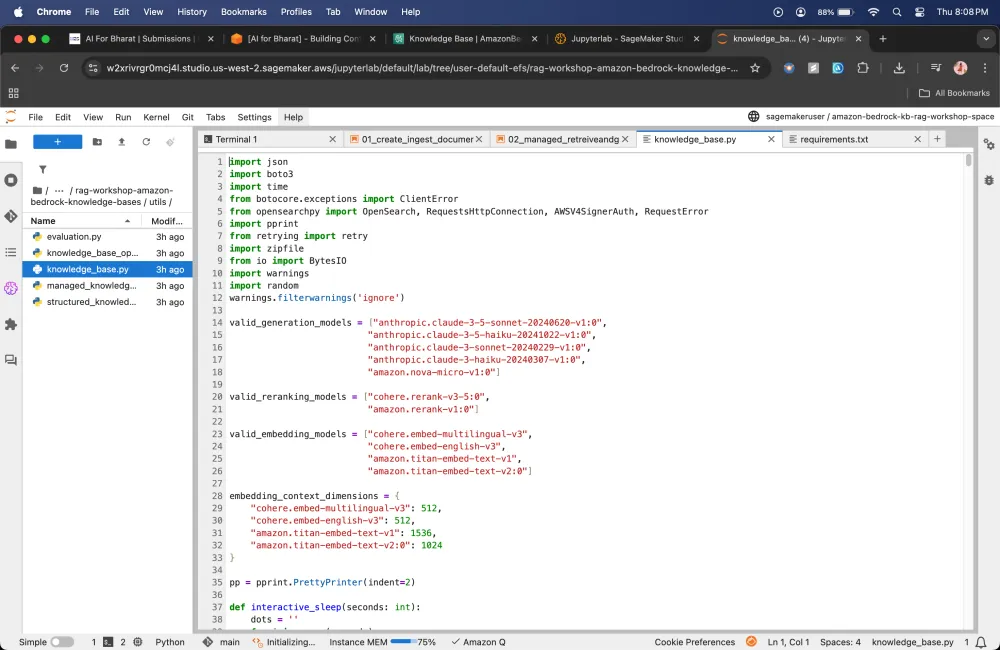
Testing the RetrieveAndGenerate API
Let's check if it gives that results in the format that we are expecting it to present
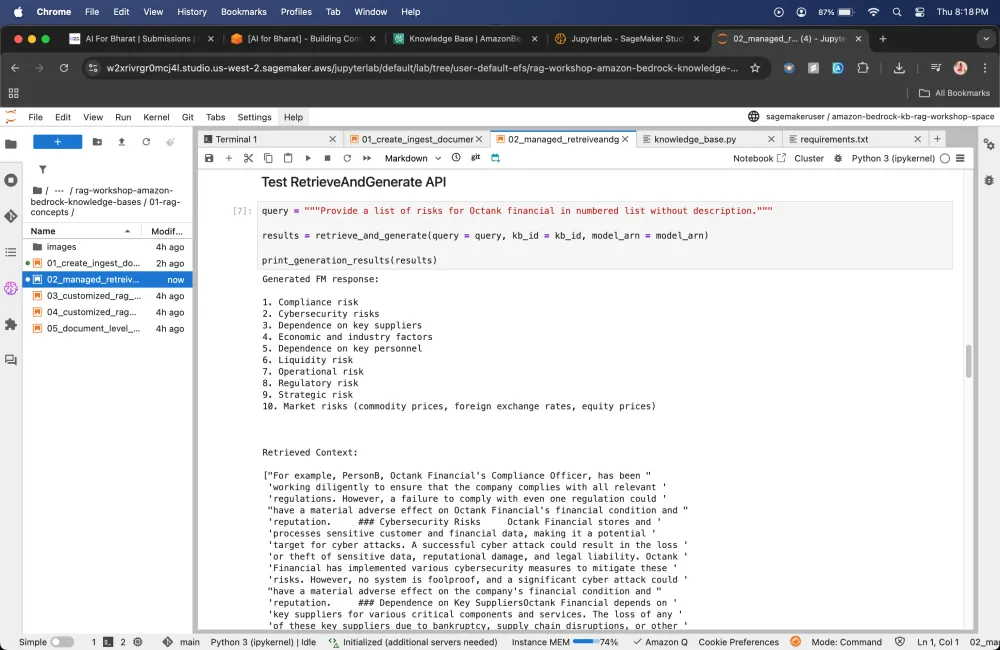
Customized RAG Workflow
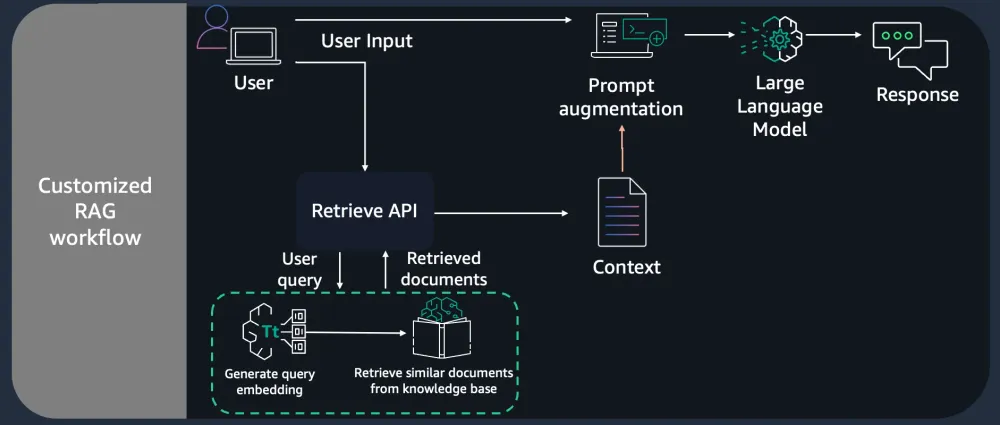
Here we are only getting the context
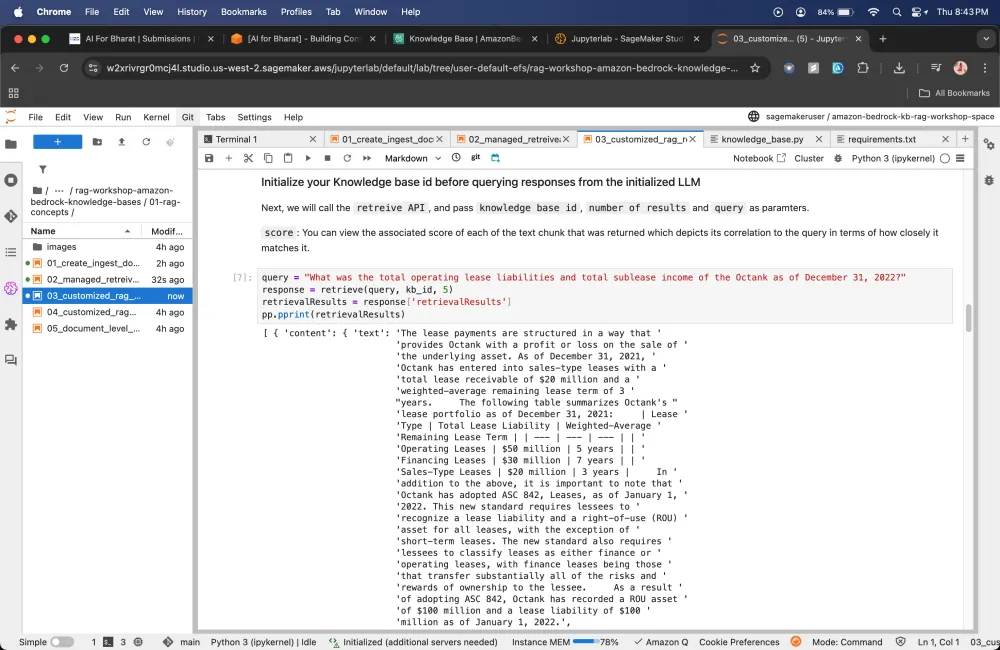
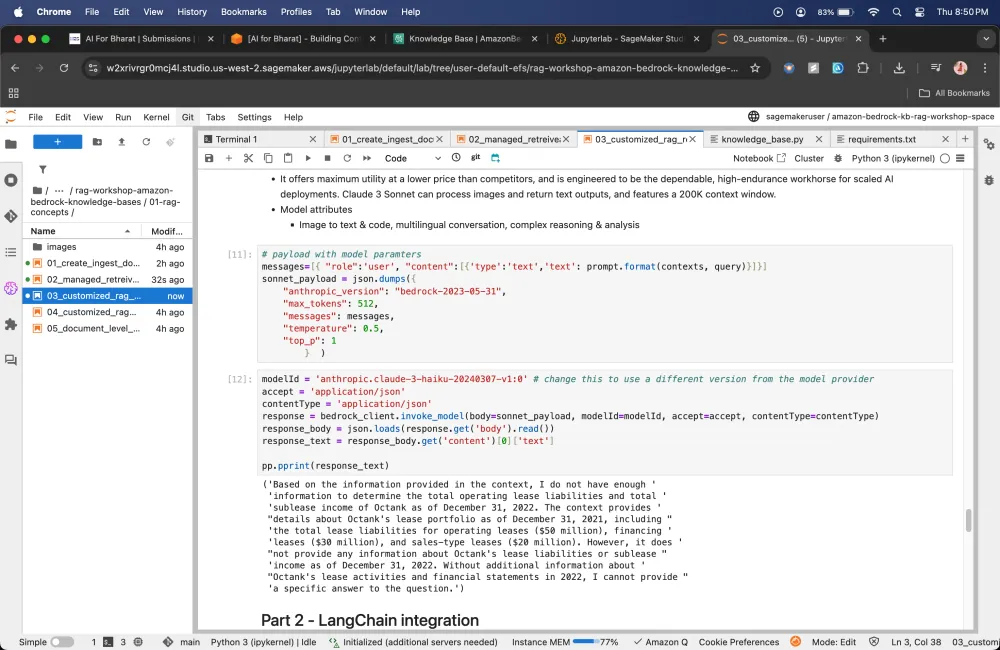
Driving into building and evaluating Q&A Application using Amazon Bedrock Knowledge Bases using RAG Assessment (RAGAS) framework
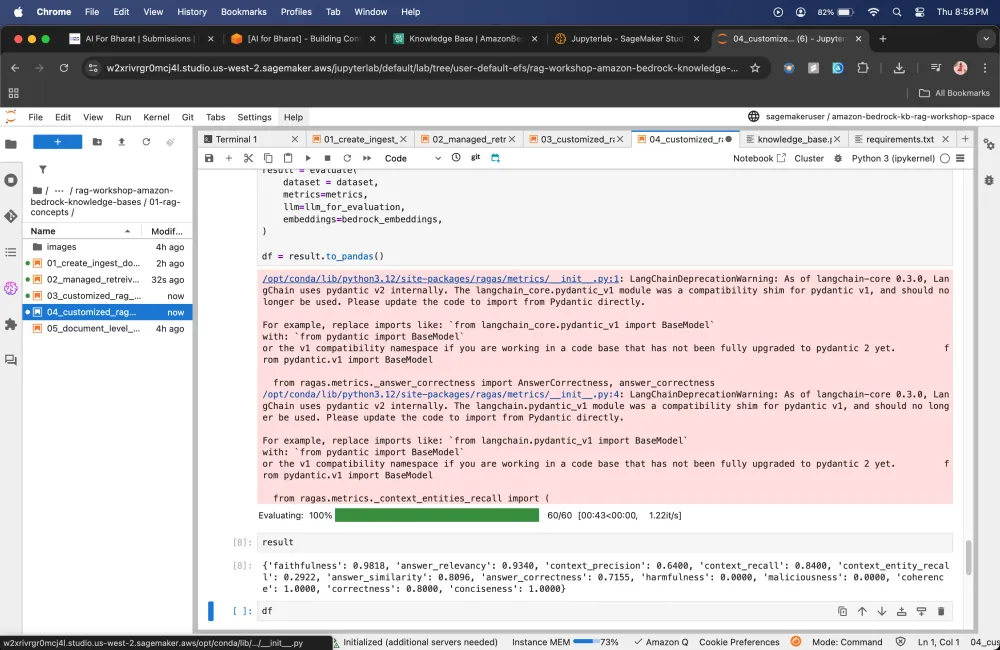
Here it will pick that 1 query that i gave and it compares it with all 5 ground truths that we have provided.
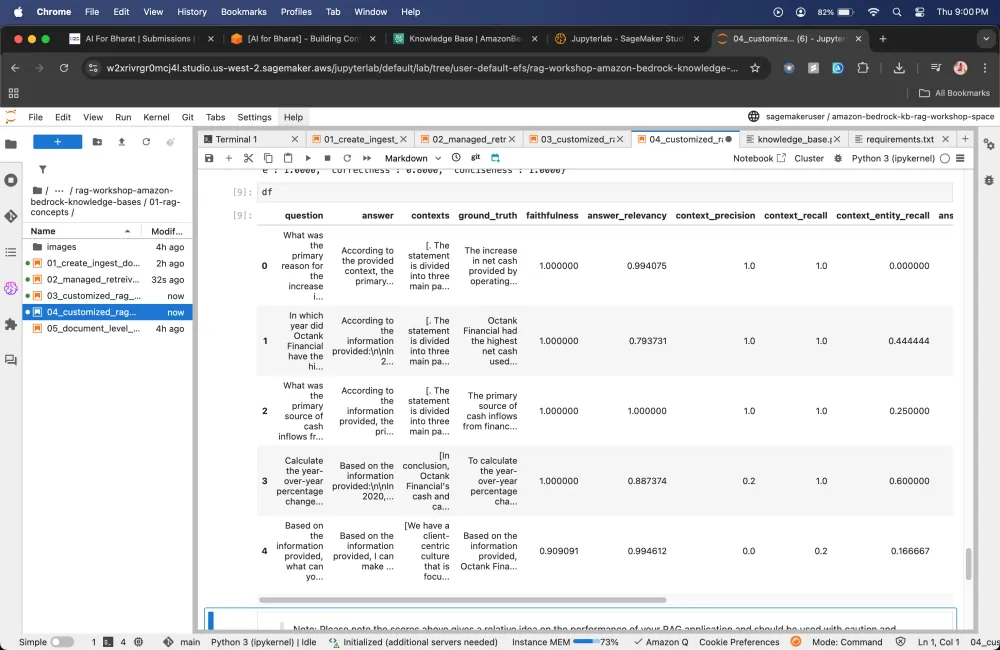
In this 1 Module I have learnt about how Retrieval Augmented Generation (RAG) works. I have built the OpenSearch Collection, Knowledge Bases, uploaded documents to S3 Bucket, we have built the data source that bridge.
Module 2
Moving towards the optimizing accuracy retrieved results
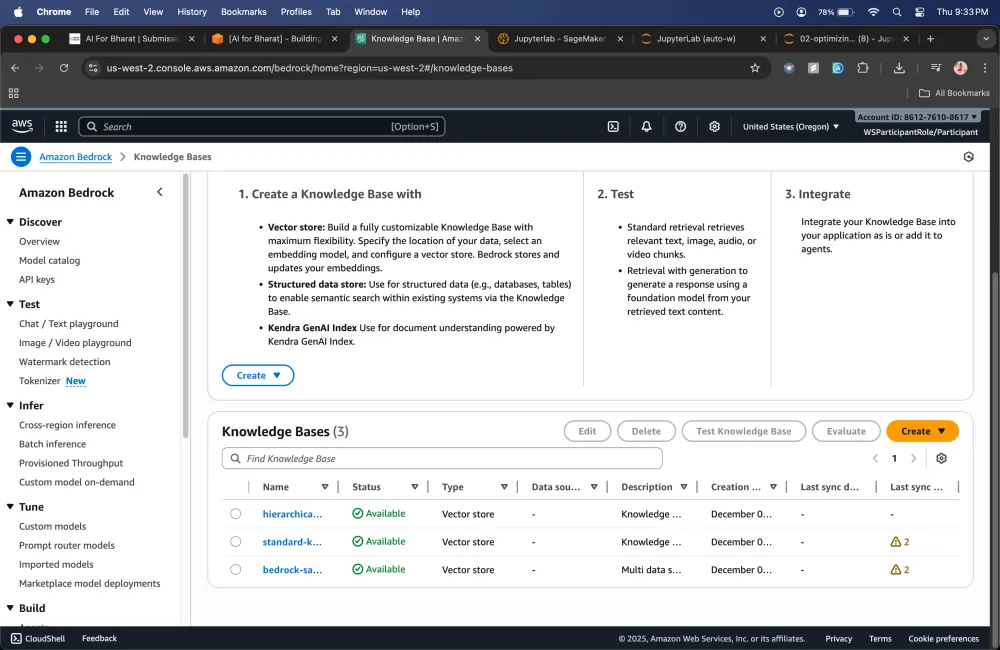
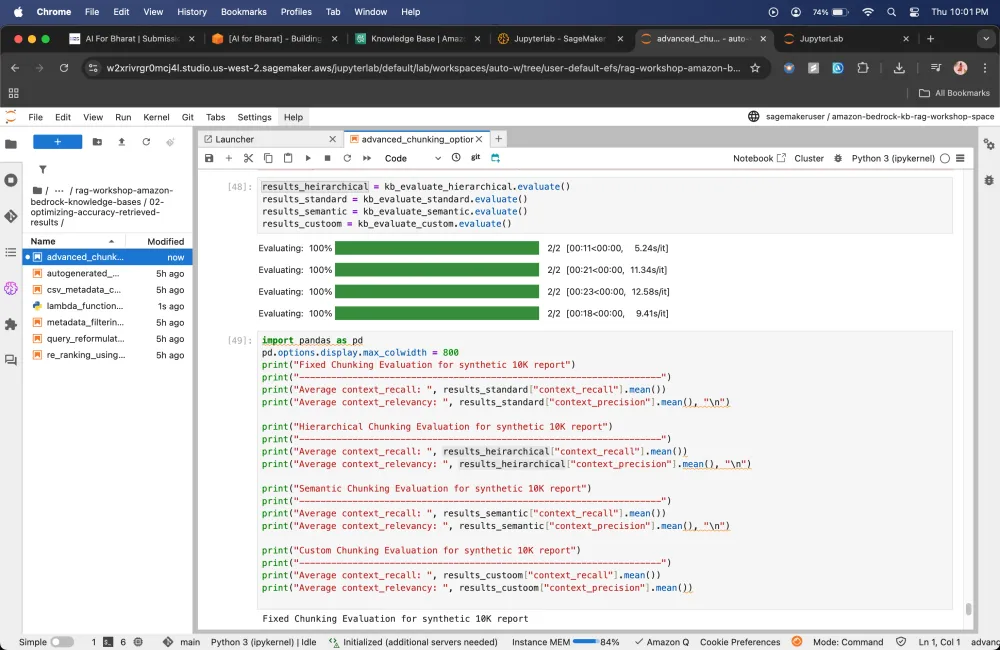
Here will create different knowledge bases
Chunking Stragtegy
"chunkingStrategy": "FIXED_SIZE | NONE | HIERARCHICAL | SEMANTIC"
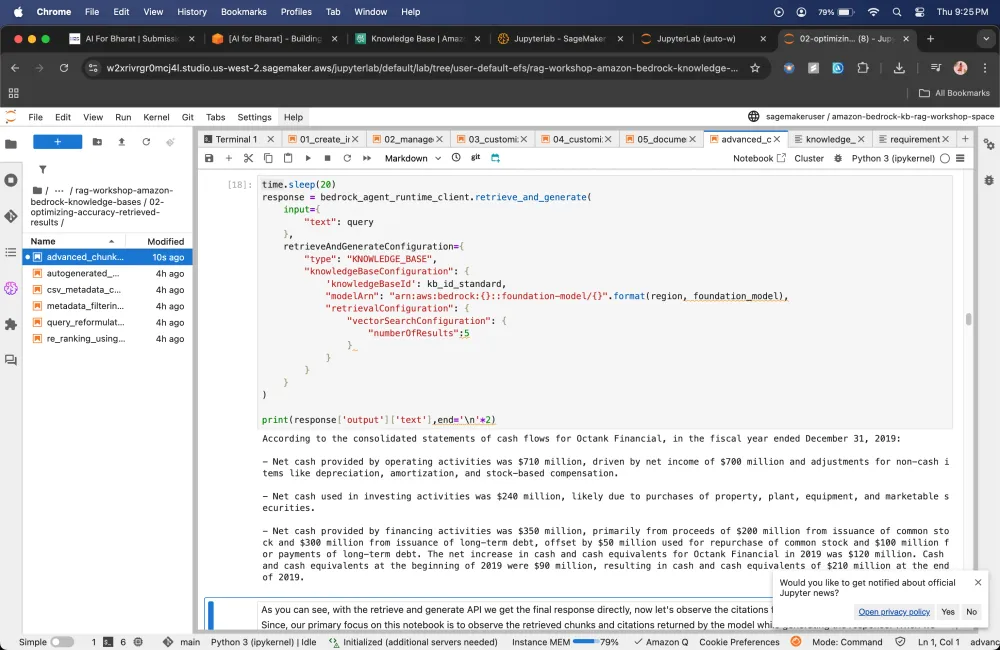
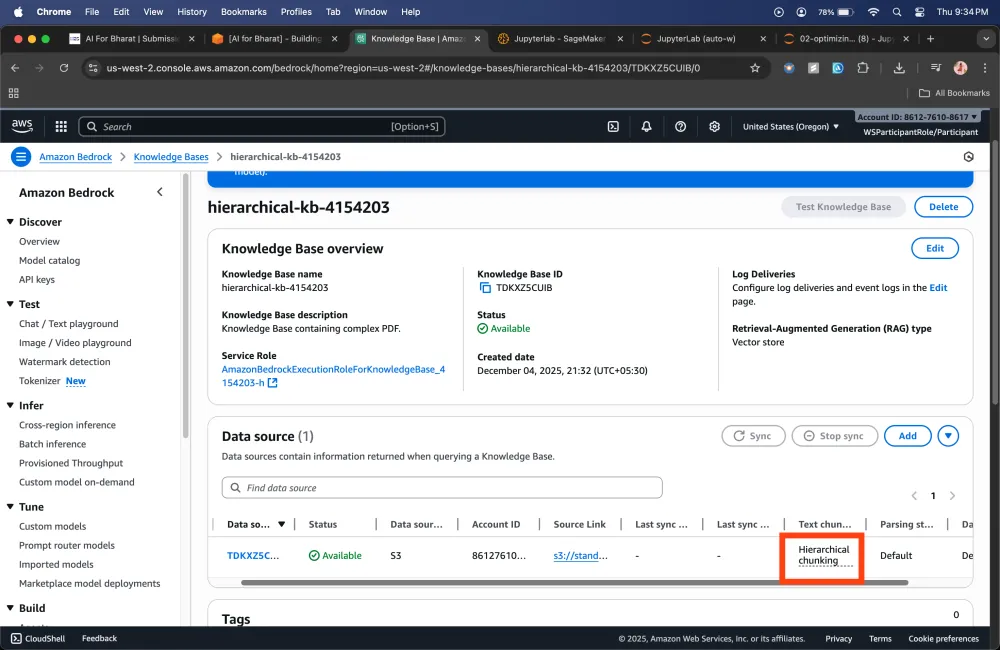
Hierarchical chunking strategy
Hierarchical chunking: Organizes your data into a hierarchical structure, allowing for more granular and efficient retrieval based on the inherent relationships within your data.
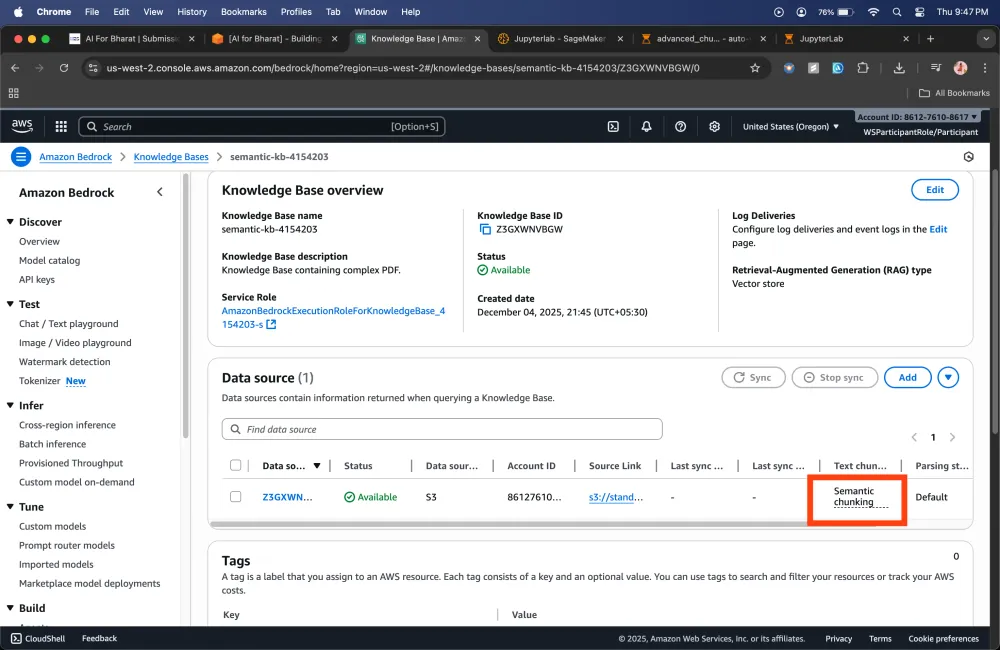
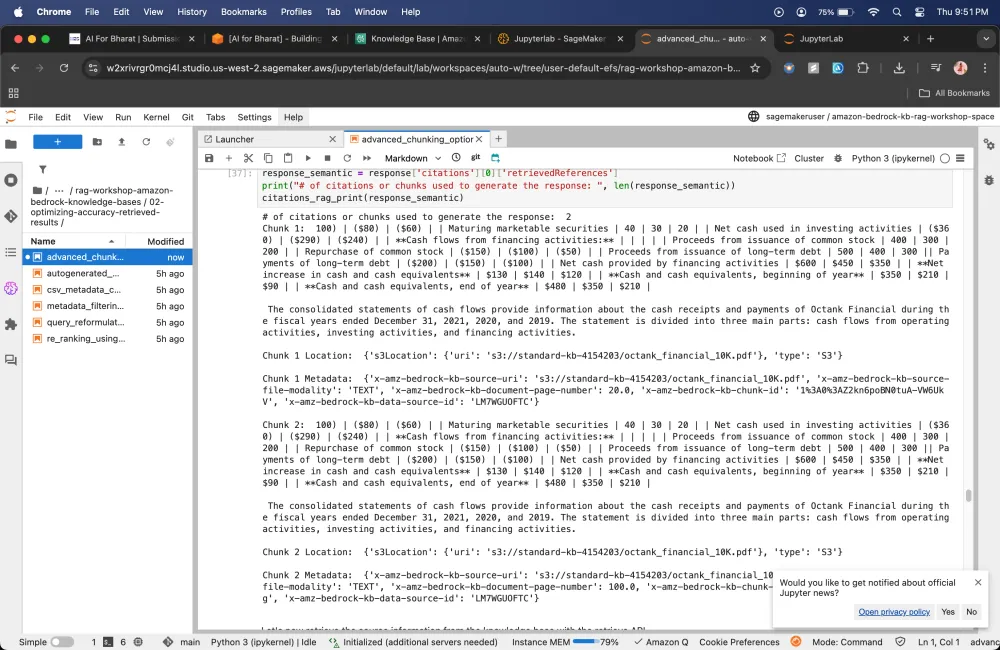
Semantic Strategy
Creating Lambda Function
We don't select any chunking strategy it will be custom Chunking
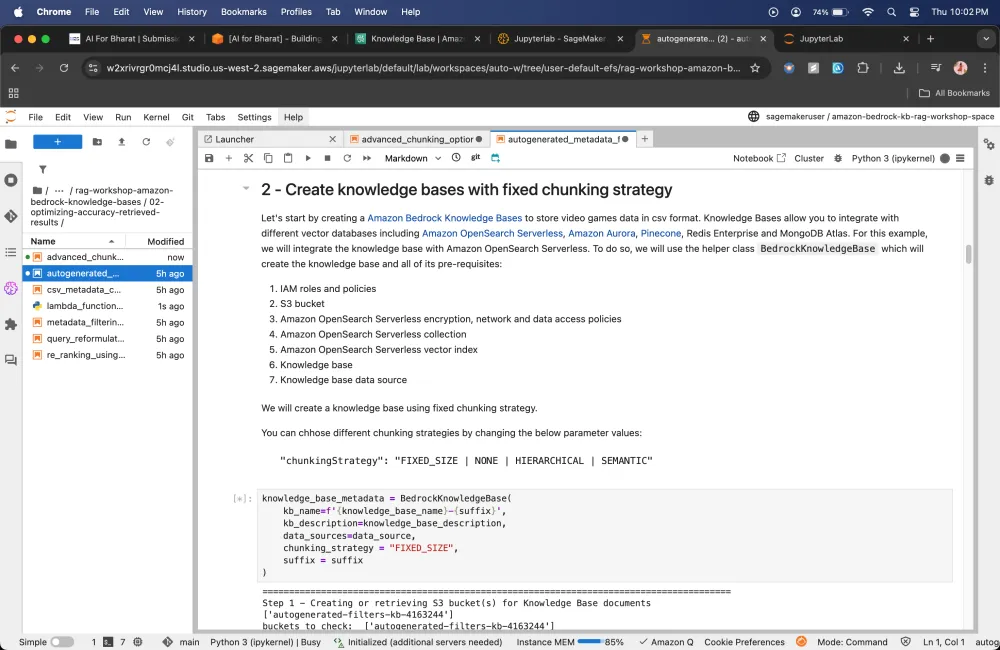
Creating knowledge bases with fixed chunking strategy
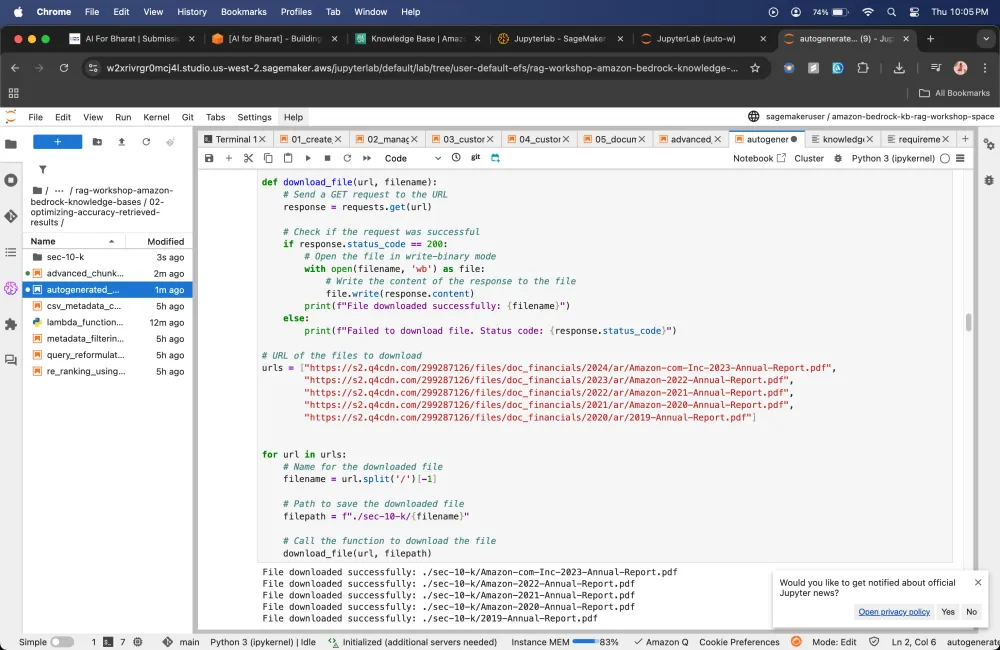
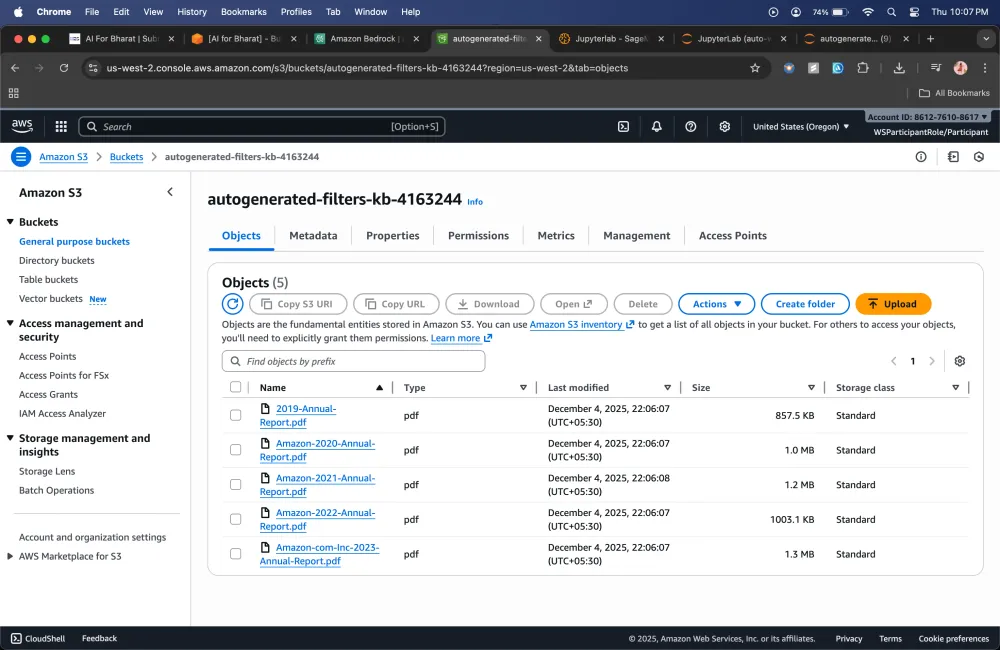
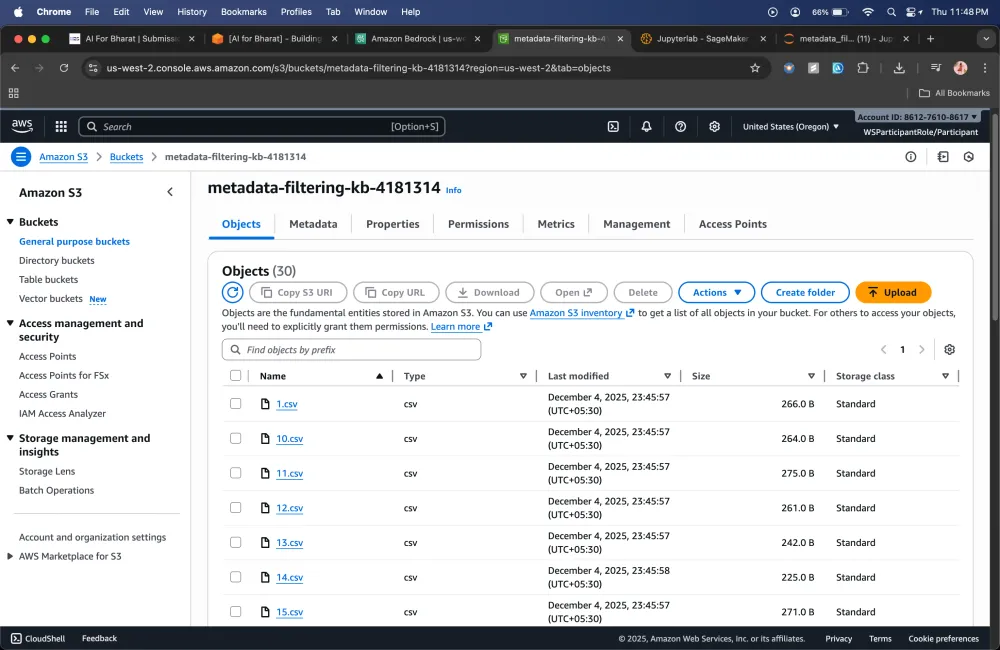
CSV metadata customization walkthrough
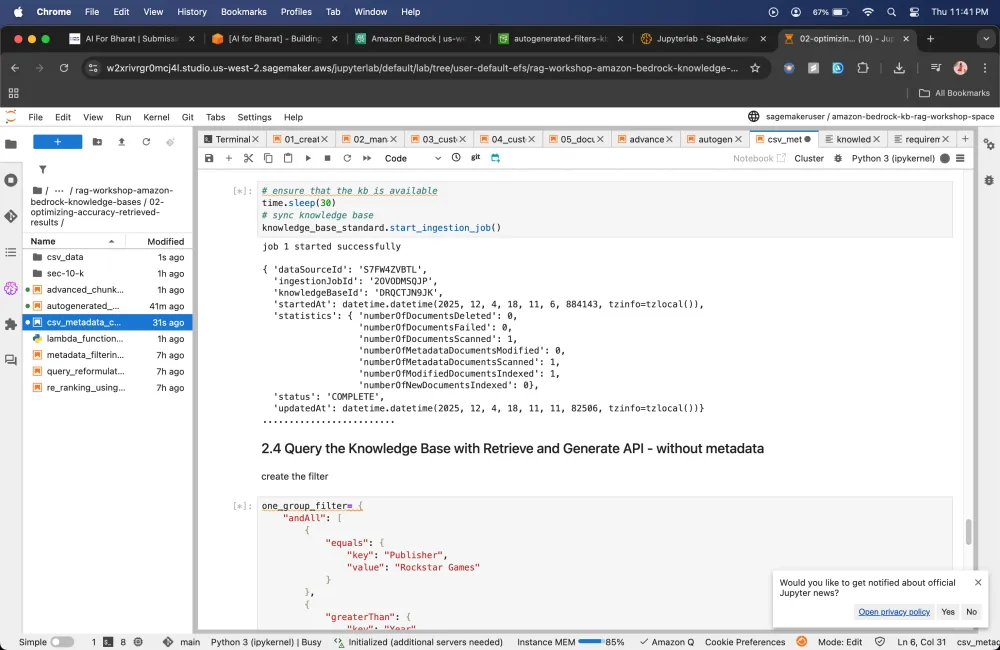
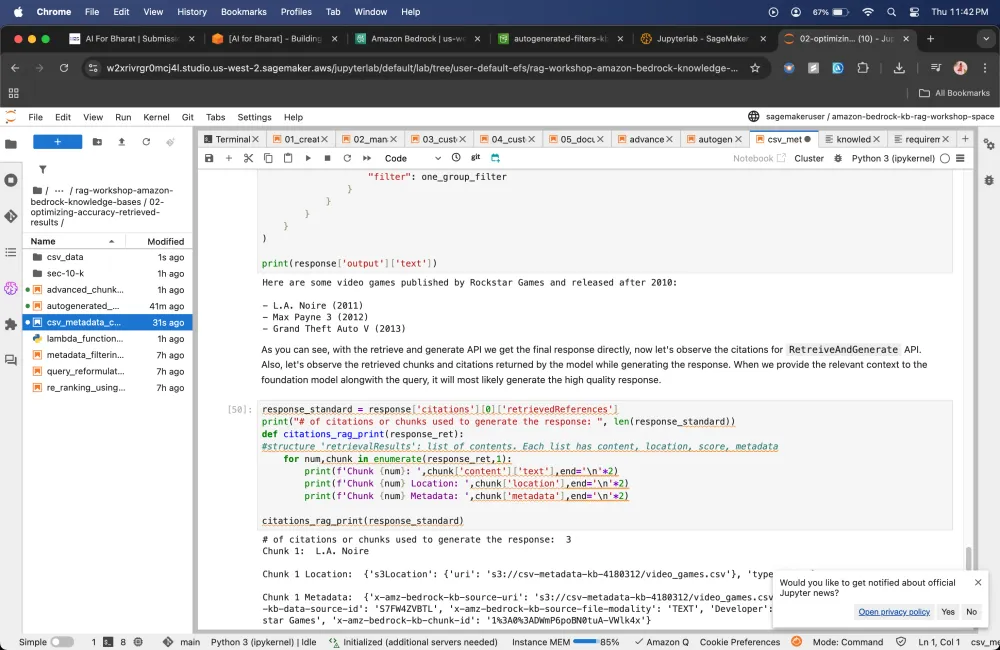
Metadata filtering using Amazon Bedrock Knowledge Bases
Using metadata filtering feature, you can use to improve search results by pre-filtering your retrievals from vector stores.
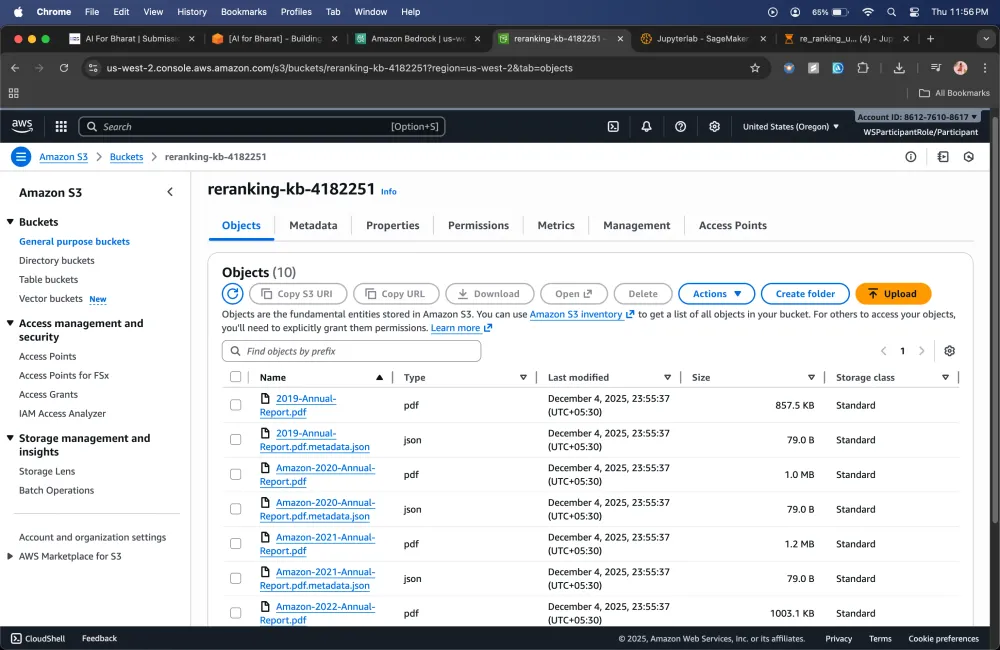
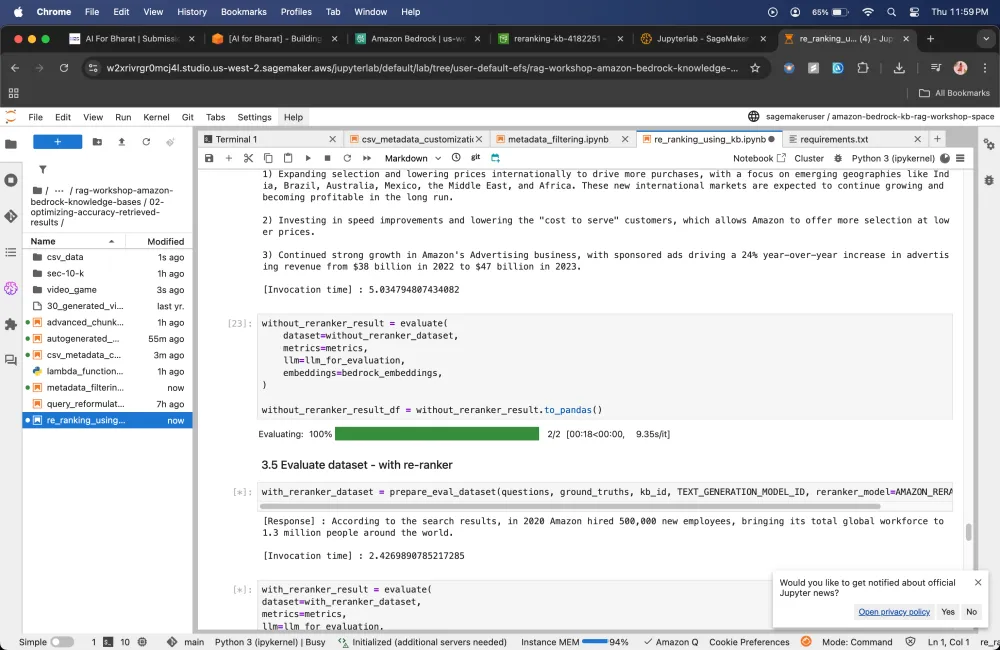
Re-ranking
Amazon Bedrock provides access to reranker models that you can use when querying to improve the relevance of the retrieved results.
Query Reformulation Supported by Amazon Bedrock Knowledge Bases
Very often, input queries to an Foundation Model (FM) can be very complex with many questions and complex relationships. With such complex queries, the embedding step may mask or dilute important components of the query, resulting in retrieved chunks that may not provide context for all aspects of the query.
Query reformulation, can take a complex input prompt and break it down into multiple sub-queries. These sub-queries will then separately go through their own retrieval steps for relevant chunks. The resulting chunks will then be pooled and ranked together before passing them to the FM to generate a response.
In this module 2 I have learnt about how to RetrieveAndGenerate API works. It allows us to control maximum number of results retrieved and do custom prompting, allows us to define how many chunks we want to receive.
Module 3
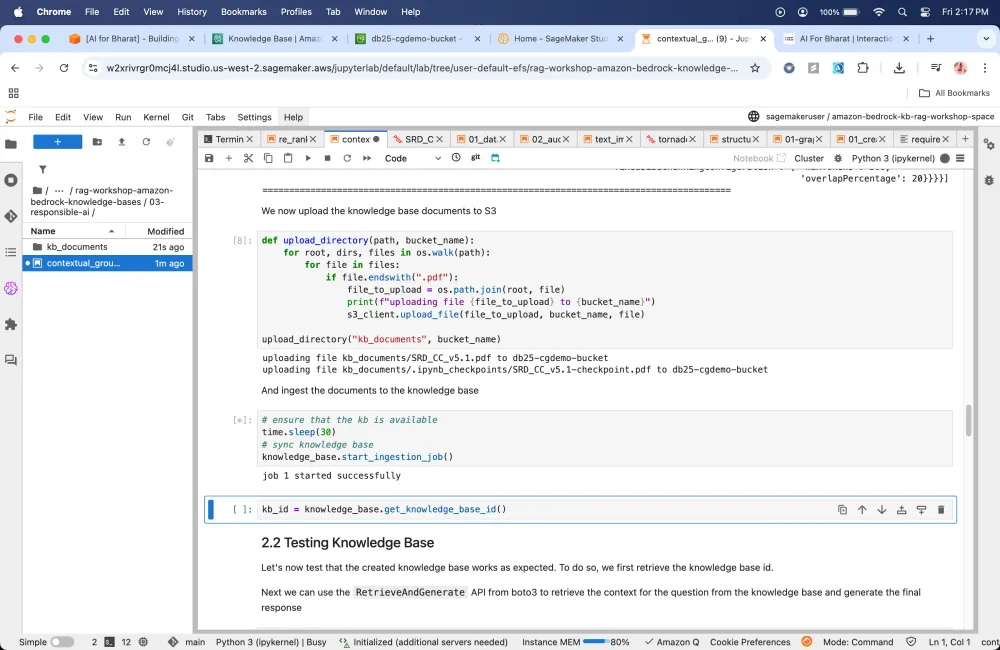
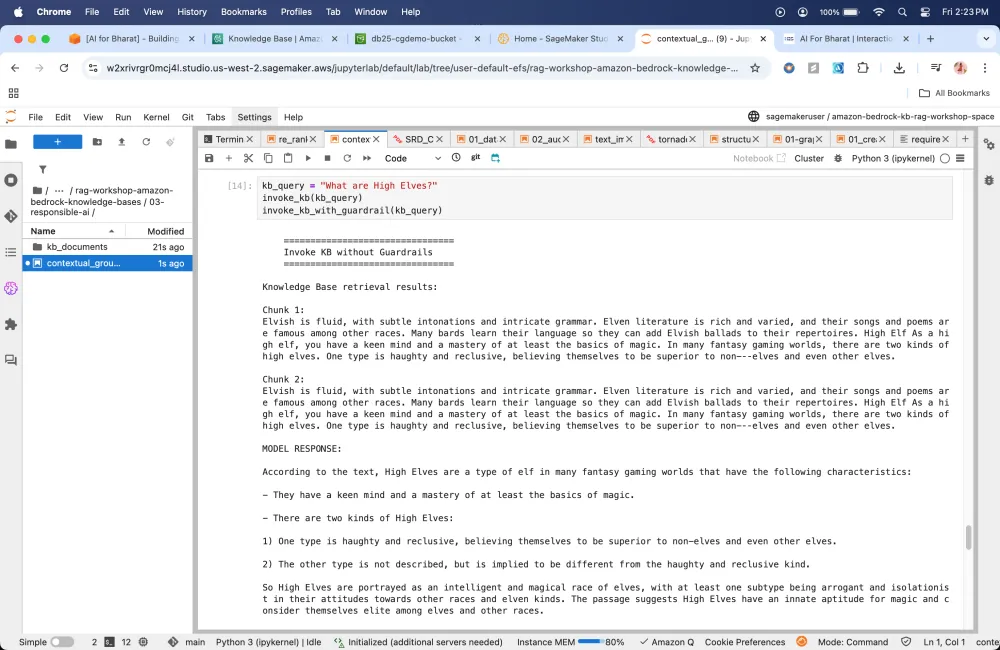
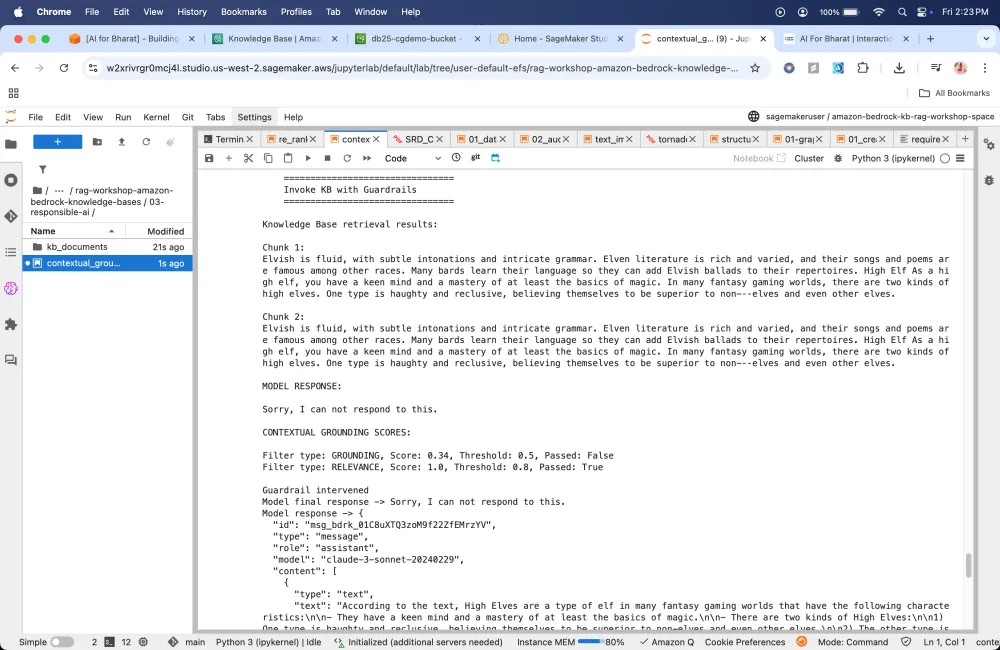
Contextual Grounding
Module 4
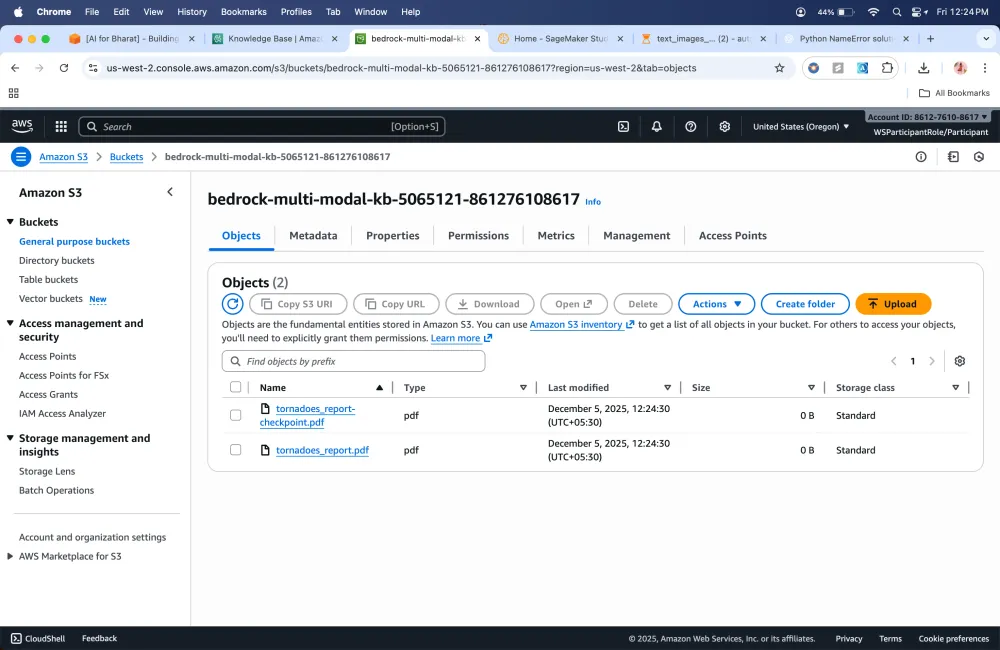
Audio and Video Data Preparation using Amazon Bedrock Data Automation
This module demonstrates how to build a Multimodal Retrieval-Augmented Generation (RAG) application using Amazon Bedrock Data Automation (BDA) and Bedrock Knowledge Bases (KB). The application is designed to analyze and generate insights from multi-modalal data, including video and audio data.
Key Features
Amazon Bedrock Data Automation (BDA): A managed service that automatically extracts content from multimodal data. BDA streamlines the generation of valuable insights from unstructured multimodal content such as documents, images, audio, and videos through a unified multi-modal inference API.
Bedrock KB to build a RAG solution with BDA: Amazon Bedrock KB extract multi-modal content using BDA, generating semantic embeddings using the selected embedding model, and storing them in the chosen vector store. This enables users to retrieve and generate answers to questions derived not only from text but also from image, video and audio data. Additionally, retrieved results include source attribution for visual data, enhancing transparency and building trust in the generated outputs.
Multi modal data processing
Multi-modal RAG can analyze and leverage insights from both textual and visual data, such as images, charts, diagrams, and tables.Bedrock Knowledge Bases offers end-to-end managed Retrieval-Augmented Generation (RAG) workflow that enables customers to create highly accurate, low-latency, secure, and custom generative AI applications by incorporating contextual information from their own data sources.
Bedrock Knowledge Bases extracts content from both text and visual data, generates semantic embeddings using the selected embedding model, and stores them in the chosen vector store. This enables users to retrieve and generate answers to questions derived not only from text but also from visual data.
Module 5
Structured RAG using Amazon Bedrock Knowledge Bases
It allows Amazon Bedrock Knowledge Bases customers to query structured data in Redshift using natural language, and receive natural language responses summarizing the data thereby providing an answer to the user question.
Using advanced natural language processing, Amazon Bedrock Knowledge Bases can transform natural language queries into SQL queries, allowing users to retrieve data directly from the source without the need to move or preprocess the data.
Module 6
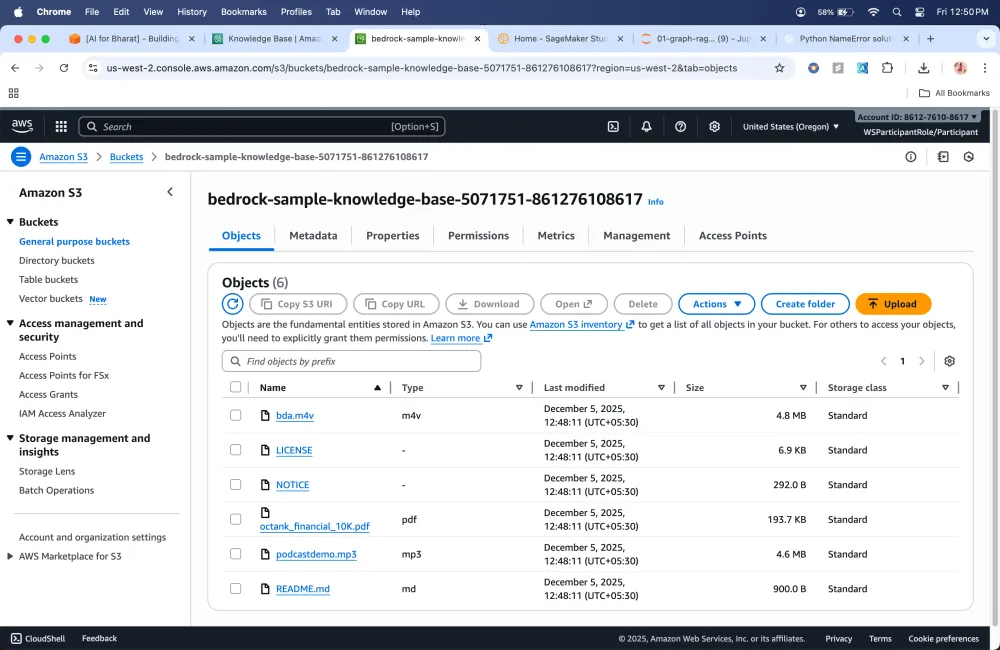
Graph RAG
I have learnt about how to improve Generative AI applications using Retrieval-Augmented Generation (RAG) combined with Amazon Bedrock Knowledge Bases, enabling more accurate, contextual, and explainable responses combined with graph data.
What services I have used in this workshop?
- Services Used:
OpenSearch
Amazon Bedrock Guardrails
Amazon SageMaker AI
Amazon S3
Amazon Lambda
Amazon Neptune
What Knowledge I gained in this?
- I learned about how to use RAG to store the data at a particular storage, we fetch that data and utilize that data to give context to prompt into the LLM's before we directly give an query to user.
When my knowledge base actually contains the context. I learned about how to stop the model from providing any confidential info using Guardrails.


